
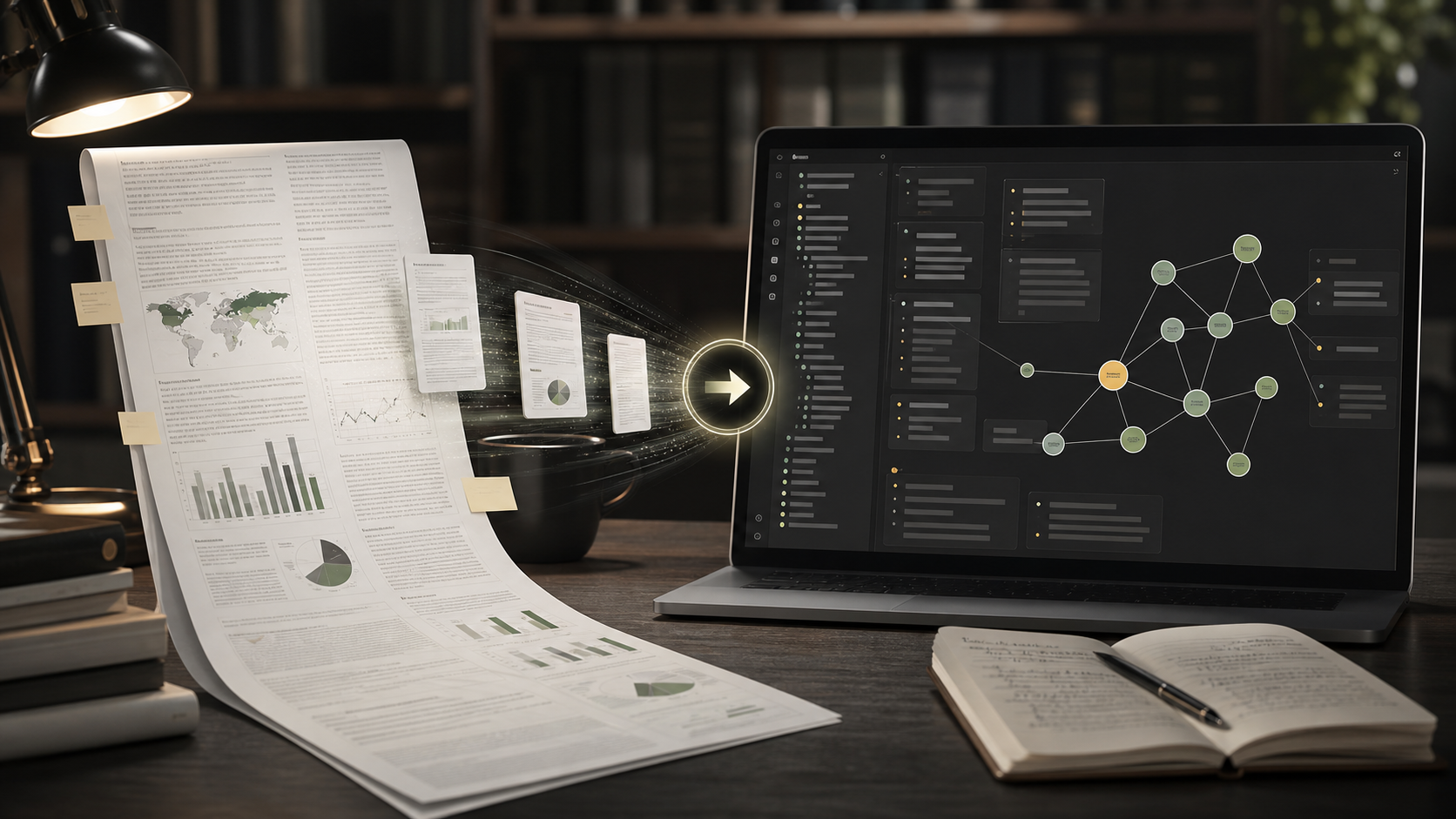
How to Export ChatGPT Deep Research to Obsidian
ChatGPT Deep Research can produce long reports that are too valuable to leave inside a chat tab.
If you use Deep Research for literature reviews, market research, technical investigations, or strategy work, Obsidian is a good place to keep the final report because it stays editable, searchable, and linkable.
This guide shows how to export ChatGPT Deep Research to Obsidian as Markdown with ChatGPT to Obsidian.
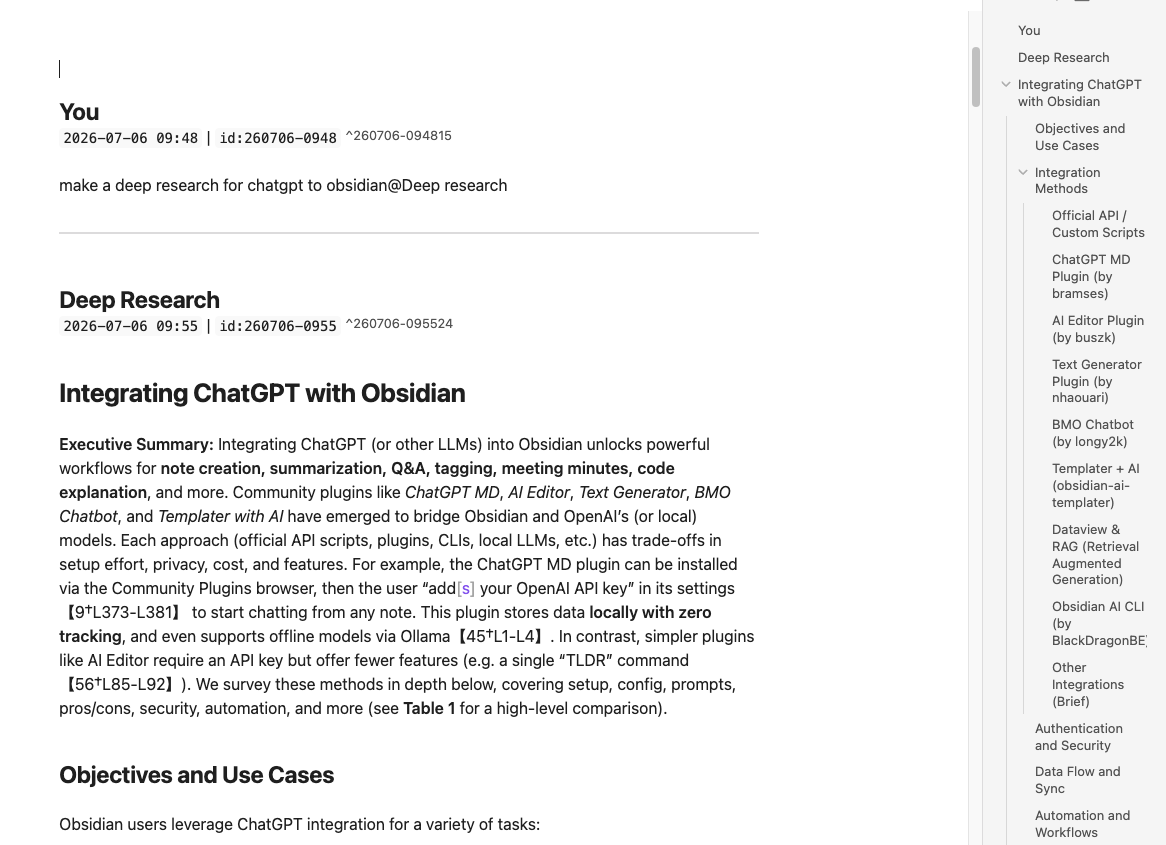
Why Deep Research Needs a Better Export
Deep Research output is usually longer and more structured than a normal chat answer.
It may include:
- A final report
- Section headings
- Source references
- Bulleted findings
- Tables
- Technical notes
- Code blocks
- Follow-up analysis
Manual copy-paste can break the structure. Long reports can lose headings, nested Markdown, or code fence boundaries. A dedicated Markdown export is safer.
What ChatGPT to Obsidian Preserves
For Deep Research workflows, the important parts are:
- The final report as readable Markdown
- Headings and nested lists
- Code fences inside technical reports
- Conversation context around the report
- Source URL back to ChatGPT
- YAML frontmatter for Obsidian properties
- Updated date metadata when the conversation changes
That gives you both the report and the traceable ChatGPT context.
Recommended Vault Structure
Keep Deep Research exports separate from casual chats:
AI Research/
  Deep Research/
    Market Research/
    Literature Reviews/
    Technical Reports/
  Sources/
  Follow-up Notes/
This makes it easier to distinguish finished reports from normal brainstorming conversations.
Suggested YAML Frontmatter
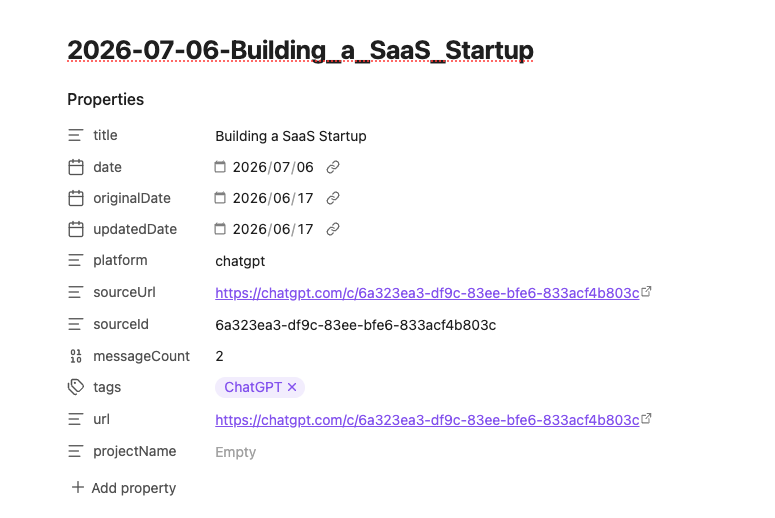
When the export includes YAML frontmatter, keep it. It is useful for Obsidian properties, Bases, Dataview, and search.
---
title: "Competitive analysis of AI note-taking tools"
date: 2026-07-06
originalDate: 2026-07-01
updatedDate: 2026-07-06
platform: ChatGPT
sourceUrl: https://chatgpt.com/c/...
sourceId: conversation-id
messageCount: 64
tags:
  - deep-research
  - market-research
projectName: "AI Exporter Research"
---
Step-by-Step Workflow
1. Finish the Deep Research report
Wait until ChatGPT has produced the final report. If you export too early, you may only capture the setup or partial research state.
2. Open ChatGPT to Obsidian
Use the extension from the current Deep Research conversation, or use Bulk Download if you are backing up several research conversations.
3. Export as Markdown
Download the report as Markdown and keep frontmatter enabled. If the report includes technical content, check code fences after export.
4. Move the file into your research vault
Put the exported note in your Deep Research folder, then link it to related literature notes, project notes, or source summaries.
5. Create follow-up notes
Do not keep every follow-up question in the same note forever. Use Obsidian links to split reusable findings into smaller permanent notes.
How to Use the Report in Obsidian
After export, you can:
- Link findings to project pages.
- Create a summary note for decision makers.
- Extract source lists into a separate note.
- Tag reports by domain, client, or research type.
- Use
sourceUrlto revisit the original ChatGPT conversation. - Use
updatedDateto see whether a report was revised later.
What to Check After Export
Open the Markdown file and check:
- Headings are preserved.
- Lists are nested correctly.
- Tables are readable.
- Code blocks do not swallow surrounding text.
- The final report is included.
- YAML frontmatter appears at the top.
- The source URL points back to ChatGPT.
Deep Research often contains dense formatting, so this quick inspection is worth doing.
When to Export to Notion Instead
Use Obsidian if you want local Markdown and long-term private storage.
Use ChatGPT to Notion if you want a collaborative research database with filters, team comments, and shared pages.
For a local research vault, ChatGPT to Obsidian is the better fit.
Final Thought
Deep Research is most useful when the final report becomes part of your knowledge system.
Export it to Obsidian, keep the metadata, and link the report to the projects and notes where you will actually reuse it.