
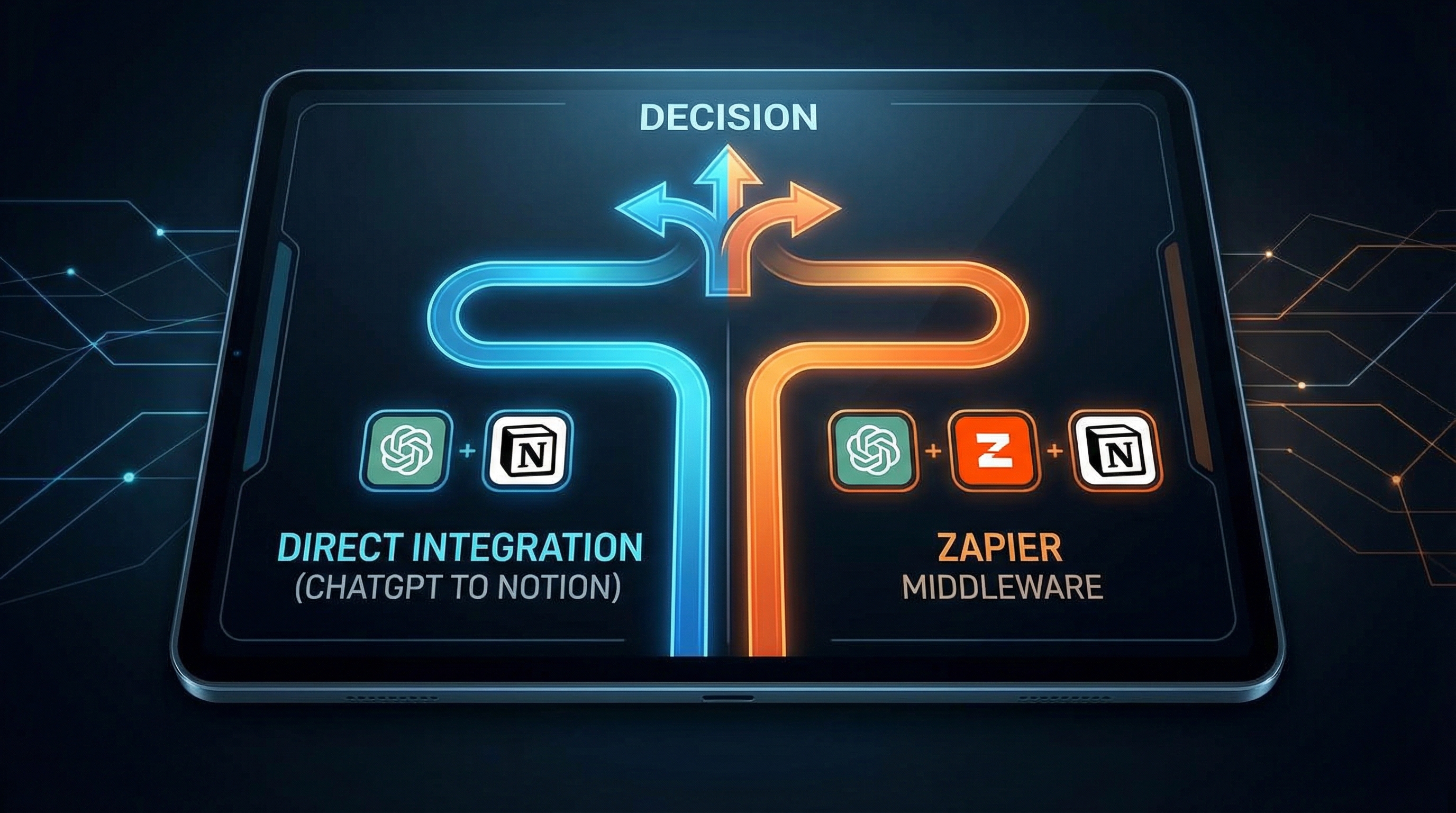
ChatGPT to Notion vs Zapier: Which Integration Is Better?
You want to connect ChatGPT to Notion, but you’re stuck choosing between a dedicated tool like ChatGPT to Notion and a general automation platform like Zapier. Which one is right for you?
In this comprehensive comparison, we’ll break down the features, pricing, ease of use, and performance of both approaches to help you make the right choice.
Quick Comparison Table
| Feature | ChatGPT to Notion | Zapier |
|---|---|---|
| Setup Time | 5 minutes | 30-60 minutes |
| Ease of Use | ⭐⭐⭐⭐⭐ Very Easy | ⭐⭐⭐ Moderate |
| Formatting Preservation | ✅ Perfect | ⚠️ Partial |
| One-Click Export | ✅ Yes | ❌ No |
| Auto-Sync | ✅ Yes | ✅ Yes |
| Custom Templates | ✅ Yes | ⚠️ Limited |
| Metadata Capture | ✅ Full | ⚠️ Basic |
| Free Tier | 10 exports/month | 100 tasks/month |
| Paid Tier | $9/month | $20+/month |
| Best For | ChatGPT → Notion only | Multi-tool workflows |
ChatGPT to Notion: The Specialist
ChatGPT to Notion is a Chrome extension built specifically for exporting ChatGPT conversations to Notion.
Pros:
1. Incredibly Easy Setup
- Install extension (2 minutes)
- Connect Notion account (2 minutes)
- Start exporting (1 click)
No complex workflows, no mapping fields, no debugging.
2. Perfect Formatting Preservation
ChatGPT to Notion preserves:
- ✅ Code blocks with syntax highlighting
- ✅ Markdown formatting (bold, italic, lists)
- ✅ Tables and structured data
- ✅ Headings and hierarchy
3. One-Click Export
While viewing any ChatGPT conversation, click the extension icon and it’s instantly saved to Notion. No need to copy-paste or trigger automations.
4. Rich Metadata
Automatically captures:
- Conversation date and time
- Model used (GPT-4, GPT-3.5, etc.)
- Conversation ID
- Custom tags and categories
5. Custom Templates
Create different Notion templates for:
- Research conversations
- Code solutions
- Brainstorming sessions
- Writing assistance
6. Auto-Sync (Pro)
Enable automatic syncing to save every ChatGPT conversation to Notion without manual intervention.
Cons:
1. Single-Purpose Tool
Only works for ChatGPT → Notion. If you need to connect other tools, you’ll need additional solutions.
2. Chrome Extension Only
Requires Chrome or Chromium-based browsers. Not available for Firefox or Safari.
3. Limited Customization
While templates are customizable, you can’t create complex conditional logic or multi-step workflows.
Pricing:
- Free: 10 exports per month
- Pro: $9/month (unlimited exports, auto-sync, custom templates)
Best For:
- Users who primarily need ChatGPT → Notion integration
- People who value simplicity and ease of use
- Those who want perfect formatting preservation
- Budget-conscious users ($9/month vs $20+/month)
Zapier: The Generalist
Zapier is a no-code automation platform that connects 5,000+ apps, including ChatGPT and Notion.
Pros:
1. Multi-Tool Integration
Connect ChatGPT to:
- Notion
- Google Sheets
- Slack
- Airtable
- And 5,000+ other apps
2. Complex Workflows
Create multi-step automations:
- Save ChatGPT conversation to Notion
- Send summary to Slack
- Add task to Todoist
- Email team members
3. Conditional Logic
Use filters and paths to:
- Only save conversations with specific keywords
- Route different conversation types to different Notion databases
- Trigger actions based on conversation length or content
4. Scheduled Automations
Set up time-based triggers:
- Export all conversations daily at 9 AM
- Weekly summary of saved conversations
- Monthly archive of old conversations
Cons:
1. Complex Setup
Setting up a ChatGPT → Notion Zap requires:
- Understanding Zapier’s interface
- Mapping fields between ChatGPT and Notion
- Testing and debugging
- Troubleshooting errors
Expect 30-60 minutes for initial setup.
2. Formatting Issues
Zapier often struggles with:
- ❌ Code block formatting
- ❌ Markdown preservation
- ❌ Table structures
- ❌ Complex nested lists
You may need to manually reformat content in Notion.
3. No One-Click Export
Unlike ChatGPT to Notion’s instant export, Zapier requires:
- Triggering the automation
- Waiting for the Zap to run
- Checking if it worked correctly
4. Higher Cost
- Free: 100 tasks/month (very limited)
- Starter: $20/month (750 tasks)
- Professional: $49/month (2,000 tasks)
Each conversation export counts as multiple tasks (typically 2-5), so costs add up quickly.
5. Limited Metadata
Zapier captures basic information but misses:
- Conversation ID
- Model version details
- Custom ChatGPT settings
Best For:
- Users who need to connect multiple tools
- Teams with complex automation requirements
- Those who already use Zapier for other workflows
- Enterprise users with budget for automation tools
Head-to-Head Comparison
Setup and Ease of Use
ChatGPT to Notion: ⭐⭐⭐⭐⭐
- Install extension: 2 minutes
- Connect Notion: 2 minutes
- First export: 1 click
- Total time: 5 minutes
Zapier: ⭐⭐⭐
- Create account: 5 minutes
- Build Zap: 20-30 minutes
- Test and debug: 10-20 minutes
- Total time: 35-55 minutes
Winner: ChatGPT to Notion (10x faster setup)
Formatting Preservation
ChatGPT to Notion: ⭐⭐⭐⭐⭐
- Perfect code block preservation
- Markdown formatting intact
- Tables render correctly
- Headings maintain hierarchy
Zapier: ⭐⭐⭐
- Basic text preserved
- Code blocks often break
- Tables may lose structure
- Manual reformatting needed
Winner: ChatGPT to Notion (significantly better)
Automation Capabilities
ChatGPT to Notion: ⭐⭐⭐⭐
- One-click manual export
- Auto-sync for all conversations
- Custom templates
- Limited to ChatGPT → Notion
Zapier: ⭐⭐⭐⭐⭐
- Multi-step workflows
- Conditional logic
- Scheduled automations
- Connects to 5,000+ apps
Winner: Zapier (more powerful automation)
Cost-Effectiveness
ChatGPT to Notion:
- Free: 10 exports/month
- Pro: $9/month (unlimited)
- Cost per export (Pro): $0
Zapier:
- Free: 100 tasks/month (~20-30 exports)
- Starter: $20/month (750 tasks = ~150-250 exports)
- Cost per export: $0.08-0.13
Winner: ChatGPT to Notion (better value for dedicated use)
Reliability
ChatGPT to Notion: ⭐⭐⭐⭐⭐
- Direct integration
- Instant feedback
- Rarely fails
- Easy to troubleshoot
Zapier: ⭐⭐⭐⭐
- Depends on API availability
- Delayed execution
- Occasional failures
- Harder to debug
Winner: ChatGPT to Notion (more reliable)
Real-World Scenarios
Scenario 1: Student Saving Research Conversations
Need: Save 5-10 ChatGPT conversations per week for research papers.
Best Choice: ChatGPT to Notion Free
- 10 exports/month covers typical usage
- Easy setup doesn’t require technical skills
- Perfect formatting for academic work
- $0 cost
Why Not Zapier: Overkill for simple use case, higher cost, complex setup.
Scenario 2: Developer Building Knowledge Base
Need: Save 50+ conversations per month, mostly code-related.
Best Choice: ChatGPT to Notion Pro ($9/month)
- Unlimited exports
- Perfect code formatting
- Auto-sync saves time
- Custom templates for different code types
Why Not Zapier: Code formatting issues, higher cost ($20+/month), no advantage for single-tool integration.
Scenario 3: Team Collaboration Workflow
Need: Save ChatGPT conversations to Notion, notify team in Slack, create tasks in Asana.
Best Choice: Zapier Professional ($49/month)
- Multi-tool integration
- Complex workflows
- Team notifications
- Conditional routing
Why Not ChatGPT to Notion: Limited to ChatGPT → Notion only, can’t trigger other actions.
Scenario 4: Content Creator with Multiple AI Tools
Need: Connect chats from ChatGPT, Claude, and Google Gemini to Notion, Google Docs, and Airtable.
Best Choice: Zapier Professional ($49/month)
- Connects multiple AI tools
- Routes to different destinations
- Centralized automation management
Why Not ChatGPT to Notion: Only works with ChatGPT, would need separate tools for other AI platforms.
Migration: Switching Between Tools
From Zapier to ChatGPT to Notion:
Why Switch:
- Reduce costs ($20+ → $9)
- Improve formatting quality
- Simplify workflow
- Faster exports
How to Switch:
- Install ChatGPT to Notion extension
- Connect to same Notion database
- Disable Zapier automation
- Start using one-click export
What You Lose:
- Multi-step workflows
- Connections to other tools
- Scheduled automations
From ChatGPT to Notion to Zapier:
Why Switch:
- Need multi-tool integration
- Require complex workflows
- Want conditional logic
- Already using Zapier for other automations
How to Switch:
- Create Zapier account
- Build ChatGPT → Notion Zap
- Test thoroughly
- Uninstall ChatGPT to Notion extension
What You Lose:
- Perfect formatting
- One-click export
- Lower cost
- Simplicity
Hybrid Approach: Using Both
Some power users use both tools:
ChatGPT to Notion for:
- Quick, manual exports
- Important conversations needing perfect formatting
- Code-heavy conversations
Zapier for:
- Automated daily exports
- Multi-tool workflows
- Team notifications
- Scheduled summaries
Cost: $9 (ChatGPT to Notion) + $20 (Zapier) = $29/month
Worth it if: You need both instant manual exports AND complex automation workflows.
Final Recommendation
Choose ChatGPT to Notion if:
- ✅ You primarily need ChatGPT → Notion integration
- ✅ You value simplicity and ease of use
- ✅ Perfect formatting is important (especially for code)
- ✅ You want the most cost-effective solution
- ✅ You prefer instant, one-click exports
Choose Zapier if:
- ✅ You need to connect multiple tools beyond ChatGPT and Notion
- ✅ You require complex, multi-step workflows
- ✅ You want conditional logic and advanced automation
- ✅ You already use Zapier for other integrations
- ✅ Budget isn’t a primary concern
The Bottom Line:
For 90% of users who simply want to save ChatGPT conversations to Notion, ChatGPT to Notion is the better choice. It’s faster, cheaper, easier, and produces better results.
Zapier makes sense only if you need its advanced automation capabilities or multi-tool integrations.
Related Articles: