
 Artifact 対応
Claude AI to Notion
Export Claude conversations, artifacts, and canvas content into organized Notion pages. 日本語のワークフローに対応。
おすすめ用途: 研究者、開発者、チームのNotionワークフロー。
出力形式: Notion pages
Claude 書き出しハブ
Claudeの会話や成果物を保存先に合わせて整理。研究、コード、メモを検索可能なアーカイブに変換します。
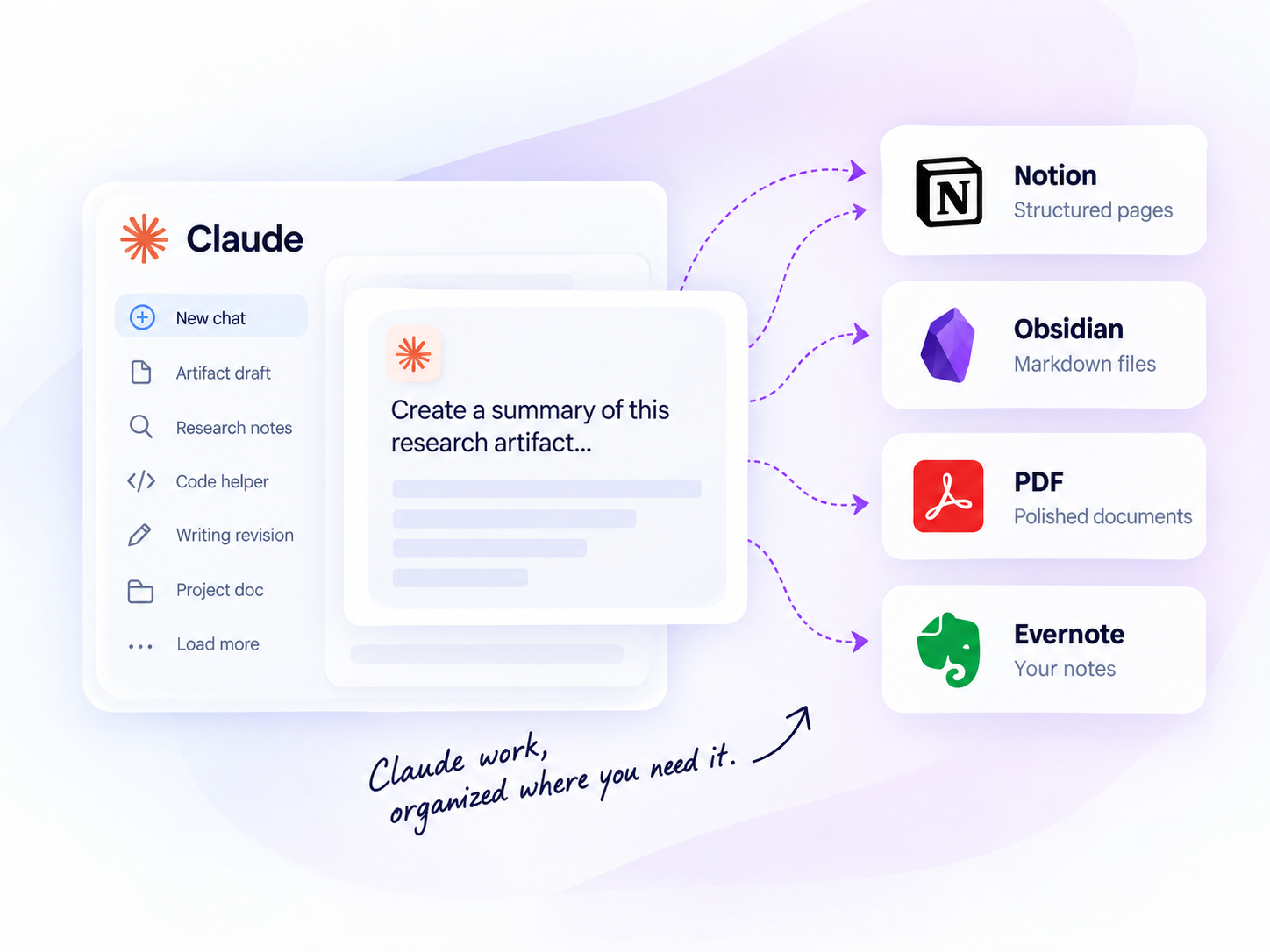
一括書き出し
複数の会話を一度に保存
プロジェクト
プロジェクトの文脈を保持
執筆とリサーチ
下書きと研究を保持
ローカル優先
Markdown、PDF などへ保存
CLAUDE エクスポートハブ
出力形式と保存先を比較して、アーカイブ、ノート、データベースに合うツールを選べます。
Artifact 対応Export Claude conversations, artifacts, and canvas content into organized Notion pages. 日本語のワークフローに対応。
おすすめ用途: 研究者、開発者、チームのNotionワークフロー。
出力形式: Notion pages
 ローカル優先
Export Claude chats and artifacts as Markdown files for local Obsidian workflows. 日本語のワークフローに対応。
おすすめ用途: 研究者、開発者、チームのObsidianワークフロー。
出力形式: Markdown
 アーカイブ向け
Export the active chat, open Claude tabs, selected history, complete history, or Claude Projects as polished PDFs with Custom Preview and a linked outline. 日本語のワークフローに対応。
おすすめ用途: 研究者、開発者、チームのPDFワークフロー。
出力形式: PDF

Save Claude conversations to Evernote for users who keep notes and references there. 日本語のワークフローに対応。
AI Exporter Hubは対応するChatGPT、Claude、Gemini、Perplexity、Grok、Gensparkの作業を1つの拡張機能で扱えます。特定のAIだけを使う場合は専用エクスポーターも選べます。
Universal Pass なら Notion、Markdown、PDF、Evernote のすべての Claude ツールが使えます。
保存先を比較
Claude 書き出しツールごとのワークフローを比較できます。
| 保存先 | おすすめ用途 | 出力形式 | 主な利用者 |
|---|---|---|---|
| Notion | Structured knowledge bases | Notion pages | Researchers, teams |
| Obsidian | Local personal knowledge | Markdown | Developers, writers |
| PDF | Offline reading and sharing | Students, clients | |
| Evernote | Personal note organization | Evernote notes | Individual users |
詳しい手順は英語のガイドでご確認いただけます。
Choose between the official archive, browser print, free tools, PDF and Markdown workflows.
Read guide →Compare PDF, Markdown, Obsidian, and Notion archives.
Read guide →Choose between individual, selected, and project exports.
Read guide →使い方
4つの簡単な手順で Claude の会話を書き出します。
Add the Chrome extension
Select chats, projects, or group chats
Pick Notion, Obsidian, PDF, or more
Click export and get your archive
Claude の会話を書き出す理由
Artifact、下書き、研究成果を保存し、Claude の作業を検索・再利用できるようにします。
Quickly search past conversations when you need them again.
Keep code blocks, tables, images, and structure intact.
Turn insights into structured knowledge bases.
Create clean, shareable documents for teammates or clients.
Keep a long-term record of your learning and ideas.
利用シーン
よくある質問
Yes. The Claude Notion and Obsidian tools support artifact-heavy workflows, while Claude to PDF can include Artifact version history, images, and attachment references when the source conversation exposes them. 詳細は各製品ページをご確認ください。
Choose Notion for searchable project databases, Obsidian for local Markdown, PDF for shareable or printable archives, and Evernote if your notes already live in Evernote. 詳細は各製品ページをご確認ください。
Yes. The main Claude export tools support bulk or batch workflows. Check each product page for limits and setup details. 詳細は各製品ページをご確認ください。
READY TO GET MORE FROM YOUR CLAUDE CONVERSATIONS?
ツールを比較して、Claude のナレッジベースを作り始めましょう。