
Overview & Getting Started
Export Grok conversations to local Markdown files for Obsidian and long-term backup.
Grok to Obsidian and Html helps you preserve valuable Grok conversations as local files you fully control. Instead of losing useful answers in chat history, you can export them into a structured archive for Obsidian, browser reading, or offline storage.
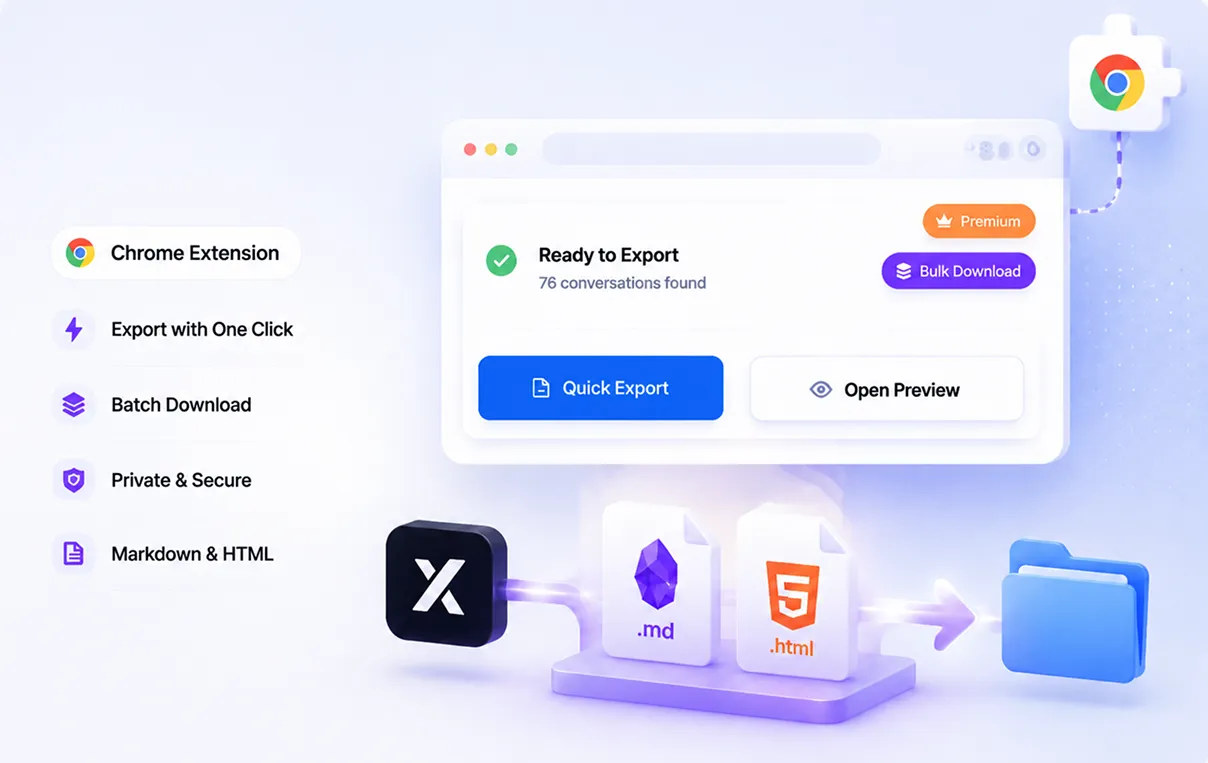
What the extension does
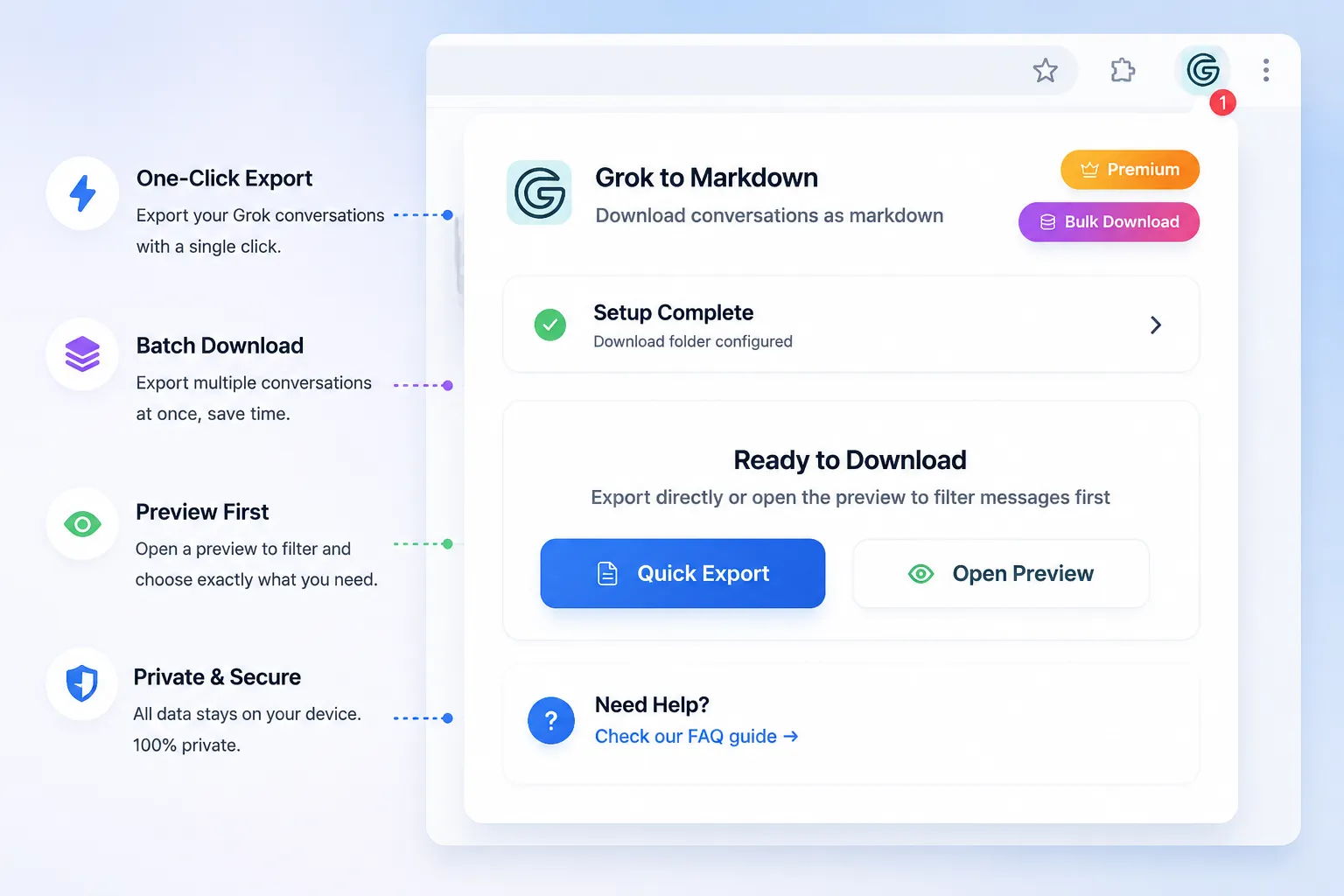
- Exports Grok conversations as Markdown
- Supports one-click export for the current chat
- Supports batch download for multiple conversations
- Downloads generated images alongside the conversation
- Lets you preview exports and selectively keep only the messages you want
Why people use it
Build a local knowledge base
Markdown export makes it easy to move conversations into Obsidian, Logseq, or any markdown-friendly notes system.
Keep portable notes
Markdown files can be read in Obsidian or another compatible editor without relying on the original Grok page.
Back up important work
If you use Grok for research, coding, writing, or brainstorming, local exports give you a durable backup you can organize on your own device.
Export formats
Markdown
Best for Obsidian and long-term note organization.
The current chat export workflow generates Markdown only. The official name and historical release notes may mention HTML; these do not establish a currently available HTML or TXT export mode. Supported attachment types are separate from the conversation output format.
Main workflow
- Install the extension
- Open any Grok conversation
- Review Markdown export and media settings
- Export one conversation or run batch export
- Save the files into your archive or Obsidian vault
Best fit
- Researchers building a searchable conversation archive
- Developers preserving code explanations and debugging sessions
- Writers saving drafts, ideas, and brainstorming threads
- Students organizing study notes from AI chats
- Teams that want a local-first backup habit
Historical updates
The following describes past changes, not the current format selector:
- Added custom export preview and selective export
- Improved image saving, loading, and display behavior
- Added HTML export support for local viewing
- Expanded filename pattern options for cleaner archives
Next step
Continue with the Installation Guide to set up the extension and export your first Grok chat.
Need more help? Contact Support