
Installation
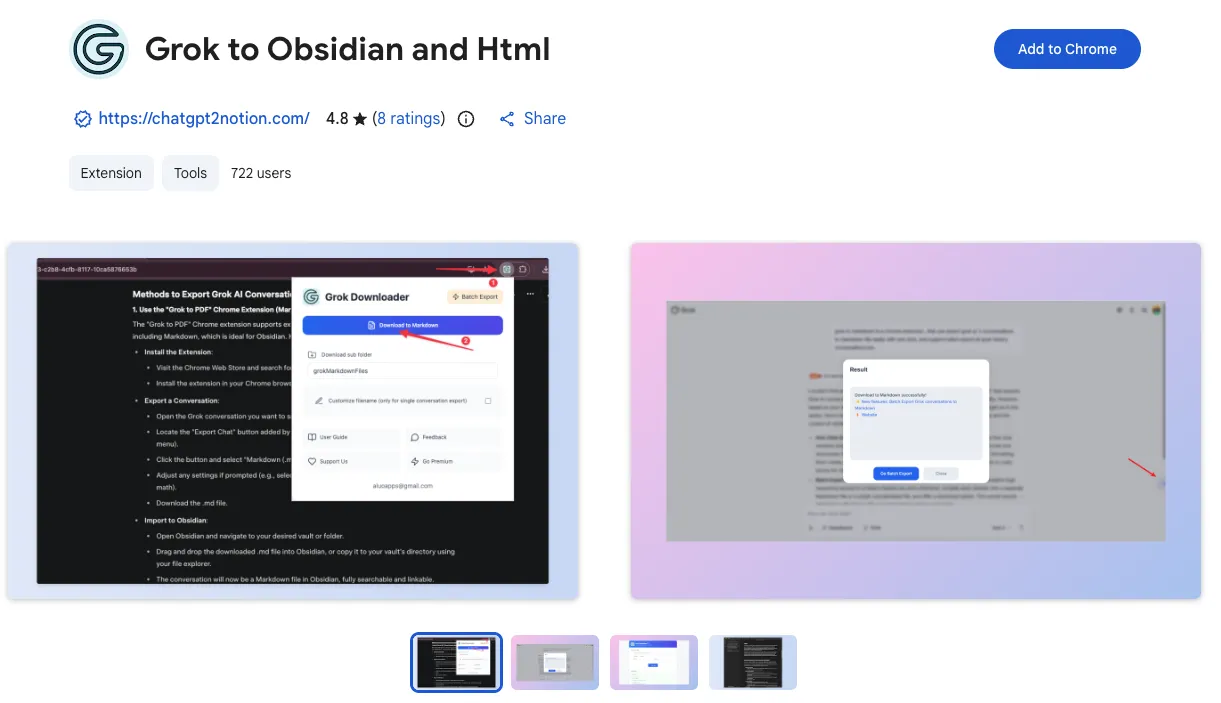
Install Grok to Obsidian and Html from the Chrome Web Store and prepare it for local exports.
Install from Chrome Web Store
- Visit the Chrome Web Store listing
- Click
Add to Chrome - Confirm by clicking
Add extension
Pin the extension
For quicker access during export:
- Click the puzzle icon in Chrome
- Find
Grok to Obsidian and Html - Click the pin icon
Permissions
The extension needs a small set of browser permissions:
downloads: save exported files to your devicestorage: remember export settings and preferencesgrok.comaccess: read conversation content from Grok pages
Before your first export
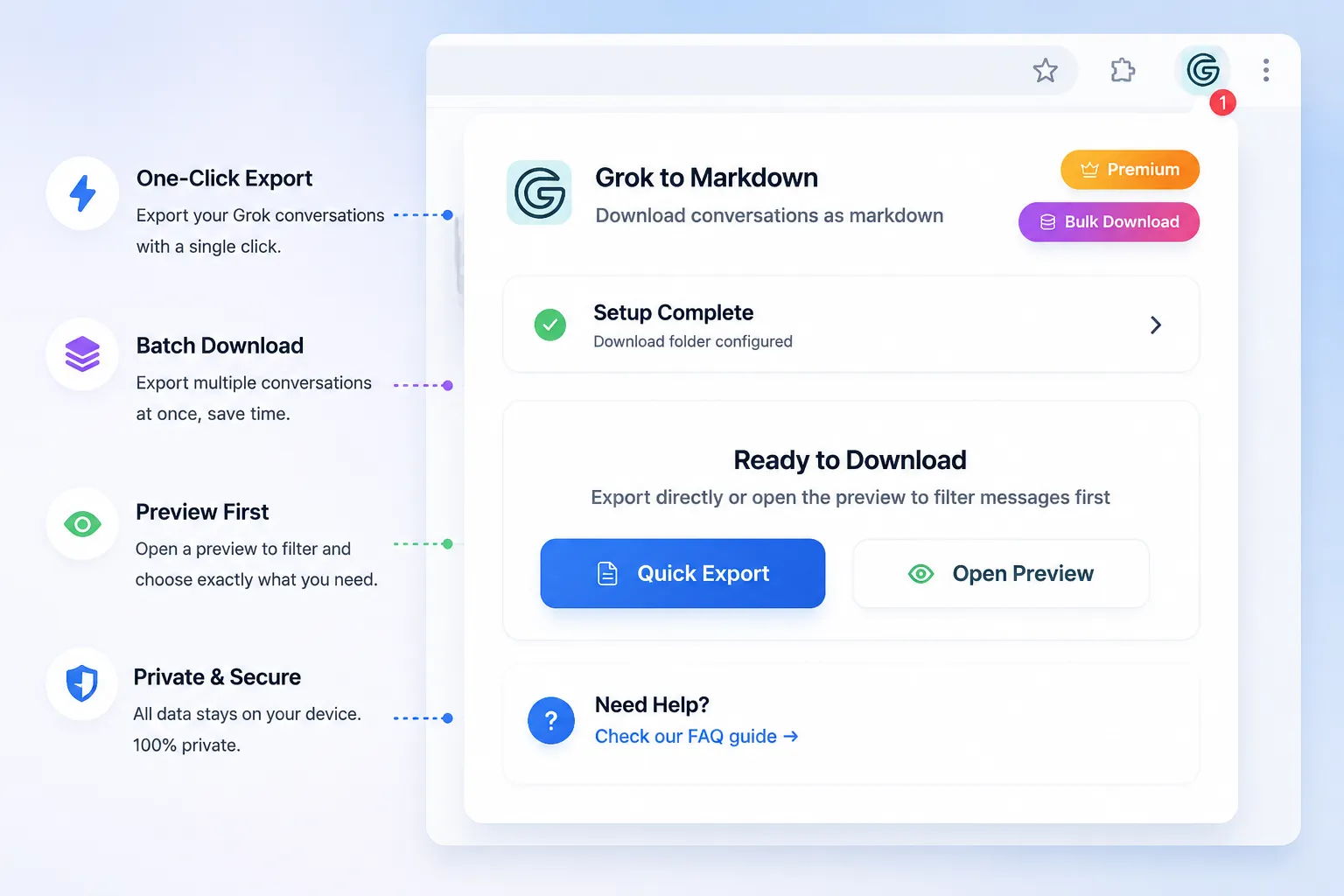
Open a Grok conversation in your browser, then click the extension icon. From there you can:
- export the current conversation
- review Markdown export settings
- open the batch export flow
- use preview and selective export features
Privacy note
The workflow is local-first. Files are downloaded to your own device so you can manage them in Obsidian or any folder structure you prefer.
Next step
Read Exporting Individual Conversations to save your first Grok chat.
Need more help? Contact Support