
ChatGPT to Obsidian YAML Frontmatter for Dataview and Bases
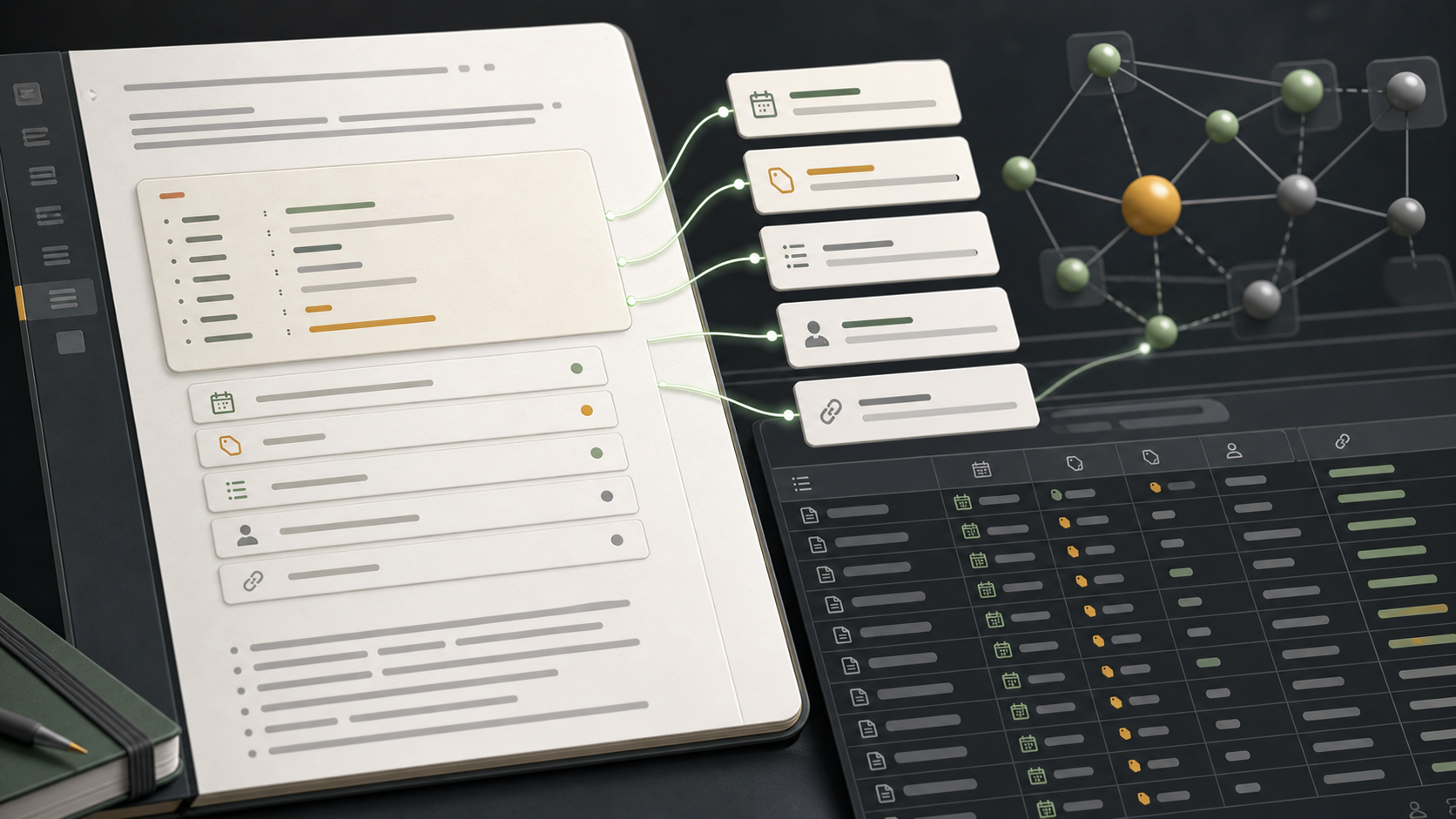
Exporting ChatGPT to Obsidian is most useful when the Markdown file includes structured metadata.
The note body is where the conversation lives. YAML frontmatter is what lets Obsidian sort, filter, and connect exported chats as a real knowledge base.
This guide explains how to use ChatGPT to Obsidian metadata with Obsidian properties, Dataview, and Bases.
Example Frontmatter
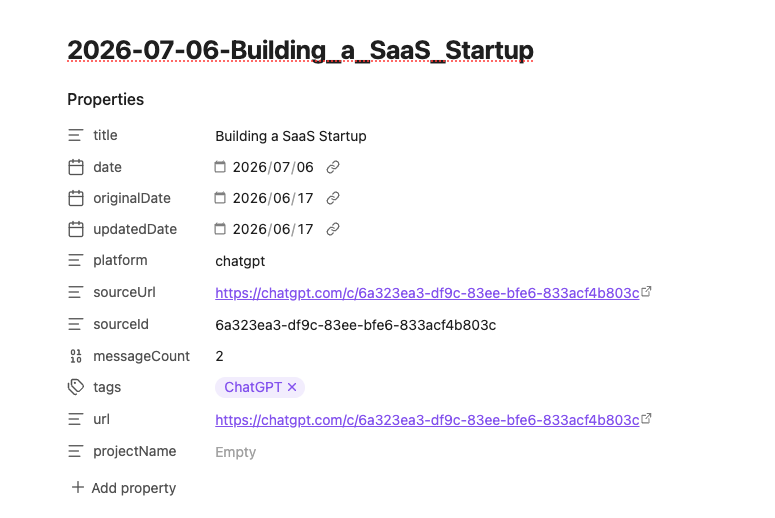
ChatGPT to Obsidian can export Markdown with fields like this:
---
title: "Competitive research summary"
date: 2026-07-06
originalDate: 2026-06-30
updatedDate: 2026-07-05
platform: ChatGPT
sourceUrl: https://chatgpt.com/c/...
sourceId: conversation-id
messageCount: 52
tags:
  - chatgpt
  - research
projectName: "AI Exporter Research"
---
These fields are intentionally simple. They work as plain Markdown, but Obsidian can also read them as properties.
What Each Field Is For
| Field | Why it matters |
|---|---|
title | Human-readable conversation title |
date | Export date or note date |
originalDate | When the ChatGPT conversation originally started |
updatedDate | When ChatGPT last showed the conversation as updated |
platform | Useful if your vault also stores Claude, Gemini, or Perplexity exports |
sourceUrl | Link back to the original ChatGPT conversation |
sourceId | Stable source identifier when available |
messageCount | Helps identify long or high-context conversations |
tags | Lets Obsidian group notes by topic or workflow |
projectName | Keeps ChatGPT Projects searchable after export |
Use Obsidian Properties
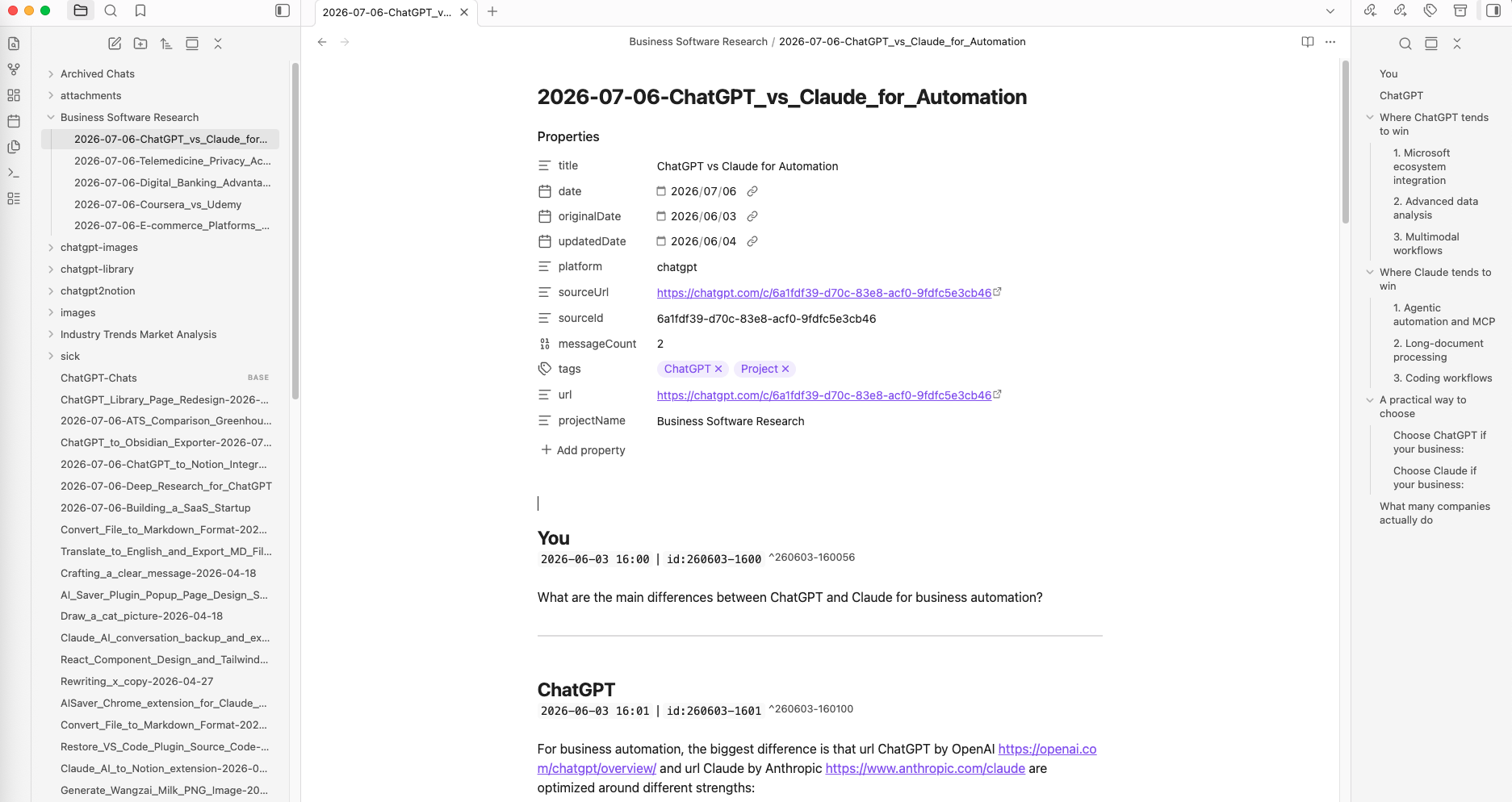
Obsidian will show frontmatter as properties at the top of the note.
Good property habits:
- Keep
sourceUrlas a URL field. - Keep
date,originalDate, andupdatedDateas dates. - Keep
tagsas a list. - Keep
messageCountas a number. - Keep
projectNameas plain text.
That gives you cleaner search and filtering later.
Dataview Examples
If you use the Dataview plugin, you can query exported ChatGPT notes.
List recent ChatGPT exports:
TABLE updatedDate, projectName, messageCount, sourceUrl
FROM "AI Chats/ChatGPT"
WHERE platform = "ChatGPT"
SORT updatedDate DESC
Find long conversations:
TABLE messageCount, projectName, sourceUrl
FROM "AI Chats/ChatGPT"
WHERE messageCount > 40
SORT messageCount DESC
Find conversations from one project:
TABLE updatedDate, messageCount, sourceUrl
FROM "AI Chats/ChatGPT"
WHERE projectName = "Website Refresh"
SORT updatedDate DESC
Find Deep Research notes:
TABLE updatedDate, sourceUrl
FROM "AI Chats/ChatGPT"
WHERE contains(tags, "deep-research")
SORT updatedDate DESC
Obsidian Bases Ideas
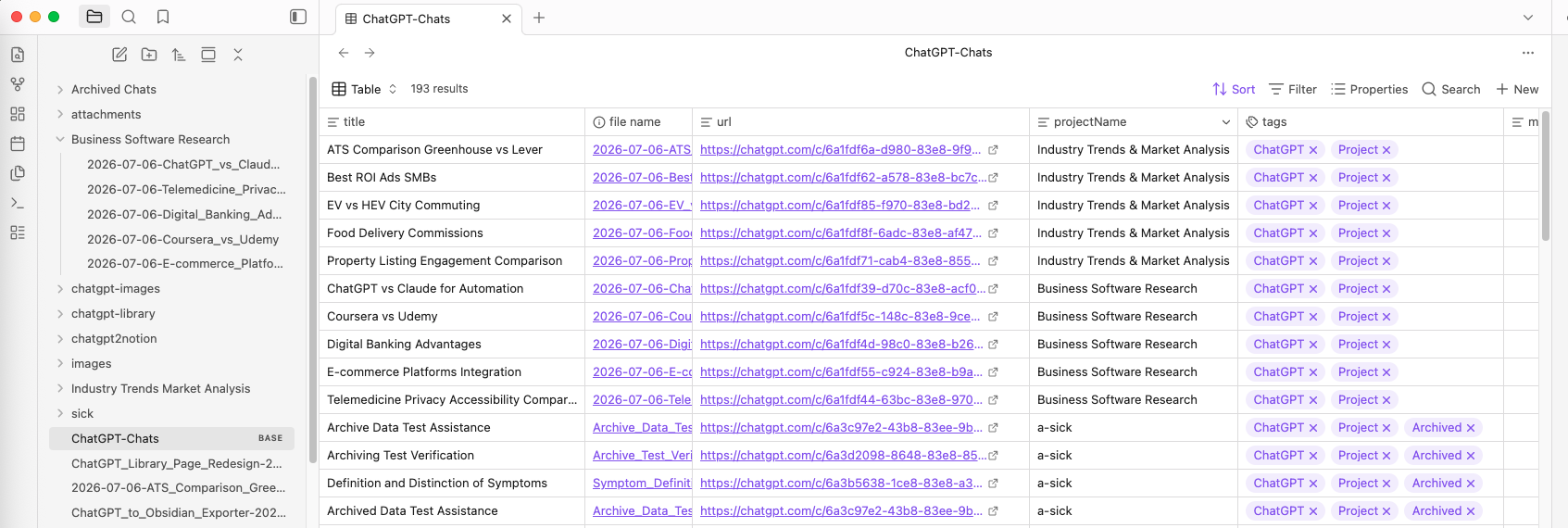
If you use Obsidian Bases, the same frontmatter can power table-style views.
Useful views include:
- All ChatGPT exports sorted by
updatedDate - Project conversations grouped by
projectName - Long conversations filtered by
messageCount - Deep Research reports filtered by tag
- Archived Chats filtered by folder path or tag
Suggested Tags
Do not over-tag every export. Use a small controlled set:
tags:
  - chatgpt
  - deep-research
  - project
  - coding
  - writing
If a note belongs to a ChatGPT Project, use projectName for the project and keep tags for broader categories.
Best Practices
Keep Source URLs
The Markdown file is your local copy, but sourceUrl helps you return to ChatGPT when the original context still exists.
Use Updated Dates for Re-exporting
If a conversation changes after the first export, updatedDate makes that visible.
Keep File Names Stable
For active notes, use updated-date naming:
{updated_date} - {title}.mdFor archival notes, use original-date naming:
{original_date} - {title}.mdDo Not Put Everything in Tags
Use fields for structured data. Use tags for broad categories. This keeps Dataview and Bases cleaner.
Final Thought
YAML frontmatter is the difference between a folder of exported chats and a usable Obsidian knowledge system.
Keep the metadata from ChatGPT to Obsidian, then use Obsidian properties, Dataview, or Bases to turn exported conversations into a searchable archive.