
Installation
Install Export Gemini to PDF, pin it to the toolbar, and prepare the first Gemini tab so popup export and batch export can connect correctly.
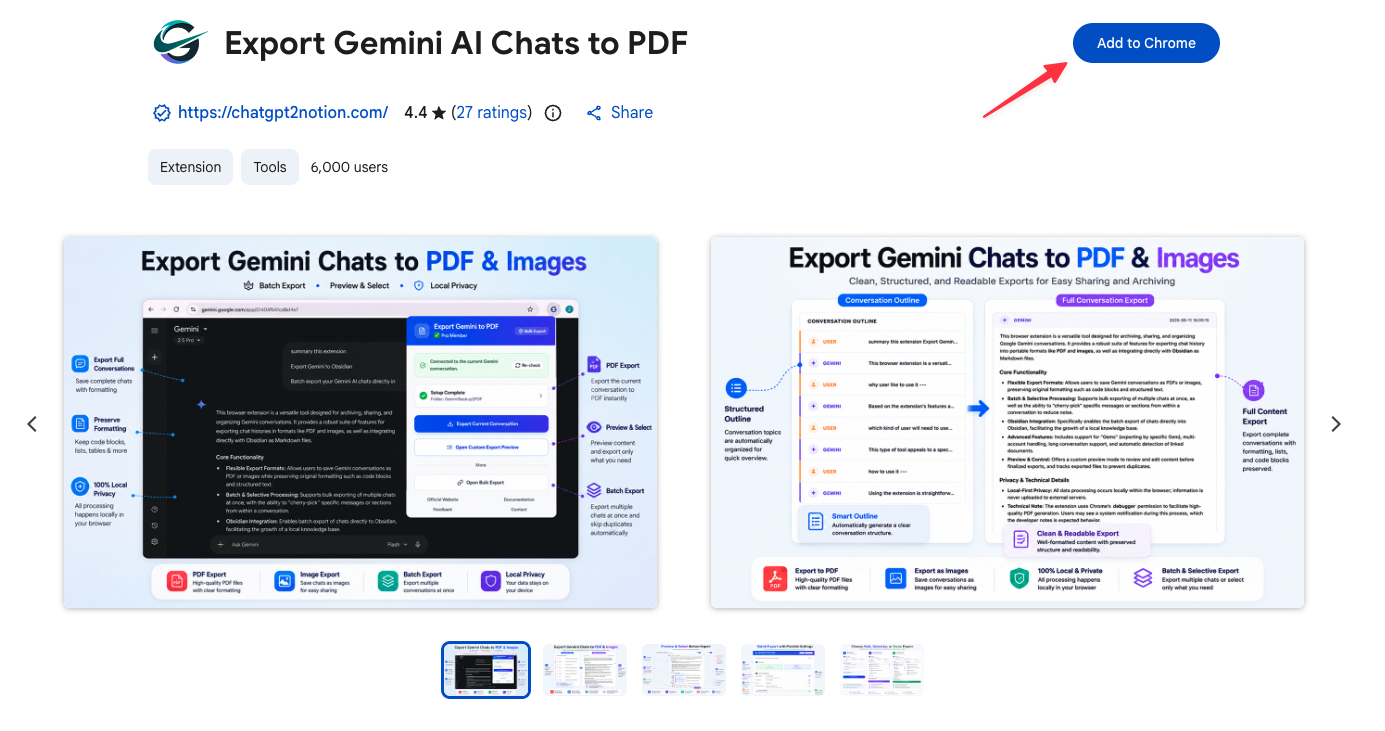
Install from the Chrome Web Store
- Open the Chrome Web Store listing.
- Click Add to Chrome.
- Confirm the installation.
- Pin the extension so the popup is always one click away.
Supported browsers
The extension is designed for Chromium-based browsers:
- Chrome
- Edge
- Brave
- Opera
Firefox and Safari are not supported because this workflow depends on Chrome extension APIs used for PDF generation.
Permissions you will see
The current build requests these main permissions:
debuggerdownloadsstorage- access to
https://gemini.google.com/* - access to Gemini image hosts used when exported image data is available
Why the debugger permission is required
The PDF export flow uses Chrome’s printing pipeline through the browser debugger API. That is why Chrome may show a debugging notification while the PDF is being generated. This is expected and is part of how the extension creates the file locally.
Before your first export
The extension works best if you prepare the Gemini tab correctly:
- Open an actual Gemini conversation, not just a blank homepage.
- Wait until the conversation is fully visible.
- If the popup says it cannot find credentials for the current account slot, refresh the Gemini tab once and reopen the extension.
This refresh step matters because the extension needs the current Gemini account context before it can fetch conversation data for popup export, Custom Preview, or batch export.
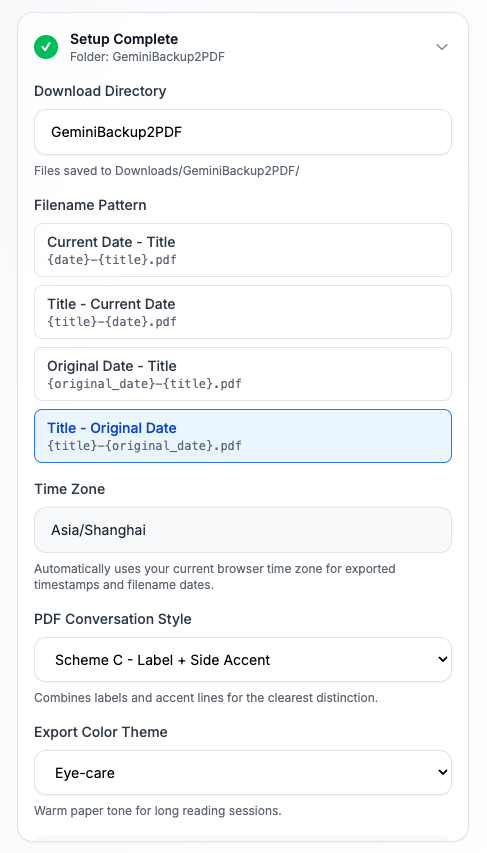
First-time checks in the popup
When you open the popup for the first time, review these settings:
- Download directory
- Filename pattern
- PDF message style
- Export color theme
- Whether to create Gem subfolders
Free plan and subscription
- Free plan: up to 5 exports per day
- Paid access: removes the daily export cap
The popup and options page both show subscription status, and the extension also supports account-based or email-based activation flows.
Next step
Continue with Exporting Individual Conversations.
Need more help? Contact Support
独立工具说明
本产品用于导出 Google Gemini 内容,为独立项目,与 Google LLC 不存在关联。