
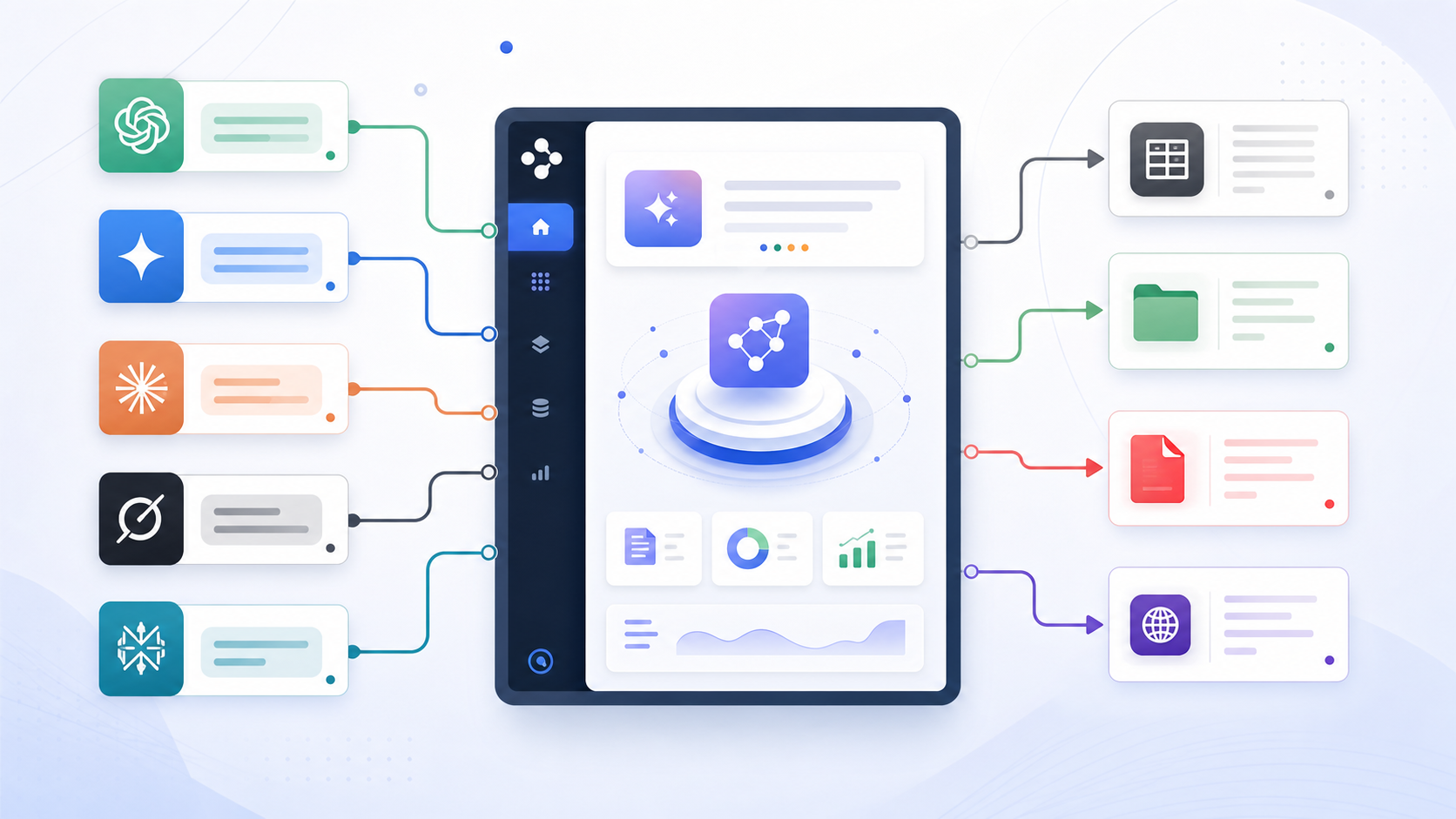
How to Export Perplexity Conversations to Notion or Obsidian
Perplexity is not just a chatbot. It is a research tool.
The value of a Perplexity conversation often comes from sources, citations, related questions, and the path of inquiry. A good export should preserve that research context.
Choose Notion or Obsidian
| Destination | Best for |
|---|---|
| Notion | Research databases, team libraries, project tracking |
| Obsidian | Local Markdown vaults, private research notes, backlinks |
Export Perplexity to Notion
Use Perplexity to Notion when you want source-backed research inside a database.
Good use cases:
- Market research
- Academic notes
- Competitor analysis
- Content research
- Team research libraries
- Spaces-based organization
Recommended Notion fields:
- Topic
- Space
- Source URL
- Export date
- Research status
- Project
Export Perplexity to Obsidian
Use Perplexity to Obsidian when you want local Markdown files.
Good use cases:
- Personal research vaults
- Literature notes
- Local archives
- Backlink-based writing workflows
- Source collections
Obsidian works well when Perplexity answers become part of your long-term note system.
What to Preserve
Check whether the export includes:
- Answer text
- Source links
- Citations
- Related questions where needed
- Space context where supported
- Original conversation URL
- Export date
For source-specific guidance, read How to Export Perplexity Sources to Notion or Obsidian.
Final Thought
Perplexity export should protect the research trail. If sources are lost, the export loses a large part of its value.
Choose Notion for databases and Obsidian for local Markdown.