
Grok to Obsidian and Html
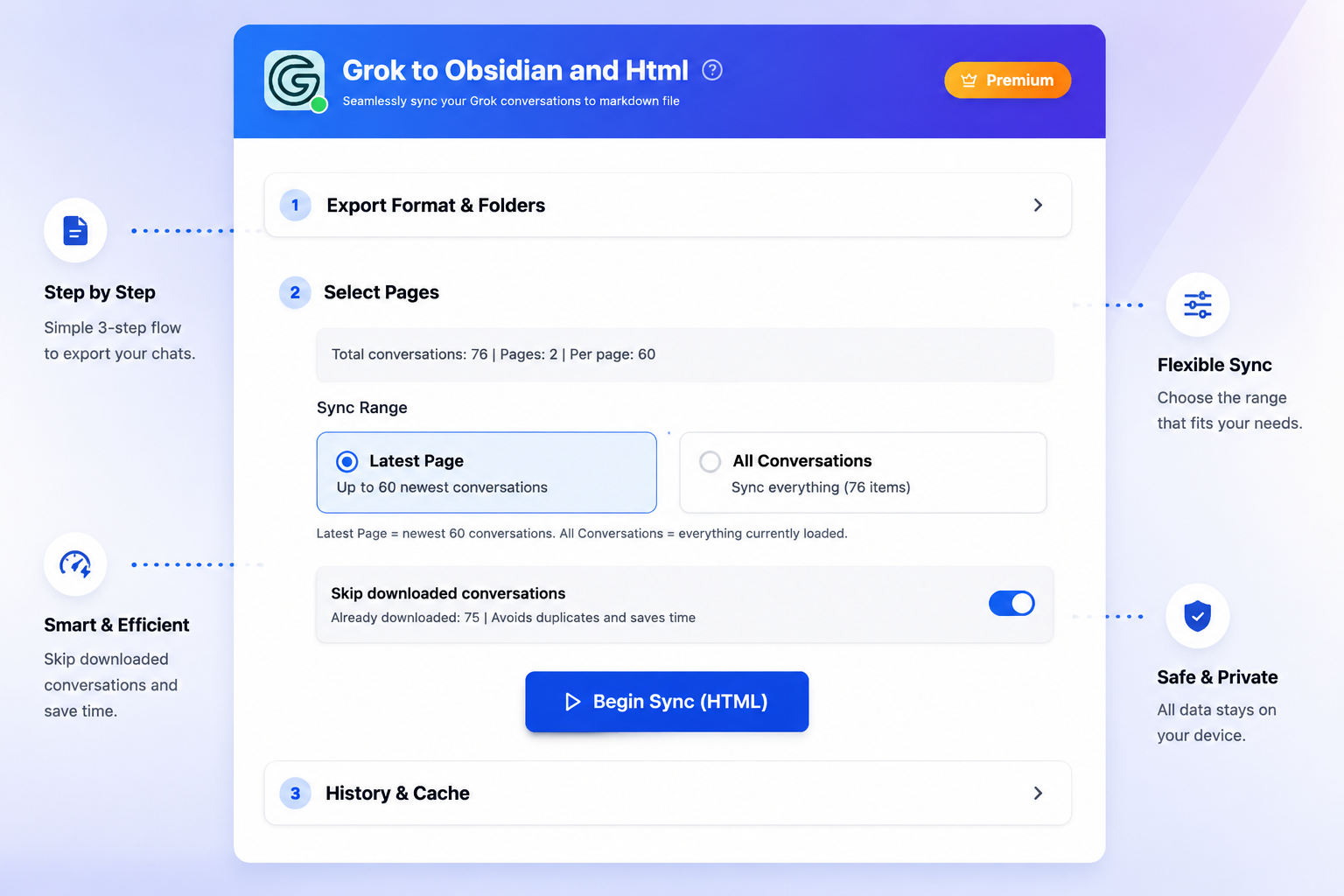
Export, batch download, and back up your Grok conversations to local Markdown, HTML. A fast Chrome extension for building a private archive of your AI chats.
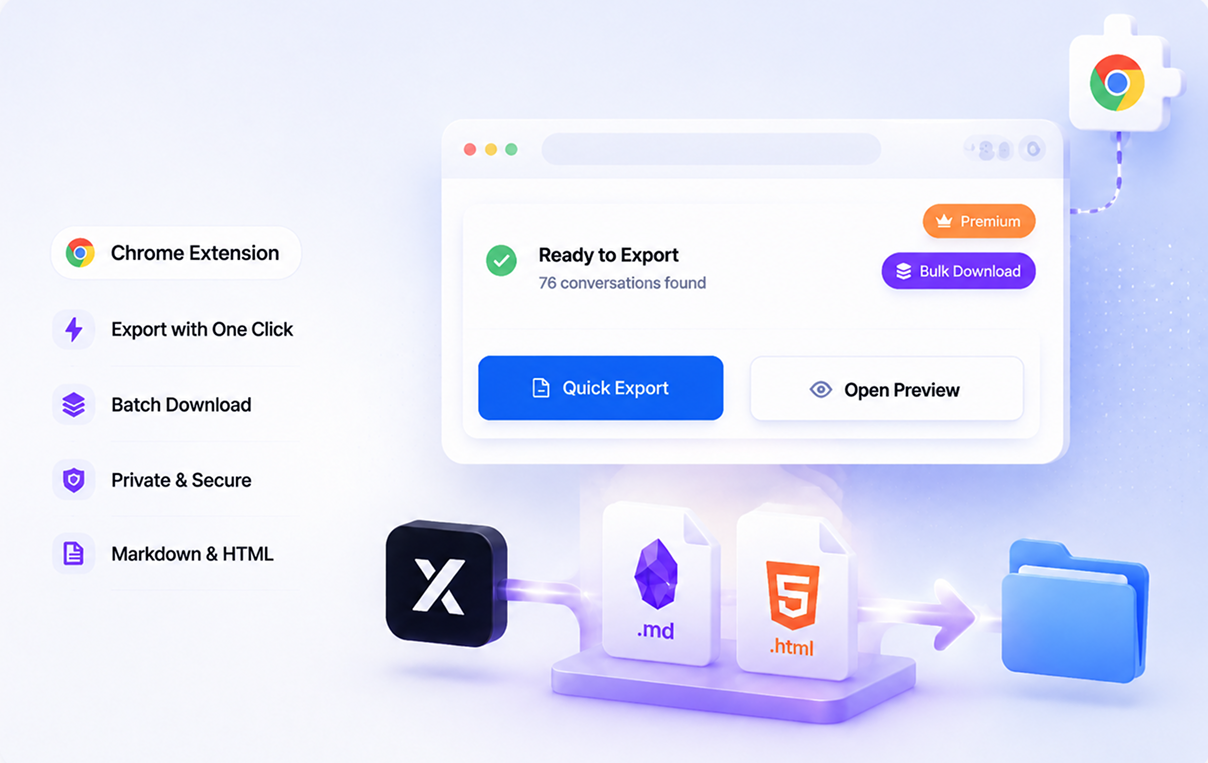
People use Grok to Obsidian and Html to keep valuable AI chats private, searchable, and easy to reuse.
Key Features
Batch Export for Full History Backup
Export multiple Grok conversations in one run and build a durable local archive instead of saving chats one by one.
Flexible Export Formats
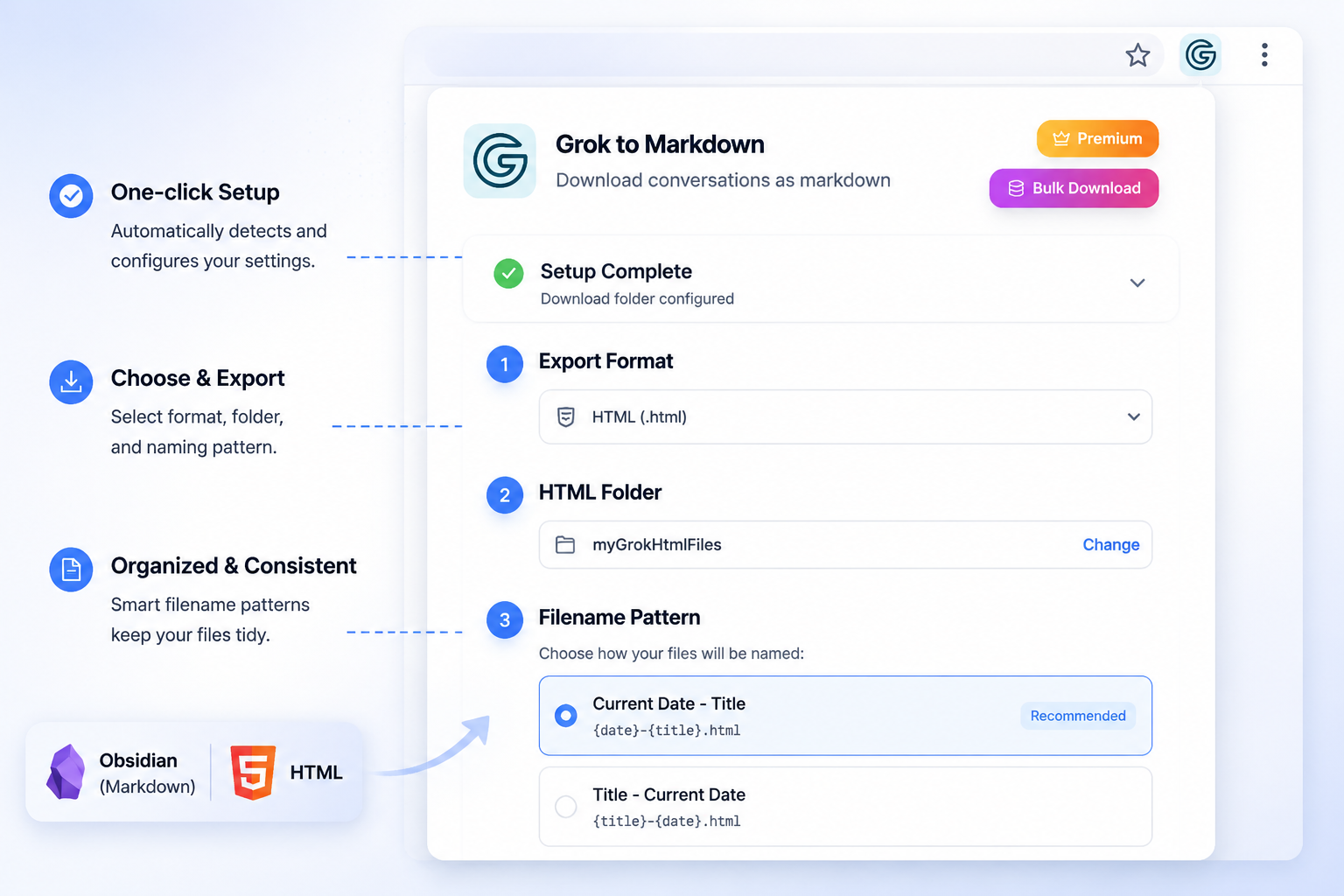
Choose Markdown for Obsidian, HTML for browser viewing when you need lightweight archives and easy sharing.
Custom Preview and Selective Export
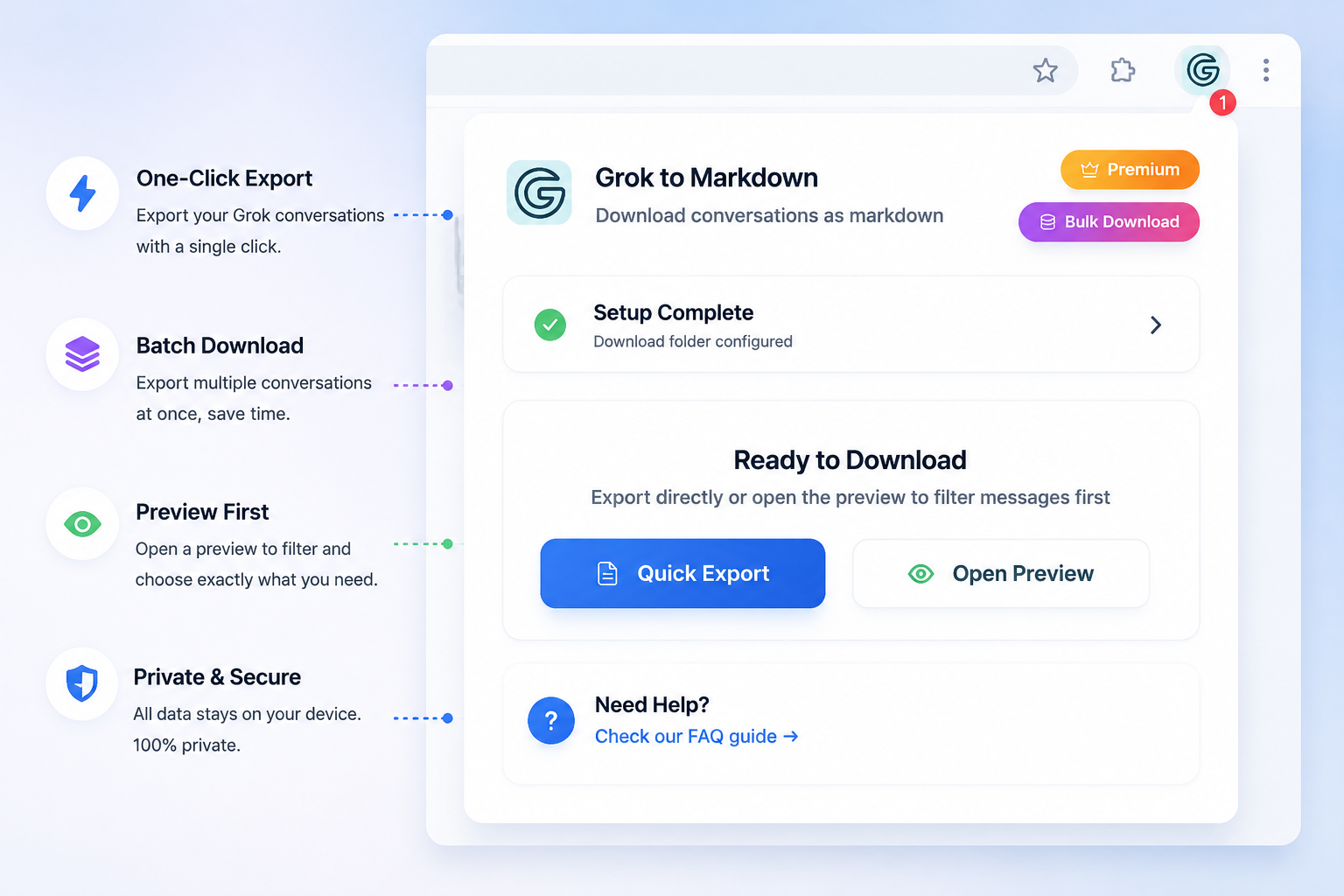
Preview the exported result before downloading and select only the messages you want to keep.
Key Features of Grok to Obsidian and Html
Everything you need to organize your Grok conversations quickly and efficiently.
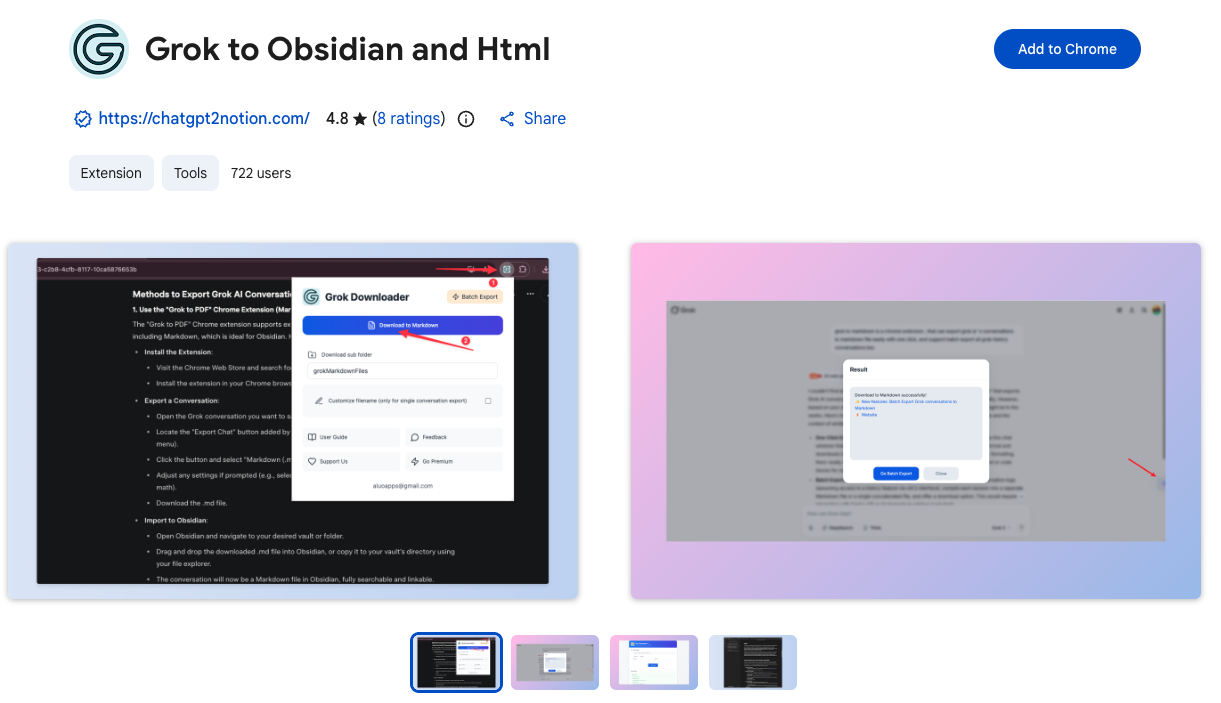
One-click export
Download the current Grok conversation instantly as a clean local file.
Batch download
Back up multiple conversations in one session for a complete archive.
Markdown for Obsidian
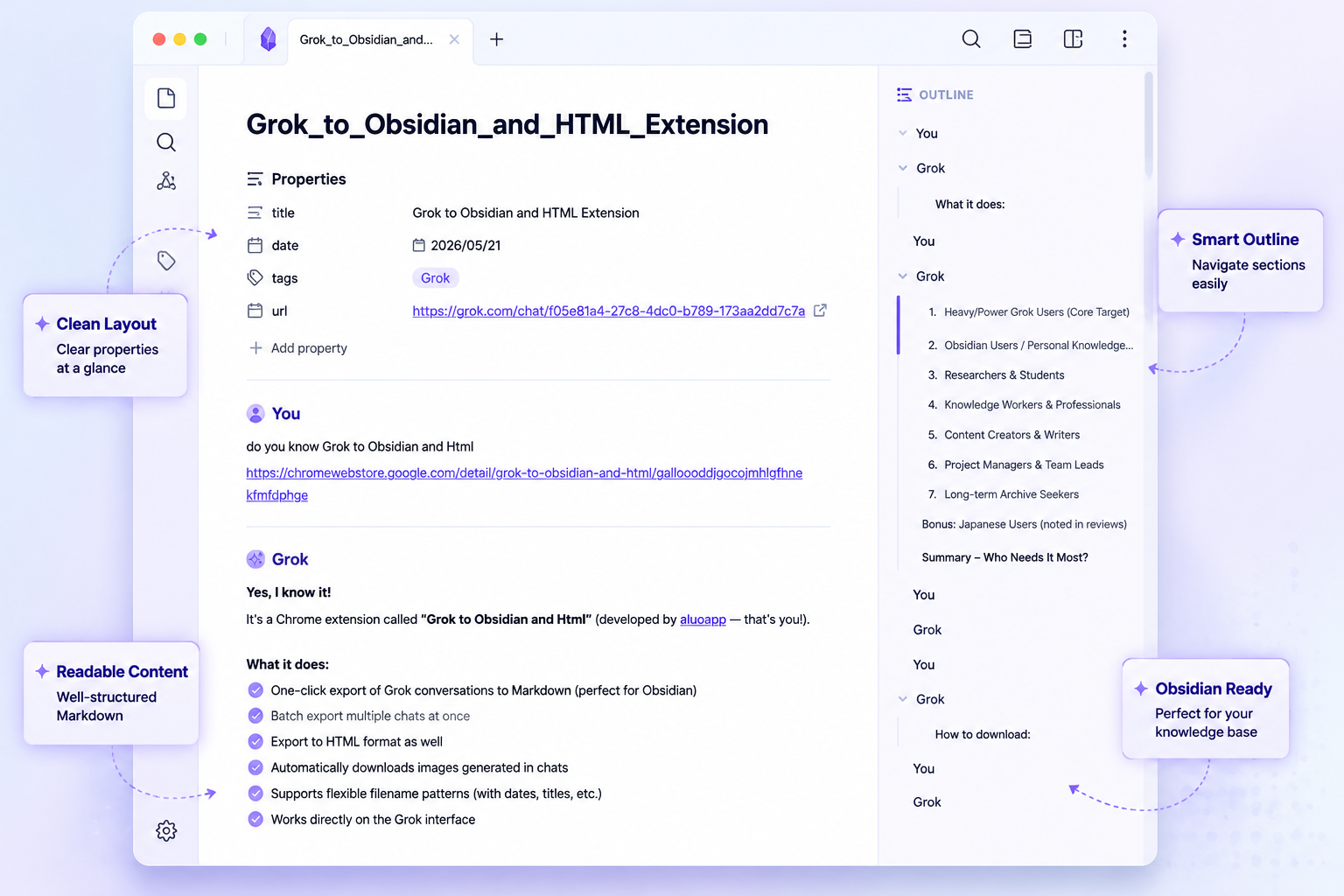
Generate Markdown files that fit neatly into an Obsidian vault or any markdown-based notes app.
HTML export
Save Grok chats as HTML for browser-friendly reading and sharing.
Plain text mode
Use lightweight TXT export when you only need the content without extra formatting.
Image export
Automatically save generated images from Grok conversations along with the text content.
Selective export
Choose only the messages you care about instead of downloading the full thread.
Private by default
Exports run in your browser and save to your own device.
How it Works
What Users Say About Grok to Obsidian and Html
Real workflows, backed up to Obsidian.
"I use batch export to keep my Grok research safe in a local Obsidian vault."
"HTML export is perfect when I want a readable archive, and Markdown is great for long-term notes."
"Selective export saves me from cleaning up long threads manually."
"The local-first workflow makes this feel much safer than copying chats into random tools."
"I can back up a whole set of Grok conversations before a project review in just a few clicks."
"Exporting to Markdown makes my Grok notes easy to search and connect inside Obsidian."
What's New
NEW: Added custom export preview, selective export, and image saving fixes.
Improved: Added more filename patterns and fixed HTML export markup issues.
NEW: Added image export support and updated parsing for Grok render content.
Frequently Asked Questions About Grok to Obsidian and Html
Have another question? Contact us on Discord or by email.
What does Grok to Obsidian and Html export?
It exports Grok conversations to Markdown, HTML files on your local device.
Can I batch export multiple Grok conversations?
Yes. The extension supports batch download so you can back up many conversations in one session.
Is it compatible with Obsidian?
Yes. Markdown export is designed for Obsidian-style local knowledge bases and also works with other markdown editors.
Can I export only part of a conversation?
Yes. The extension includes selective export and a custom preview flow so you can keep only the messages you need.
Does it support HTML export?
Yes. HTML export is built in, which is useful when you want a browser-readable archive.
Are images included?
Yes. Generated images from Grok conversations can be downloaded and saved together with your exports.
Is my data uploaded to your server?
No. The workflow is local-first, and files are downloaded to your own device.
Who is this extension for?
It is a good fit for researchers, developers, writers, students, and anyone building a private archive of Grok chats.
Unlock Unlimited Power
Batch export 100+ chats, Auto-Sync, and priority support with Universal Pass.
Get Universal Pass