
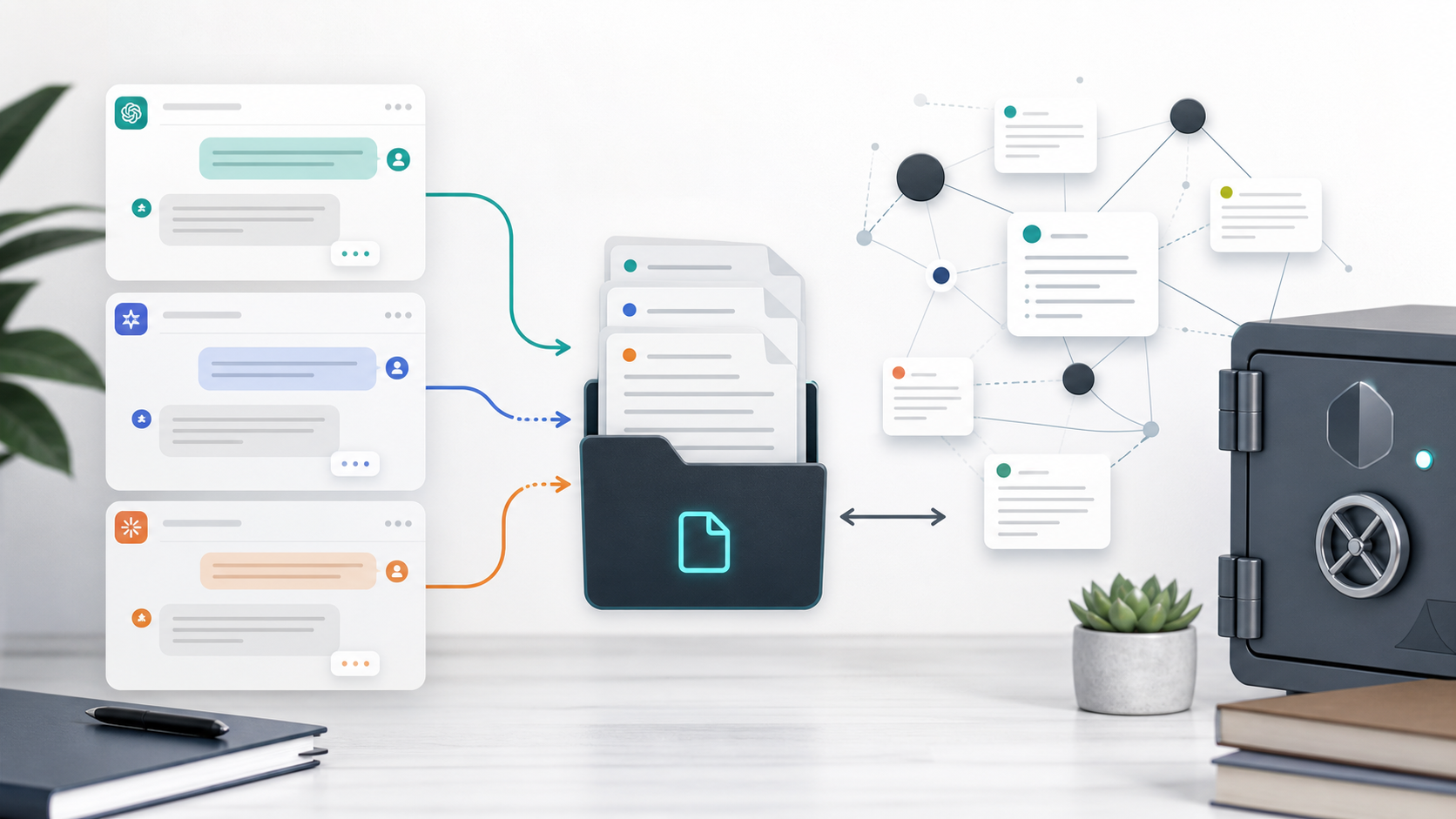
AI Chat Export Workflow for Developers
Developers often use AI chats as working memory.
Inside those conversations are bug explanations, architecture tradeoffs, code snippets, terminal errors, API notes, test ideas, and refactoring plans.
If that context stays only in the chat app, it is easy to lose.
What Developers Need
A developer-friendly AI export should preserve:
- Code blocks
- Indentation
- Markdown structure
- Error messages
- Tables
- Links to docs
- Full debugging history
- User and assistant roles
- Conversation title
- Source URL
Plain copy-paste is usually not enough.
Best Destinations for Developers
| Destination | Best for |
|---|---|
| Obsidian | Local Markdown notes, backlinks, private code memory |
| Markdown | Repo-adjacent notes and version control |
| Notion | Team documentation and project databases |
| Sharing technical summaries |
For most developers, Obsidian or Markdown is the strongest default because code blocks remain easy to read and reuse.
Recommended Exporters
For ChatGPT coding conversations:
For Claude code and artifacts:
For Gemini, Perplexity, and Grok technical research:
Suggested Folder Structure
AI Dev Notes/
  Debugging/
  Architecture/
  API Research/
  Code Reviews/
  Prompts/
  Snippets/
For Obsidian frontmatter:
---
platform: Claude
topic: debugging
project: my-app
source_url: https://...
exported_at: 2026-06-05
---
Export Checklist for Code Chats
Before trusting the export, check:
- Are code blocks fenced?
- Is indentation preserved?
- Are file names and command outputs readable?
- Are links to docs preserved?
- Is the full debugging history included?
- Can you find the note later by project or topic?
Final Thought
AI coding chats are not disposable. They are technical knowledge.
Export them as clean Markdown, Notion pages, or PDFs so debugging context and architectural decisions stay available after the chat scrolls away.