
How to Use Exported AI Chats with NotebookLM
NotebookLM is most useful when you give it good source material.
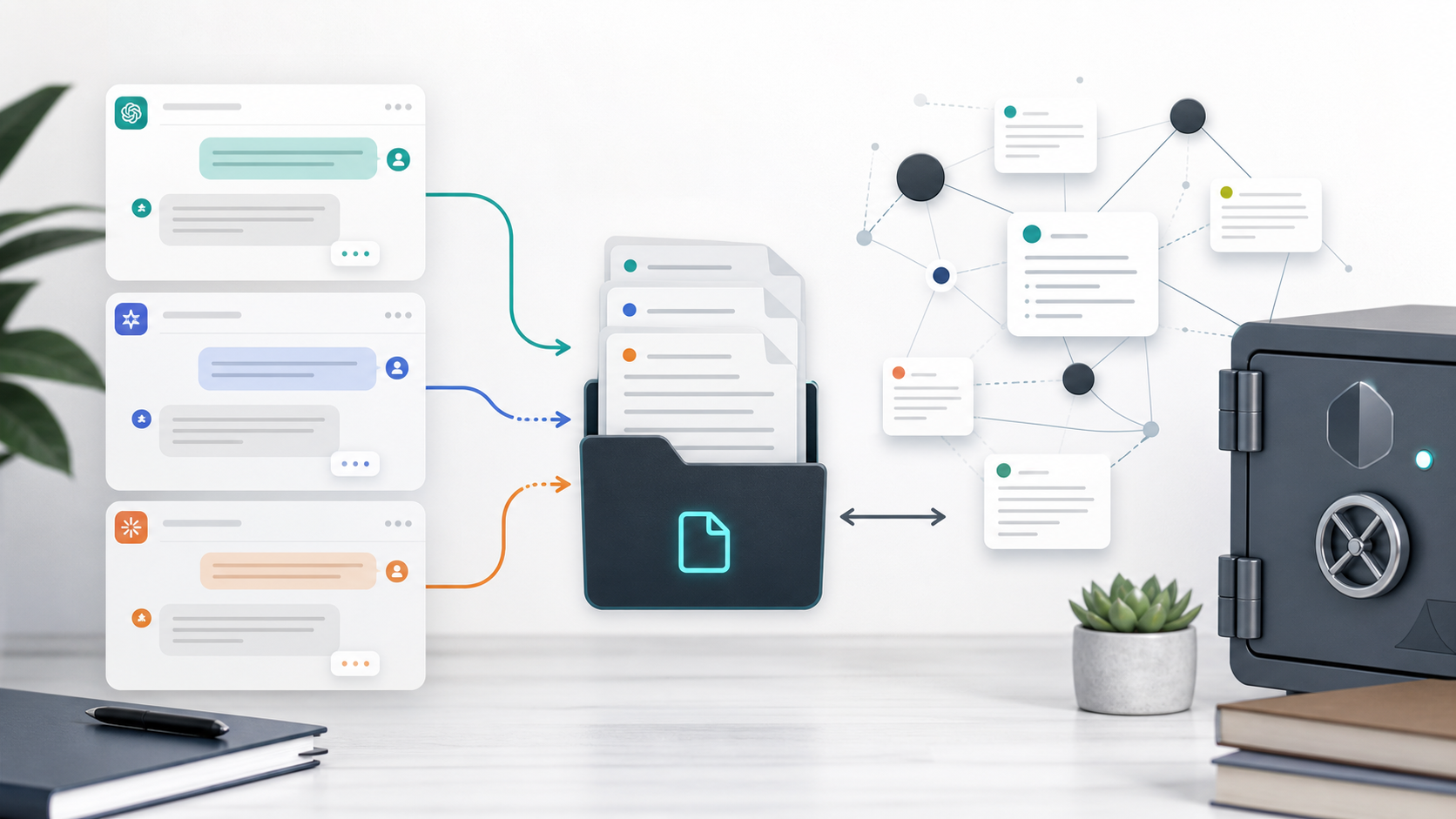
AI conversations can be excellent sources: research summaries, Perplexity answers, Gemini explanations, Claude drafts, ChatGPT coding notes, and Grok topic explorations.
The challenge is getting those conversations out of the chat app and into a clean format NotebookLM can use.
Best Export Formats for NotebookLM
| Format | Best for |
|---|---|
| Stable documents and polished conversations | |
| Markdown | Clean structured notes that can be converted or reused |
| Notion | Intermediate knowledge organization before source creation |
| HTML | Local reading and manual conversion |
PDF is often the easiest source format. Markdown is better if you want to clean, split, or reorganize content before uploading.
Workflow 1: Perplexity Research to NotebookLM
- Research a topic in Perplexity.
- Export the conversation with Perplexity to Notion or Perplexity to Obsidian.
- Review sources and citations.
- Turn the strongest notes into NotebookLM source material.
- Use NotebookLM to ask questions across the collected research.
This works well because Perplexity conversations already contain source-backed context.
Workflow 2: Gemini Long Explanation to NotebookLM
- Use Gemini for a long explanation or topic breakdown.
- Export the full conversation with Export Gemini to PDF or Export Gemini to Obsidian.
- Check that the export includes the entire conversation.
- Add the exported material to NotebookLM.
For long Gemini chats, completeness matters. Read How to Export Long Gemini Conversations Without Missing Messages.
Workflow 3: Claude Drafts to NotebookLM
- Use Claude to create drafts, summaries, or structured documents.
- Export with Claude to Notion or Claude to Obsidian.
- Preserve artifacts and code where relevant.
- Convert the best outputs into NotebookLM sources.
This is useful for writers, consultants, and researchers who iterate with Claude.
Cleanup Tips
Before adding exported chats to NotebookLM:
- Remove duplicate turns
- Keep source URLs where useful
- Split very large topics into separate files
- Preserve headings and sections
- Keep citations close to claims
- Use clear file names
For file naming, read Best File Naming System for AI Chat Exports.
Final Thought
NotebookLM works better when your sources are clean, complete, and well organized.
Export AI chats first, clean them into useful source material, then let NotebookLM reason across the archive.