
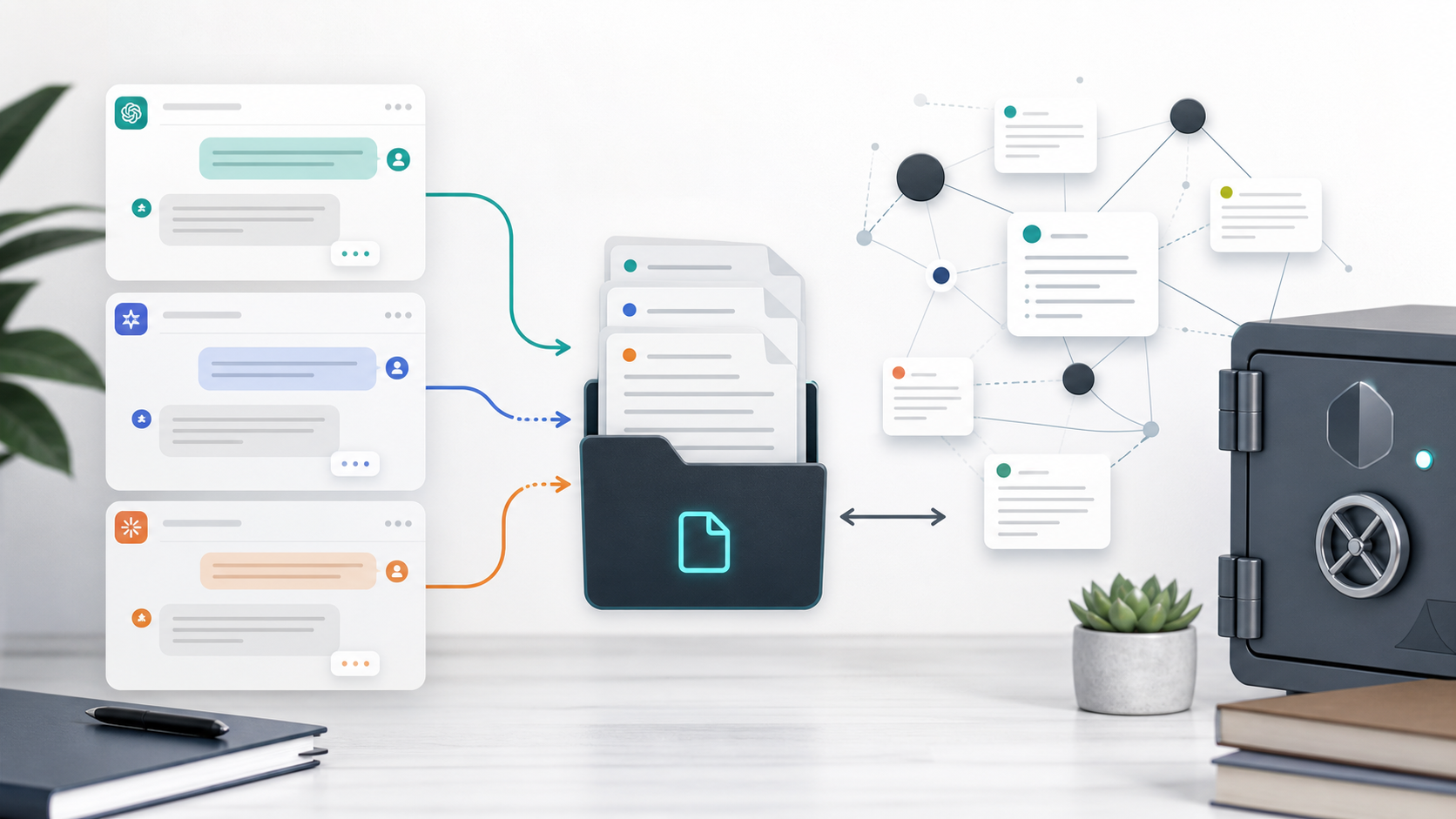
Export ChatGPT, Gemini, and Claude to Obsidian Markdown
Obsidian is a natural home for AI conversations.
It is local, fast, searchable, and built around Markdown. If you use ChatGPT for coding, Gemini for research, and Claude for writing or artifacts, exporting those conversations into Obsidian gives you one private vault for everything your AI tools help you create.
Only exporting Claude? For a practical comparison of the official Claude download, free exporters, PDF, and Markdown, read Export Claude Chats to PDF or Markdown: 4 Methods Compared. This page stays focused on building an Obsidian vault from several AI platforms.
Why Obsidian Works Well for AI Chats
AI chats are not just transcripts. They are working notes.
Inside them you may have:
- Code snippets
- Debugging history
- Research summaries
- Draft outlines
- Source links
- Prompt experiments
- Claude artifact notes
- Long Gemini explanations
Markdown keeps those notes portable. Obsidian makes them searchable and linkable.
Why Copy-Paste Is Not Enough
Manual copy-paste often breaks:
- Code block boundaries
- Tables
- Headings and lists
- Math formatting
- Long conversation order
- Message role separation
- Source URLs and metadata
It is fine for one short answer. It is painful for a real AI archive.
Recommended Obsidian Folder Structure
Keep your vault simple:
AI Chats/
  ChatGPT/
  Gemini/
  Claude/
  Perplexity/
  Grok/
Then use frontmatter to make exported conversations searchable:
---
title: "Research notes on retrieval augmented generation"
date: 2026-06-05
originalDate: 2026-05-28
updatedDate: 2026-06-04
platform: ChatGPT
sourceUrl: https://chatgpt.com/c/...
sourceId: chatcmpl-example
messageCount: 42
tags:
  - research
  - ai-chat
projectName: "AI Research"
---
This turns a folder of files into a usable knowledge system.
Tools for Each Platform
Use the exporter that matches your source platform:
- ChatGPT to Obsidian for ChatGPT conversations, Projects, Group Chats, Deep Research, Library files, Images, and Archived Chats
- Export Gemini to Obsidian for Gemini chats
- Claude to Obsidian for Claude conversations, artifacts, and code
- Perplexity to Obsidian for source-heavy research
- Grok to Obsidian and HTML for Grok Markdown and HTML archives
What Good Markdown Export Should Preserve
A clean AI-to-Obsidian export should preserve:
- Message order
- Speaker roles
- Code fences
- Tables
- Links
- Images where supported
- YAML frontmatter for title, dates, source URL, project, and message count
- Deep Research reports, nested code fences, and generated files where supported
- Conversation title
- Source URL
- File names that are easy to recognize
If the Markdown file is just a wall of text, it will be hard to reuse.
Final Thought
Obsidian is strongest when your notes stay local and connected. AI conversations fit that model beautifully, but only if the export is clean enough to read, search, and link later.
For a local AI second brain, start with the Obsidian-focused exporters and save each platform into a consistent Markdown vault.