
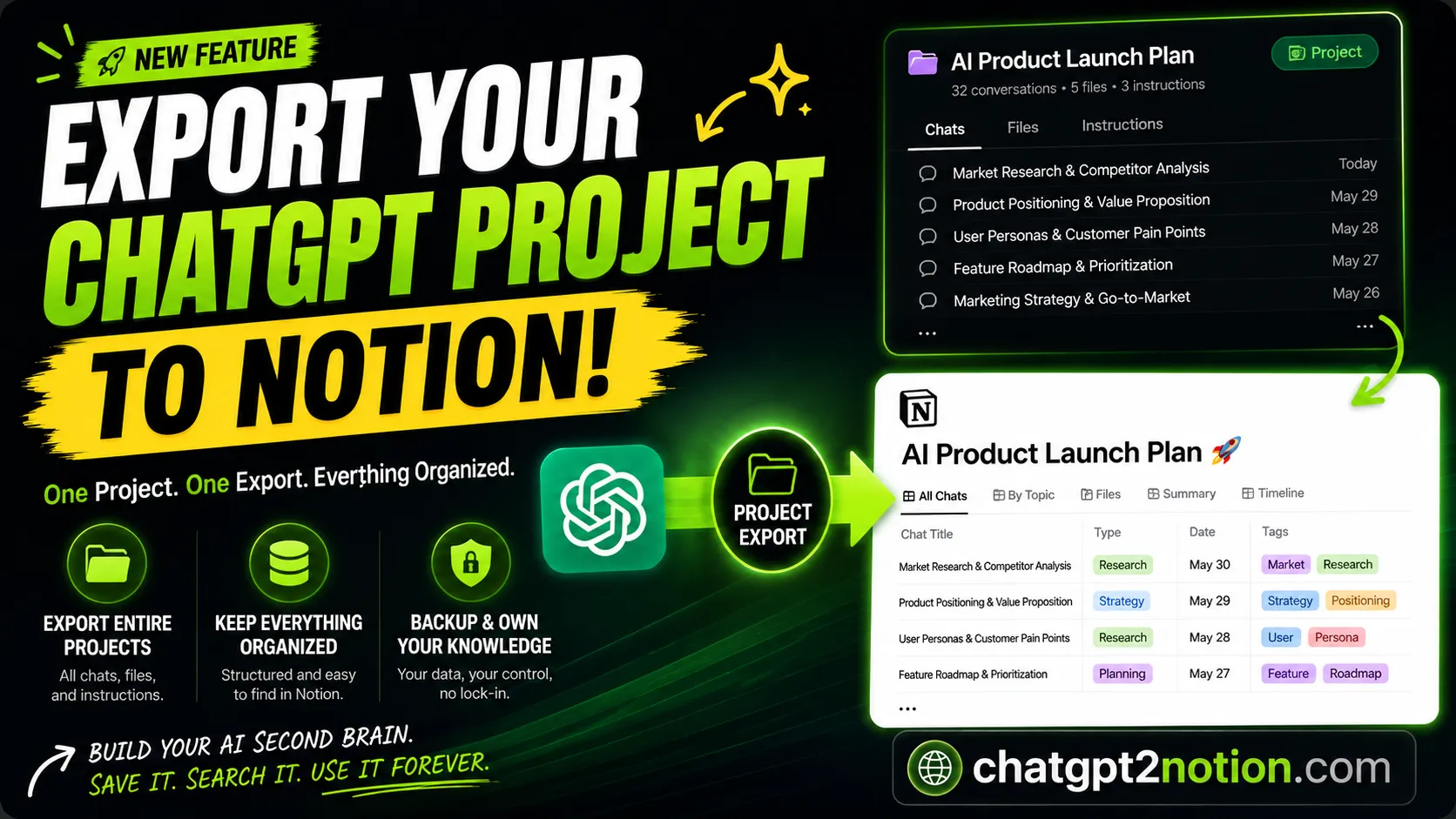
Why ChatGPT Projects Need a Backup Strategy
The way we use ChatGPT is changing.
A few years ago, most people used AI for quick questions and simple answers. Today, many users are building entire projects inside ChatGPT: research projects, product launches, business plans, marketing campaigns, coding projects, and more.
Instead of isolated conversations, we are creating long-term knowledge systems.
And that raises an important question:
What happens when your project becomes too valuable to leave inside ChatGPT?
ChatGPT Projects Are Becoming Knowledge Hubs
A modern ChatGPT Project often contains:
- Dozens of conversations
- Research notes
- Strategic discussions
- Files and documents
- Iterations and refinements
- Decision-making history
Over time, a single project can become the central hub for weeks or even months of work. The more valuable your project becomes, the more important it becomes to preserve it.
The Hidden Risk
Many users assume their projects will always be available.
Maybe they will. Maybe they will not.
The bigger issue is ownership. If all your knowledge exists inside a single platform, you depend entirely on that platform to access it.
That is not ideal for long-term knowledge management.
Your work should be portable. Your knowledge should be searchable. Your projects should be backed up.
Why Copy and Paste Does Not Scale
When a project contains 30, 50, or 100 conversations, manual copying becomes unrealistic.
Even exporting conversations individually can take significant time. The larger the project becomes, the more painful the process becomes.
This is where Project Export becomes useful.
Exporting an Entire Project
Instead of exporting conversations one by one, you can export an entire ChatGPT Project into Notion.
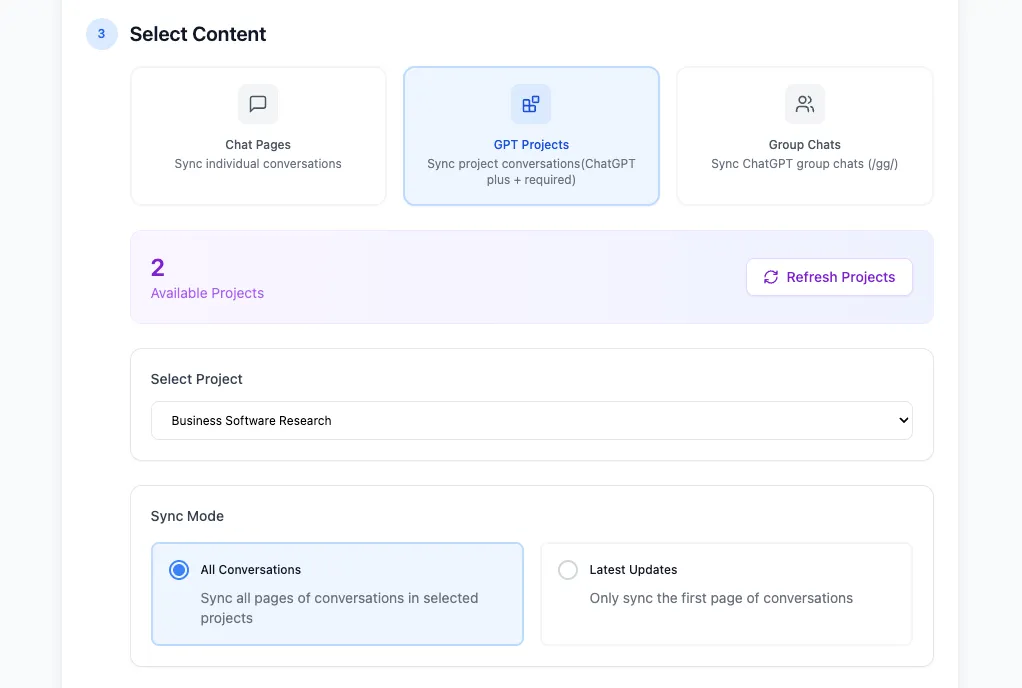
The workflow becomes:
- Select the ChatGPT Project.
- Choose the export mode.
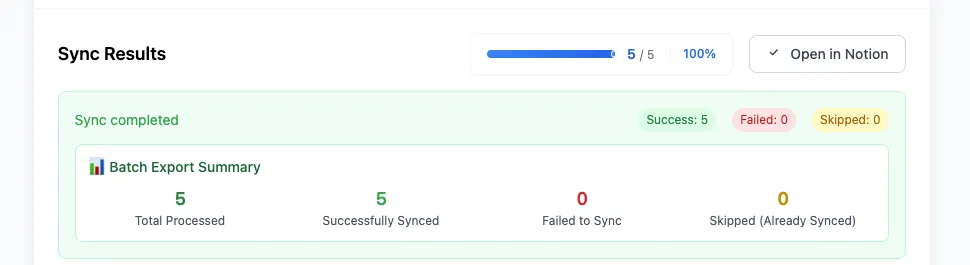
- Sync the project content.
- Open the exported knowledge base in Notion.
This preserves the structure of your work while making it easier to organize and revisit later.
Why I Use Notion as My Knowledge Archive
For me, exporting is not the final goal.
The goal is creating a system where knowledge can continue to grow.
Notion provides:
- Search
- Databases
- Organization
- Tags
- Long-term storage
Instead of scattering information across multiple AI platforms, everything becomes part of a unified knowledge system.
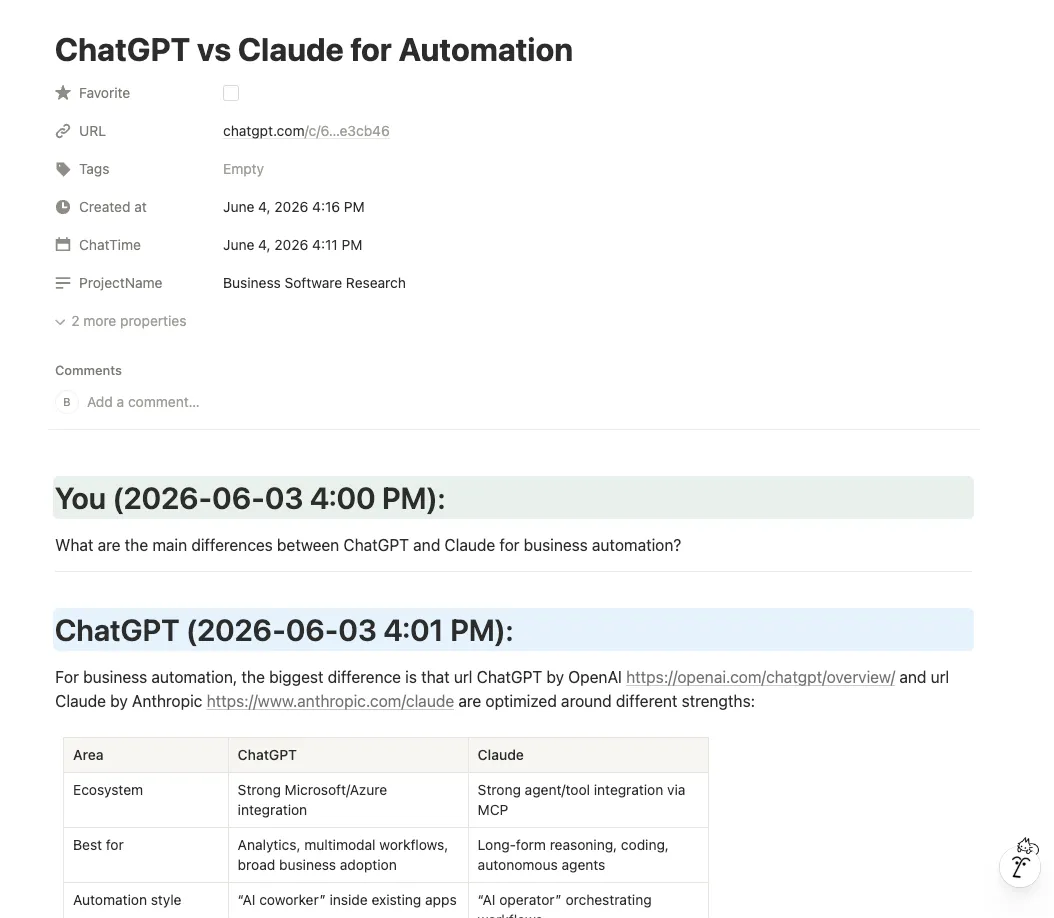
What the Export Looks Like in Notion
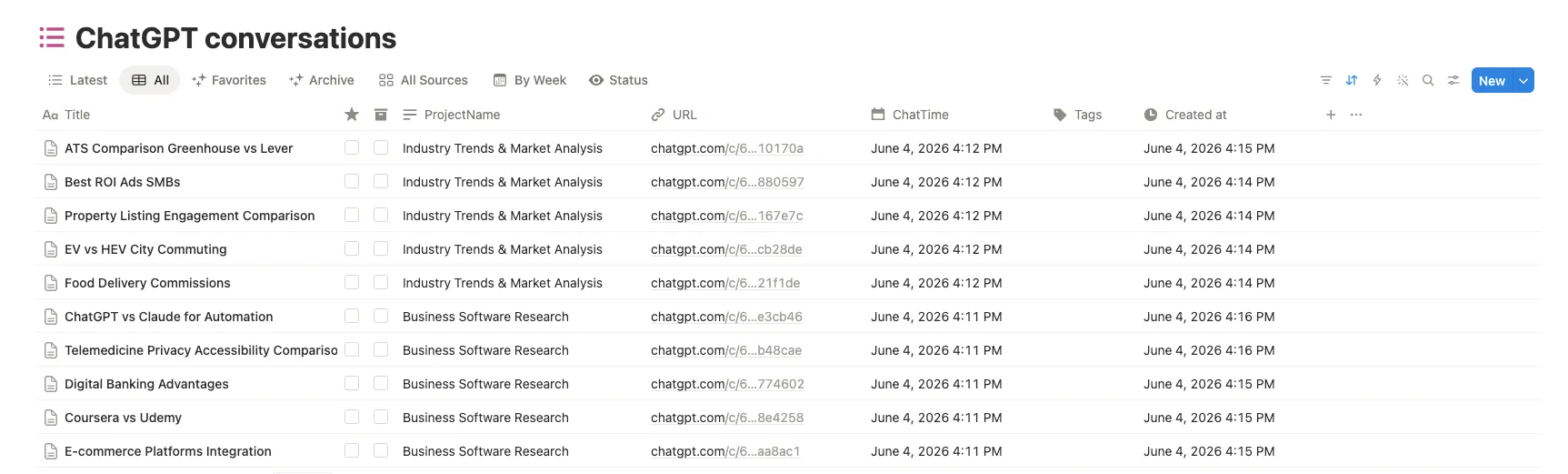
After export, each conversation can become a structured Notion page with useful metadata, timestamps, project names, source URLs, and the full conversation content.
That means you can search across projects, reopen source conversations when needed, and preserve the reasoning that led to important decisions.
Building an AI Second Brain
One of the biggest opportunities of the AI era is not generating more information.
It is preserving the information we already generate.
Every project contains ideas, research, decisions, and context. Those things become more valuable over time. The challenge is making sure they are still accessible in the future.
A Project Export workflow is one small step toward building a scalable AI Second Brain.
Final Thoughts
The future of AI productivity is not just about creating more conversations. It is about managing the knowledge those conversations create.
As ChatGPT Projects become increasingly important for work and learning, having a backup strategy becomes equally important.
Because knowledge is most valuable when you can still access it years later.
Learn more at ChatGPT to Notion.