
Installation
How to install ChatGPT to Notion extension from Chrome Web Store
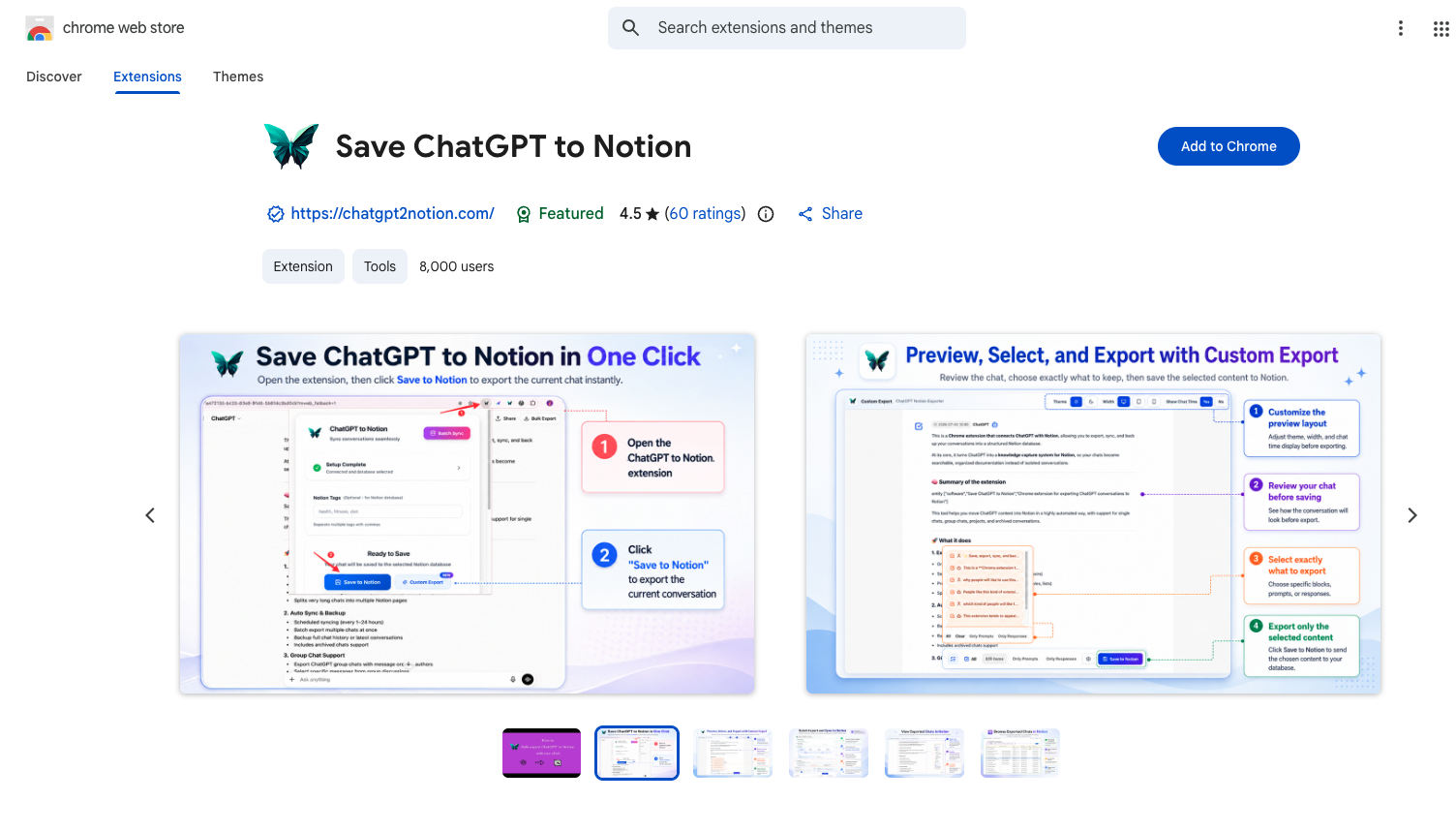
Install from Chrome Web Store
- Visit the Chrome Web Store
- Search for “ChatGPT to Notion”
- Click “Add to Chrome”
- Confirm the installation
Verify Installation
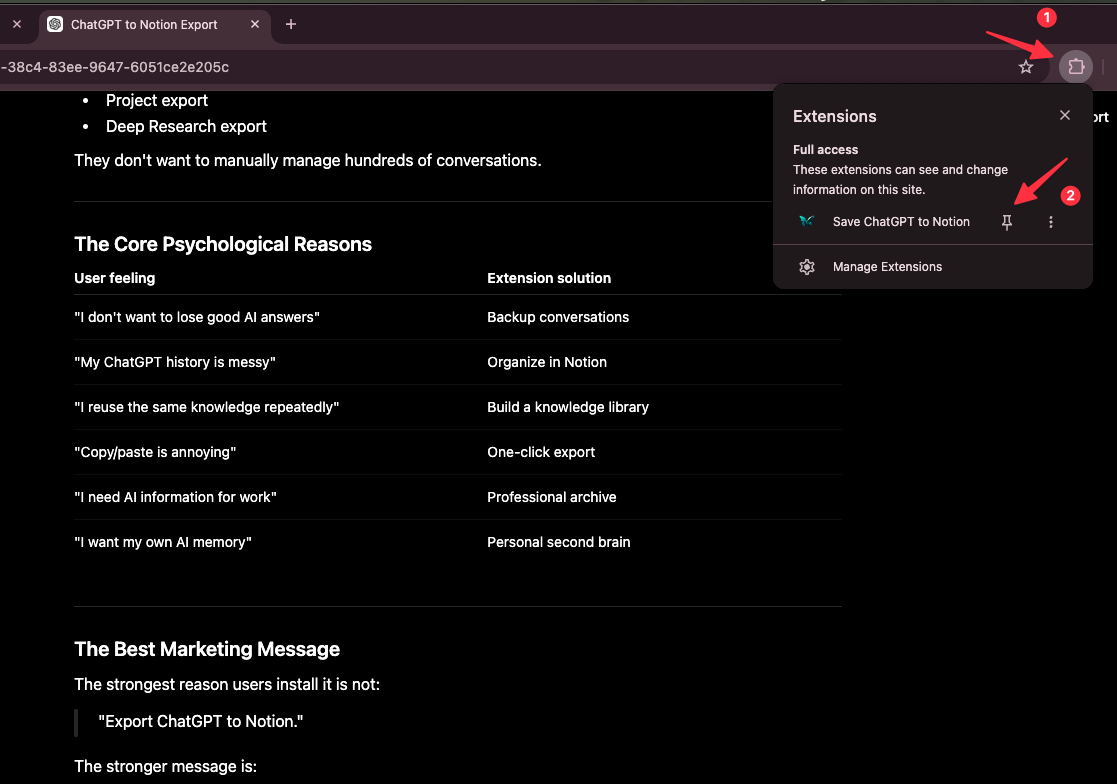
After installation:
- Open Chrome’s extensions menu.
- Find ChatGPT to Notion.
- Pin it to the toolbar.
- Open or refresh a chatgpt.com tab.
- Click the extension icon to open the popup.
Next Steps
Once installed, connect your Notion account, select a destination, and follow Exporting Individual Chats.
Ready to try Chatgpt To Notion?
Open the product page for feature details, screenshots, pricing, and the Chrome Web Store install link.