
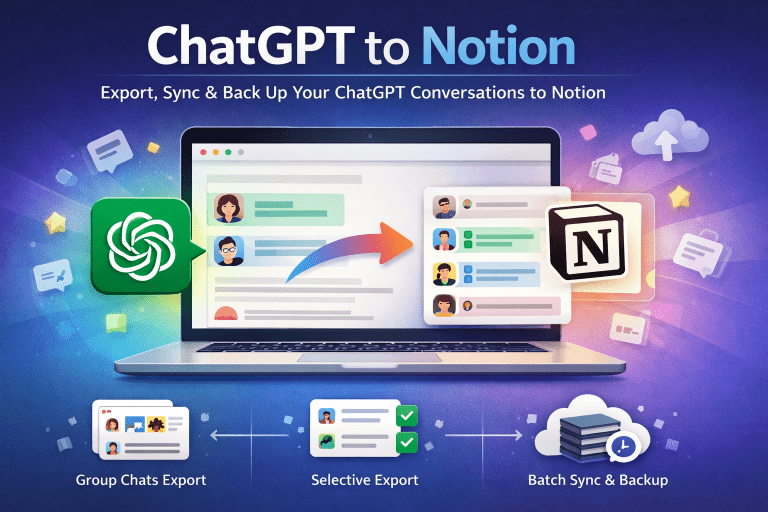
How to Export PerplexityAI Chats to Notion
Why Export PerplexityAI Chats?
PerplexityAI is an incredible tool for generating answers, researching ideas, and brainstorming. But if you’ve ever tried to find an older conversation, you know how frustrating it can be—there’s no simple way to organize, search, or back up your chat history.
By exporting your conversations into Notion, you can:
- Keep a structured archive of all your chats.
- Build a personal knowledge base or “second brain.”
- Make your conversations searchable, shareable, and reusable.
- Ensure you never lose valuable insights due to platform limits.
The Easiest Way: One-Click Export with a Chrome Extension
Manually copying and pasting conversations isn’t practical—especially if you’ve used PerplexityAI for months or years. That’s where the Perplexity to Notion – Batch Export extension comes in.
With just one click, you can:
- Bulk export your entire PerplexityAI chat history.
- Sync directly to Notion—no messy formatting.
- Download Markdown files for offline storage or Obsidian integration.
- Even export Spaces threads for team collaboration archives.
Step-by-Step Guide to Exporting Chats
- Install the Extension
- Log in to PerplexityAI
- Click to Export
- Organize in Notion
Benefits of Using Notion as Your Knowledge Base
Notion is more than just a note-taking app—it’s a complete system for organizing ideas and workflows. When you move your PerplexityAI conversations into Notion, you unlock:
- Searchability: Find answers across all your past chats in seconds.
- Contextual linking: Connect AI responses to your own notes, projects, or databases.
- Collaboration: Share insights with teammates or study groups.
- Flexibility: Export again, migrate to Obsidian, or keep a local Markdown backup.
Final Thoughts
Exporting PerplexityAI chats doesn’t just give you a backup—it transforms scattered AI conversations into a structured, searchable knowledge system inside Notion. Whether you’re a researcher, student, or productivity enthusiast, this workflow ensures your ideas are never lost and always within reach.
👉 Ready to try it out? Start here: Perplexity to Notion – Batch Export