
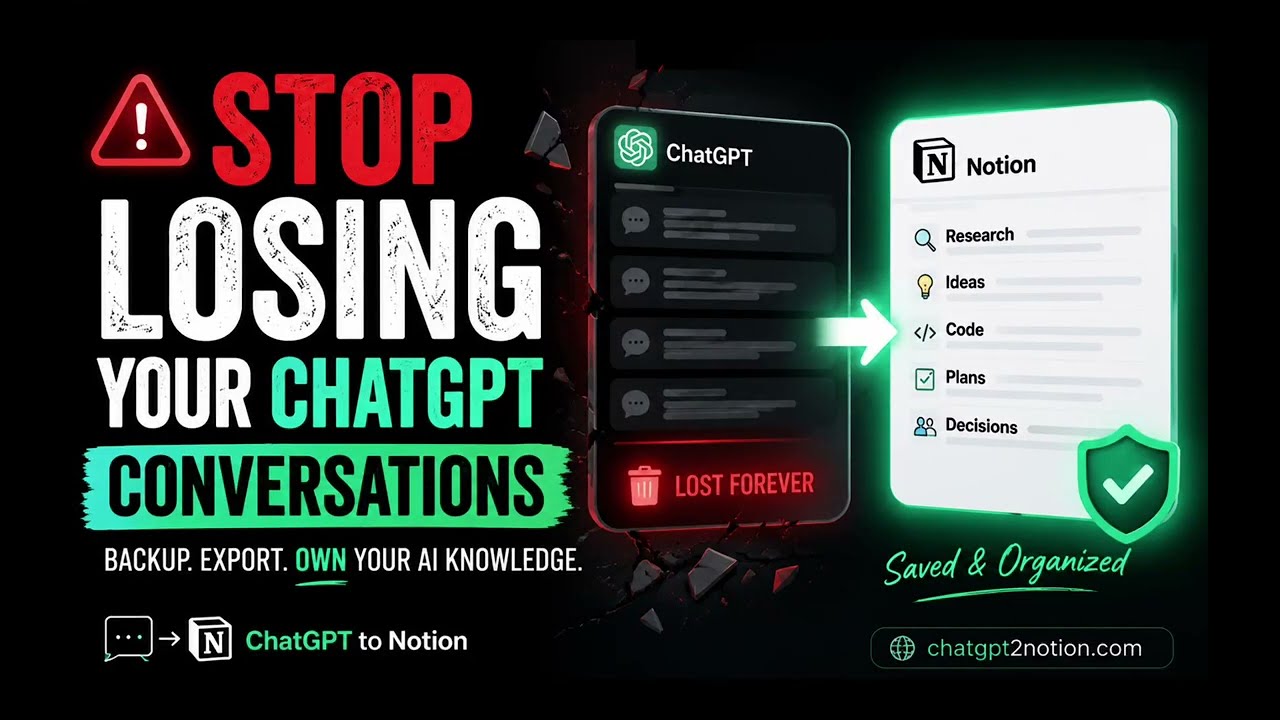
Stop Losing Your ChatGPT Conversations
ChatGPT conversations often contain valuable research, decisions, prompts, code snippets, and drafts. But for many users, that knowledge stays trapped inside the chat interface and becomes hard to find, reuse, or protect.
If you use ChatGPT regularly, backing up your conversations is no longer optional. It is one of the easiest ways to build a reliable personal knowledge base and avoid losing important work.
Watch the Demo
This short video shows how to save conversations before they disappear into your history and how to move them into a system that is easier to search and organize.
Why Backing Up ChatGPT Conversations Matters
AI chats are not just temporary conversations anymore. They often include:
- Research notes
- Product ideas
- Writing drafts
- Meeting summaries
- Code explanations and snippets
- Reusable prompts and workflows
When you leave that information inside ChatGPT, several problems appear:
- Important chats become difficult to find later
- Useful insights get buried in long conversation history
- Shared knowledge stays locked in one account
- You risk losing work if conversations are deleted or become inaccessible
A proper backup workflow turns scattered chats into a durable and searchable knowledge asset.
A Better Workflow: Export ChatGPT to Notion
One practical solution is to export your conversations into Notion, where they can be organized by topic, project, or team.
With ChatGPT to Notion, the workflow is simple:
- Open a ChatGPT conversation.
- Use one-click export to save the full chat.
- Use custom export when you only want selected messages.
- Store everything in Notion with clean formatting.
This makes it much easier to preserve context instead of copying raw text manually.
What You Preserve by Exporting
When conversations are exported cleanly, you can keep the parts that matter:
- Headings and markdown structure
- Code blocks
- Lists and formatting
- Selected sections from longer chats
- A searchable archive inside Notion
That means your conversations become usable reference material instead of disposable output.
Build an AI Second Brain
Once your conversations are stored in Notion, they become much more valuable over time.
You can:
- Search old conversations by topic
- Organize chats by client, project, or workflow
- Reuse ideas and prompts instead of recreating them
- Share useful conversations with teammates
- Create a long-term archive of your AI-assisted work
This is the foundation of an AI second brain: a system where useful conversations are captured, structured, and easy to revisit.
Final Thoughts
If you rely on ChatGPT for serious work, do not leave your best thinking buried in chat history. Backing up your conversations helps you protect valuable knowledge, stay organized, and reuse insights more effectively.
If you want a faster workflow, exporting ChatGPT to Notion is one of the simplest ways to turn conversations into a permanent knowledge base.
Learn more at ChatGPT to Notion.