
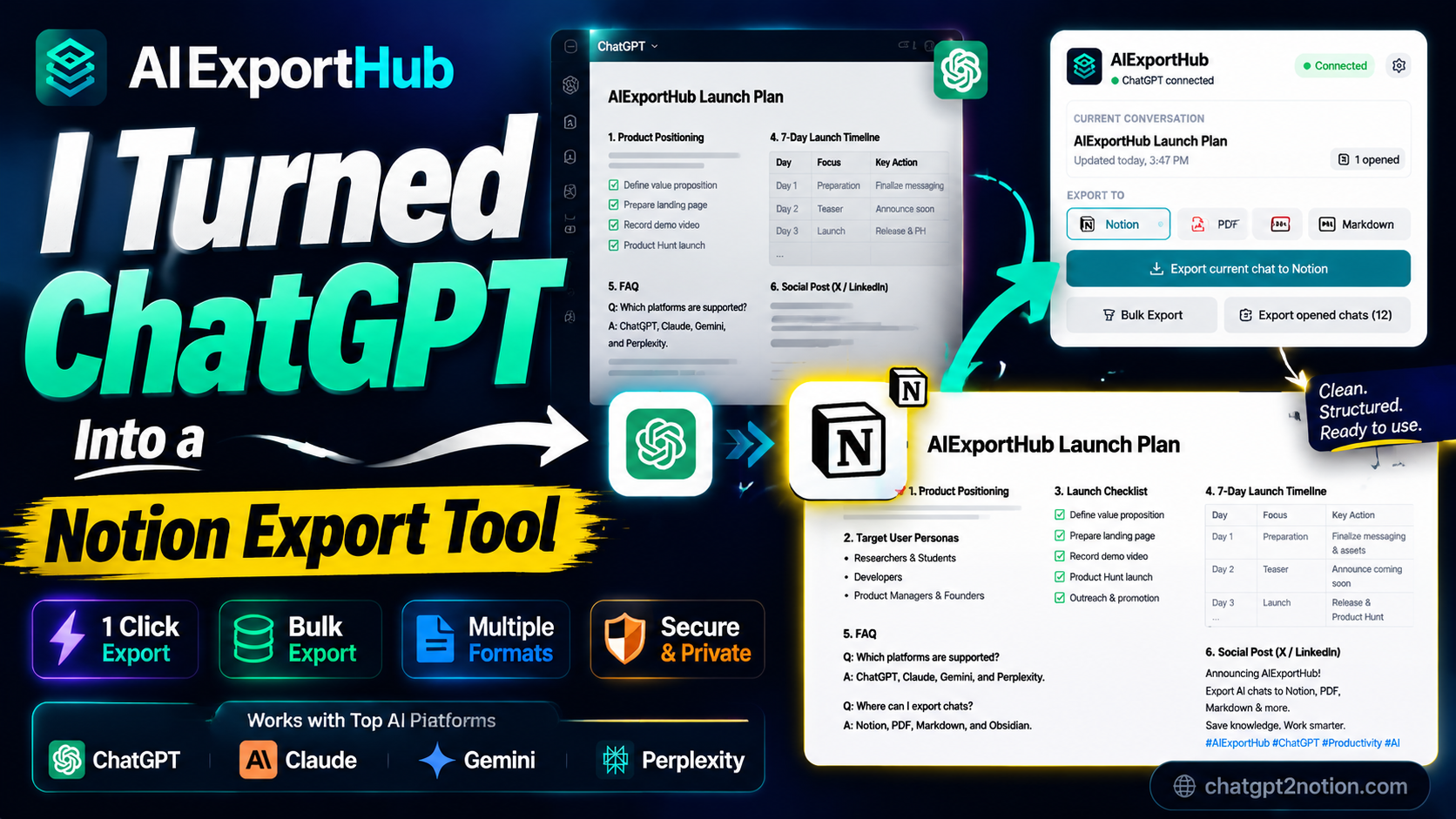
AIExportHub: Turn AI Conversations Into a Real Knowledge System
AI tools like ChatGPT, Claude, Gemini, and Perplexity are changing how we think, write, research, and build.
We use them to generate product ideas, plan launches, explain technical systems, write code, summarize research, and draft marketing content. But there is a hidden problem in most AI workflows:
Most AI conversations are never saved as usable knowledge.
They stay trapped inside chat history, disconnected from the tools where work actually continues.
The Problem: AI Chats Are Not a Knowledge System
Every day, users create valuable content inside AI tools:
- Product strategies
- Technical explanations
- Research summaries
- Marketing plans
- Code solutions
- Meeting follow-ups
- Personal knowledge notes
But after the session ends, that content often becomes hard to reuse.
It is unstructured, difficult to search, disconnected from existing workflows, and easy to forget. Chat history is useful as a raw log, but it is not a second brain.
The Missing Layer in AI Workflows
Modern knowledge work is fragmented:
- ChatGPT is where many ideas begin.
- Claude is where long-form writing and artifacts often happen.
- Gemini is used for research, summaries, and multimodal workflows.
- Perplexity is used for source-backed exploration.
- Notion, Obsidian, Markdown, and PDF are where knowledge becomes durable.
The missing layer is the bridge between these systems.
You need a way to turn AI-generated conversations into structured, reusable knowledge without copying and formatting everything by hand.
The Solution: AIExportHub
AIExportHub is a Chrome extension designed to solve this exact workflow gap.
It helps you export conversations from:
- ChatGPT
- Claude
- Gemini
- Perplexity
Into:
- Notion
- Markdown
- Obsidian-ready Markdown
Instead of leaving important AI output inside a temporary chat thread, AIExportHub helps you move it into the systems where your work continues.
How It Works
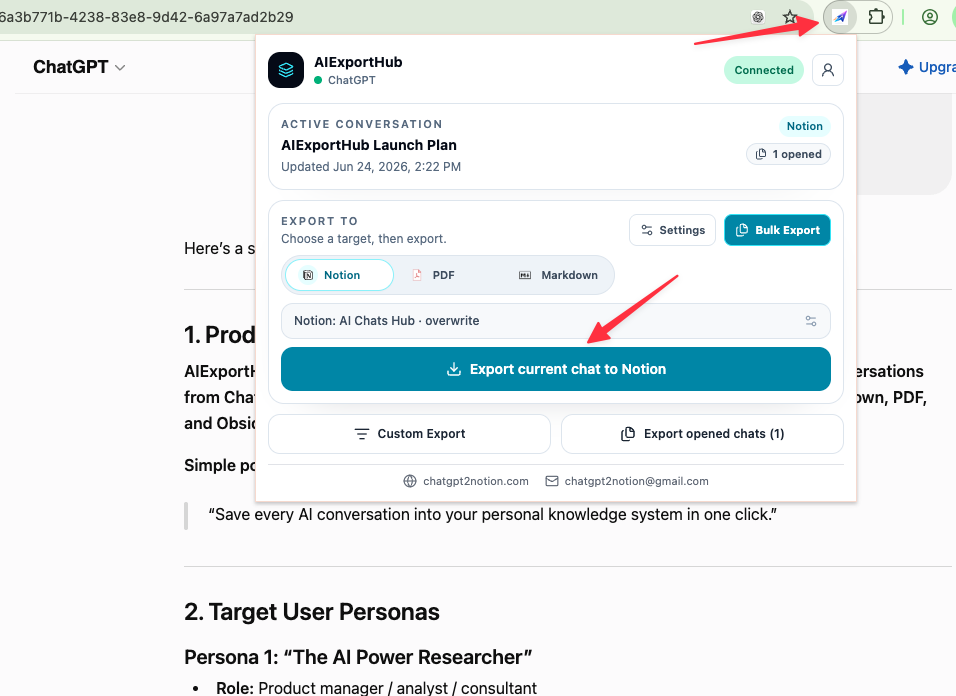
AIExportHub detects the active AI conversation in your browser and gives you a fast export workflow from the extension popup.
You can choose the export target, review the conversation, and save it into the format that fits your workflow. For Notion users, exported chats become structured pages or database entries instead of pasted blocks of raw text.
AIExportHub is built to preserve the structure of useful AI output:
- Titles and headings
- Sections and hierarchy
- Lists and bullet points
- Tables and formatted content
- Prompts, answers, summaries, and reusable notes
For heavier workflows, it also supports bulk export so you can preserve multiple conversations without repeating the same manual process.
Example: From ChatGPT to Notion
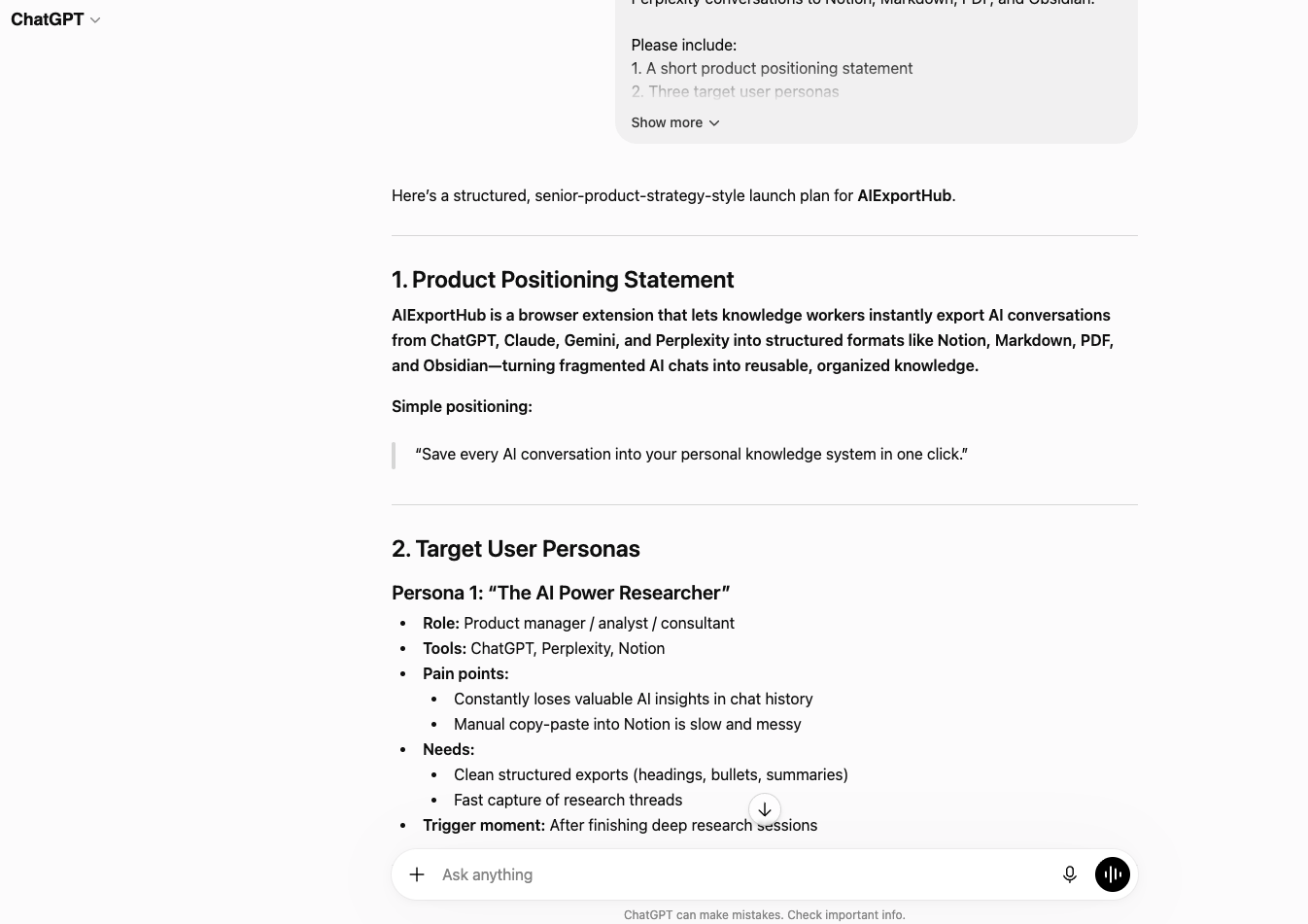
A typical ChatGPT conversation may include product positioning, user personas, launch strategy, timeline planning, and marketing copy.
Without an export workflow, that content stays in chat history.
With AIExportHub, the same conversation can become:
- A structured Notion page
- A reusable strategy document
- Part of a team knowledge base
- A long-term reference asset
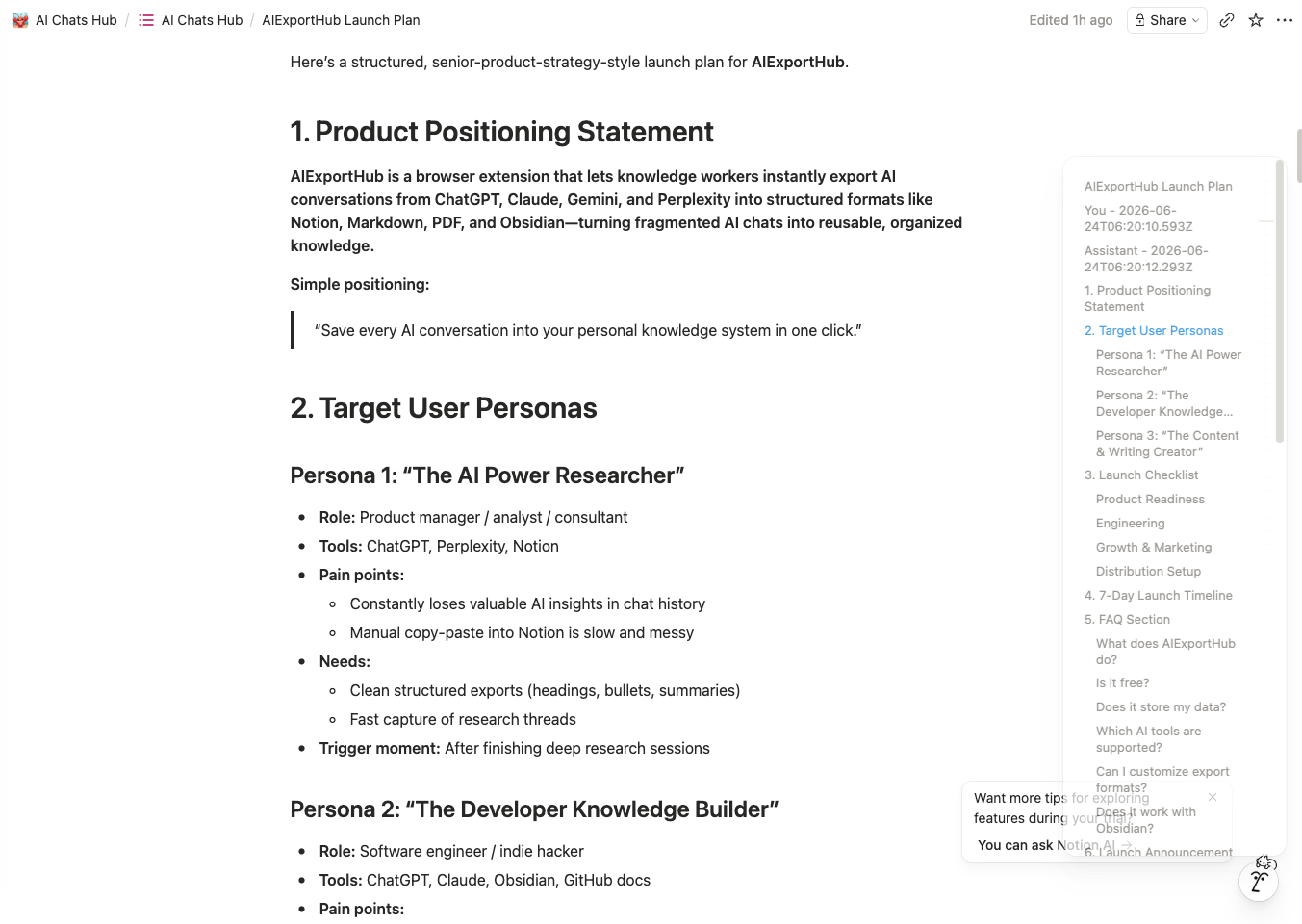
That is the difference between saving a transcript and building a knowledge system.
From Chat History to a Second Brain
AI is becoming an external thinking layer for many people.
But thinking alone is not enough. Useful knowledge needs a place to live. It needs structure, context, searchability, and a way to be reused later.
AIExportHub turns AI chats into a second brain workflow by helping you:
- Store important conversations outside the original AI platform
- Organize outputs by project, topic, or client
- Reuse ideas in Notion, Obsidian, Markdown, and PDF
- Build a searchable archive of your AI work
Who AIExportHub Is For
AIExportHub is built for people who use AI every day and do not want valuable work to disappear into chat history.
It is especially useful for:
- Founders building product and go-to-market systems
- Developers documenting technical decisions and code explanations
- Researchers organizing source-backed insights
- Writers saving outlines, drafts, and idea banks
- Consultants turning AI sessions into reusable client notes
- AI power users building a long-term knowledge system
If you use multiple AI tools, AIExportHub gives you one export layer instead of a separate workflow for every platform.
Key Features
- Export ChatGPT, Claude, Gemini, and Perplexity chats
- Save to Notion, Markdown, Obsidian, and PDF
- Bulk export multiple conversations
- Preserve structured formatting
- Export active conversations from the browser popup
- Keep local Markdown and PDF workflows simple
- Use Notion sync when you want structured database storage
Privacy First
AIExportHub is designed around a local-first workflow.
Your data stays under your control. Local exports are generated in your browser, and Notion sync only happens when you choose to connect and export to your own Notion workspace.
That matters because AI conversations often include product plans, technical notes, client context, or personal research.
Conclusion
AI is changing how we think.
But without structure, knowledge disappears.
AIExportHub helps turn AI conversations into structured, reusable knowledge that can live in Notion, Markdown, Obsidian, and PDF. Instead of losing your AI thinking inside chat history, you can build a second brain from it.
Try AIExportHub and start turning AI conversations into a real knowledge system.