
How to Export ChatGPT to Notion, Obsidian, or PDF
ChatGPT conversations can become product plans, code notes, meeting summaries, research trails, and writing drafts.
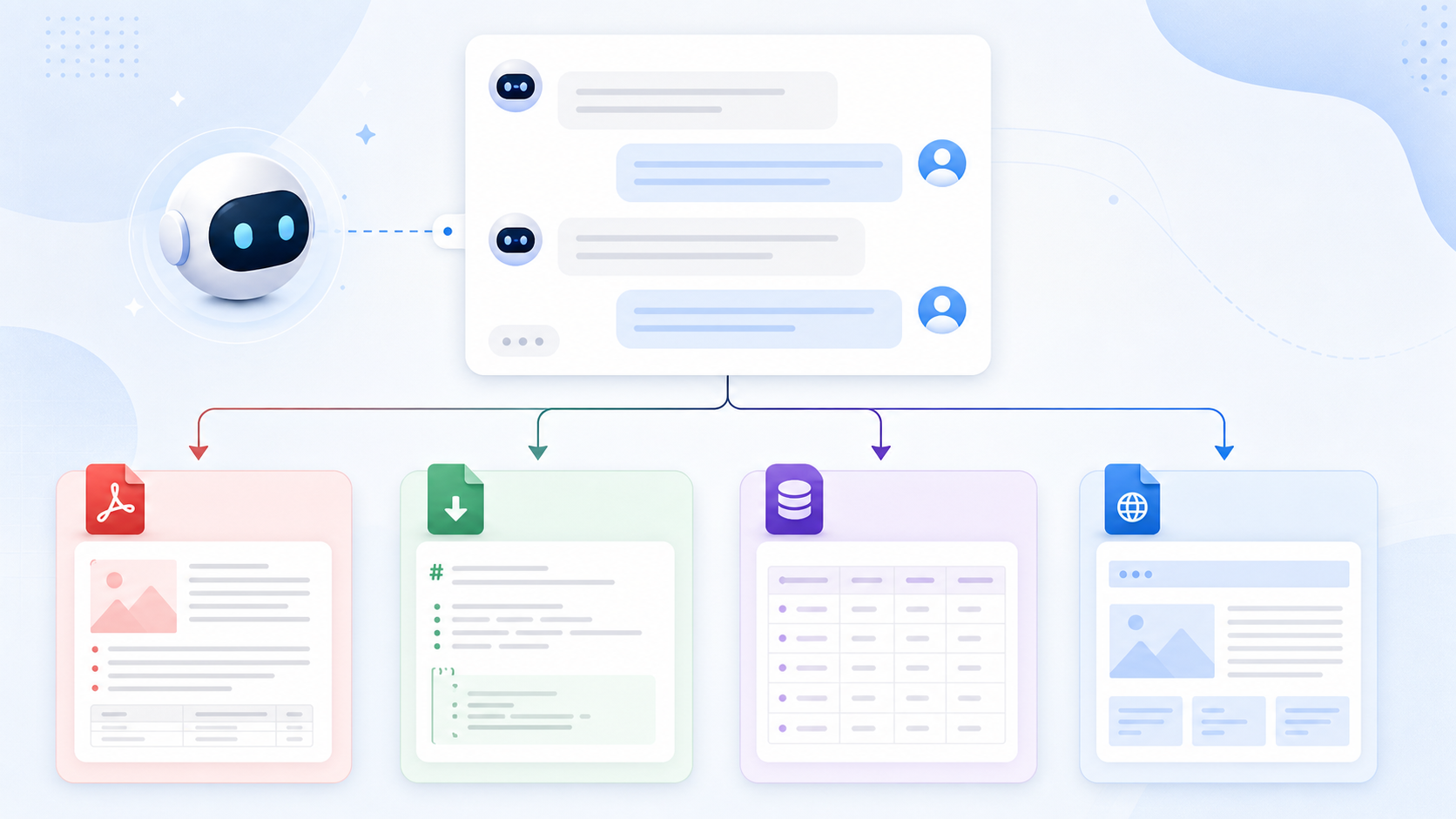
The best export format depends on what you want to do after saving the chat. Notion, Obsidian, and PDF each solve a different problem.
Quick Recommendation
| Destination | Best for |
|---|---|
| Notion | Searchable databases, teams, project workspaces |
| Obsidian | Local Markdown vaults and private second brains |
| Sharing, printing, and stable archives |
If you only need a short answer, copy-paste is fine. If you save ChatGPT regularly, use a dedicated exporter.
Export ChatGPT to Notion
Use ChatGPT to Notion when you want your chats inside a structured workspace.
This is useful for:
- Research databases
- Client notes
- Content calendars
- Project documentation
- ChatGPT Projects
- Group Chats
- Deep Research outputs
Notion is best when you want metadata, tags, filters, and team sharing.
Export ChatGPT to Obsidian
Use ChatGPT to Obsidian when you want local Markdown files.
This is useful for:
- Developer notes
- Prompt libraries
- Private archives
- Study notes
- Local second brains
- Version-controlled Markdown
- ChatGPT Projects and project folders
- Deep Research reports
- Archived Chats you do not want to lose
- ChatGPT-generated images and Library files
Obsidian is best when you care about ownership, backlinks, and plain-text portability.
A good Obsidian export should also include YAML frontmatter, not just the conversation body. Fields such as sourceUrl, sourceId, originalDate, updatedDate, messageCount, tags, and projectName make exported chats easier to search, filter, and connect later.
Export ChatGPT to PDF
Use ChatGPT to PDF when you need a professional document.
This is useful for:
- Client deliverables
- Meeting records
- Study packets
- Legal or compliance archives
- Printable summaries
PDF is best when the exported chat needs to look stable and be easy to share.
What to Check After Export
Make sure the export includes:
- The full conversation
- User and assistant roles
- Code blocks
- Tables
- Images where supported
- Conversation title
- Source URL or metadata
- YAML frontmatter for Obsidian properties
- Updated-date handling so edited conversations can be exported again
- Folder separation for Projects, Library files, Images, and Archived Chats where available
For a complete checklist, read AI Chat Backup Checklist: What Every Export Should Preserve.
Final Thought
There is no single best ChatGPT export format. Use Notion for databases, Obsidian for local Markdown, and PDF for shareable documents.
Start from your destination, then choose the exporter.