
Is ChatGPT to Notion Free? Pricing Guide (2026)
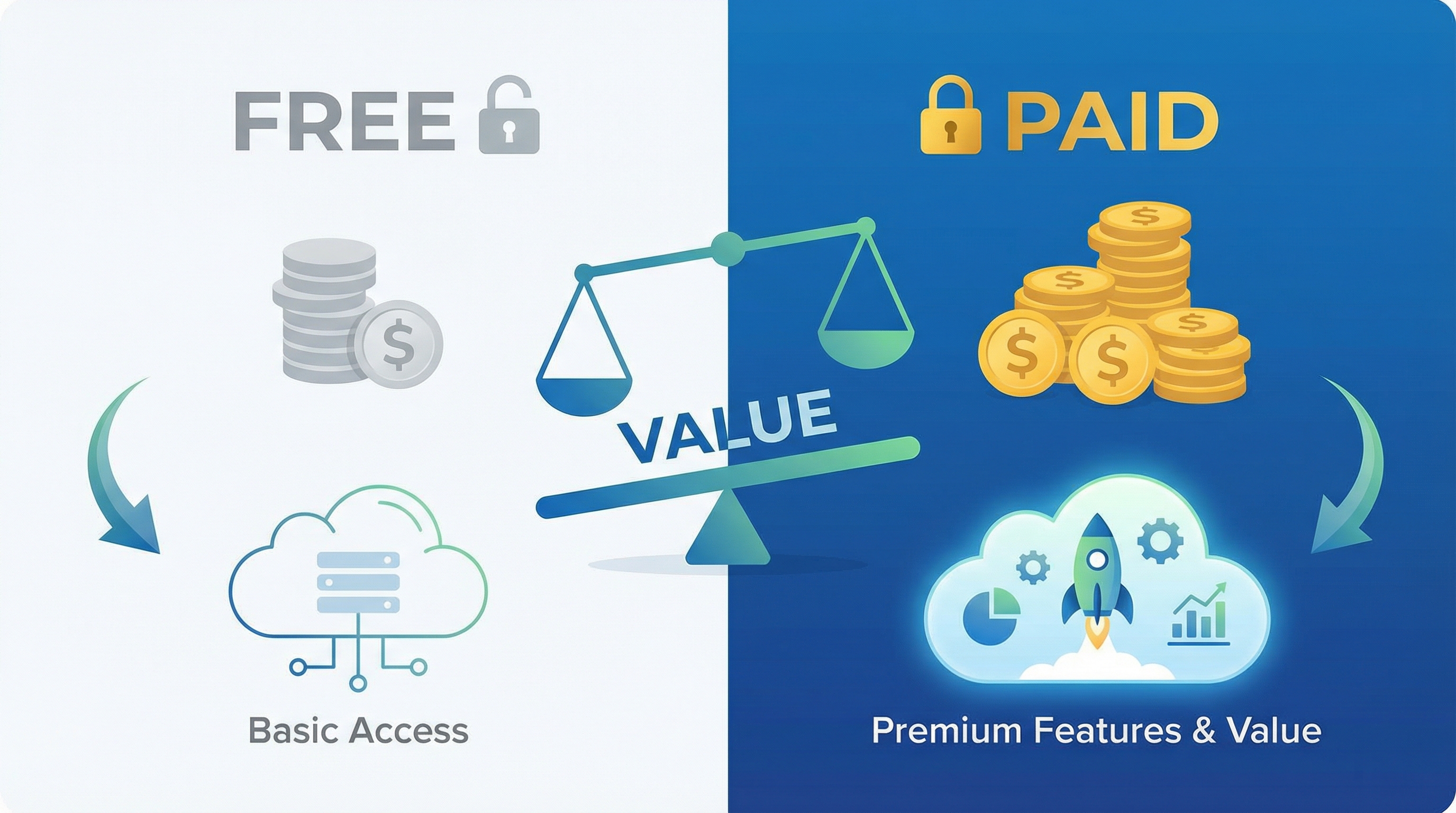
Quick Answer: Yes, ChatGPT to Notion offers a free tier with 10 exports per month. For unlimited exports and advanced features, the Pro plan costs $9/month.
In this guide, we’ll break down exactly what you get with each plan and help you decide which option is right for you.
ChatGPT to Notion Pricing Overview
| Feature | Free Plan | Pro Plan |
|---|---|---|
| Price | $0/month | $9/month |
| Exports per Month | 10 | Unlimited |
| One-Click Export | ✅ Yes | ✅ Yes |
| Formatting Preservation | ✅ Yes | ✅ Yes |
| Basic Metadata | ✅ Yes | ✅ Yes |
| Auto-Sync | ❌ No | ✅ Yes |
| Custom Templates | ❌ No | ✅ Yes |
| Batch Export | ❌ No | ✅ Yes |
| Priority Support | ❌ No | ✅ Yes |
| Advanced Metadata | ❌ No | ✅ Yes |
Free Plan: What You Get
Included Features:
1. 10 Exports Per Month
Export up to 10 ChatGPT conversations to Notion every month at no cost.
Good For:
- Casual ChatGPT users
- Students with occasional study needs
- Users testing the tool before upgrading
Not Enough If:
- You use ChatGPT daily
- You’re building a knowledge base
- You need to export multiple conversations per day
2. One-Click Export
Click the extension icon and your conversation is instantly saved to Notion.
Benefit: No manual copy-pasting, saves 2-5 minutes per export.
3. Perfect Formatting Preservation
Code blocks, markdown, tables, and lists are preserved perfectly.
Benefit: No manual reformatting needed, especially important for code.
4. Basic Metadata
Automatically captures:
- Conversation date
- Conversation title
- Basic tags
Benefit: Better organization than manual copy-paste.
Free Plan Limitations:
1. 10 Exports Per Month Cap
Once you hit 10 exports, you’ll need to wait until next month or upgrade to Pro.
Workaround: Prioritize which conversations to export (save only the most important ones).
2. No Auto-Sync
You must manually click “Export” for each conversation.
Impact: Requires remembering to export important conversations.
3. No Custom Templates
All exports use the default Notion template.
Impact: Less flexibility in how conversations are organized.
4. No Batch Export
Export one conversation at a time.
Impact: Time-consuming if you need to export multiple conversations.
Is the Free Plan Enough?
Yes, if:
- ✅ You export 10 or fewer conversations per month
- ✅ You’re okay with manual exports
- ✅ You don’t need custom templates
- ✅ You’re a student or casual user
No, if:
- ❌ You use ChatGPT daily
- ❌ You want automatic syncing
- ❌ You need to export 15+ conversations per month
- ❌ You want custom organization templates
Pro Plan: What You Get ($9/month)
All Free Features Plus:
1. Unlimited Exports
Export as many ChatGPT conversations as you want, no monthly cap.
Value: If you export 15+ conversations per month, Pro pays for itself.
Best For: Daily ChatGPT users, developers, researchers, writers.
2. Auto-Sync
Automatically export every ChatGPT conversation to Notion without manual intervention.
How It Works:
- Enable auto-sync in settings
- Every conversation is automatically saved
- No need to remember to click “Export”
Value: Saves time and ensures you never lose a conversation.
3. Custom Notion Templates
Create different templates for different conversation types:
Example Templates:
- Research Template: Summary, key findings, sources, follow-up questions
- Code Template: Problem description, solution code, testing notes, implementation status
- Brainstorming Template: Initial idea, ChatGPT suggestions, selected approach, next steps
Value: Better organization and faster workflow.
4. Batch Export
Export multiple conversations at once.
How It Works:
- Select multiple conversations from your ChatGPT history
- Click “Batch Export”
- All selected conversations are exported to Notion
Value: Saves significant time when migrating existing conversations.
5. Advanced Metadata
Captures additional information:
- Model used (GPT-4, GPT-3.5, etc.)
- Conversation ID
- Custom tags and categories
- Conversation length
- Export timestamp
Value: Better searchability and organization in Notion.
6. Priority Support
Get faster responses to support requests and bug reports.
Value: Peace of mind and faster issue resolution.
Pro Plan ROI Calculation
Time Saved Per Export:
- Manual copy-paste: 3-5 minutes
- ChatGPT to Notion: 5 seconds
- Time saved: ~4 minutes per export
Monthly Time Savings (assuming 20 exports):
- 20 exports × 4 minutes = 80 minutes saved
- Value: 1.3 hours of your time
Cost Analysis:
- Pro plan: $9/month
- Time saved: 1.3 hours/month
- Break-even: If your time is worth $7/hour or more, Pro is worth it
For most professionals, students, and power users, Pro is an excellent value.
Comparison: Free vs Pro
For Students:
Free Plan:
- ✅ Good for: 1-2 classes, occasional study help
- ✅ Cost: $0
- ❌ Limitation: 10 exports/month may not be enough during exam season
Pro Plan:
- ✅ Good for: 4+ classes, daily ChatGPT use, building study knowledge base
- ✅ Auto-sync: Never miss important explanations
- ✅ Custom templates: Organize by course and topic
- ✅ Cost: $9/month (less than a textbook)
Recommendation: Start with Free, upgrade to Pro if you hit the 10-export limit regularly.
For Developers:
Free Plan:
- ❌ Not enough: Developers typically use ChatGPT multiple times per day
- ❌ 10 exports/month = ~2 per week (insufficient)
Pro Plan:
- ✅ Unlimited exports for daily coding help
- ✅ Perfect code formatting preservation
- ✅ Custom templates for different code types
- ✅ Build personal Stack Overflow
- ✅ Cost: $9/month (less than one hour of billable time)
Recommendation: Pro plan is essential for developers.
For Writers:
Free Plan:
- ⚠️ Maybe enough: Depends on writing frequency
- ✅ Good for: Occasional research, 1-2 articles per month
Pro Plan:
- ✅ Unlimited research conversations
- ✅ Auto-sync captures all brainstorming sessions
- ✅ Custom templates for different content types
- ✅ Cost: $9/month (less than one freelance article)
Recommendation: Pro if you write regularly, Free if occasional.
For Researchers:
Free Plan:
- ❌ Not enough: Research involves many ChatGPT conversations
- ❌ 10 exports/month insufficient for serious research
Pro Plan:
- ✅ Unlimited research conversations
- ✅ Auto-sync ensures no insights are lost
- ✅ Custom templates for different research types
- ✅ Advanced metadata for better organization
- ✅ Cost: $9/month (negligible compared to research budgets)
Recommendation: Pro plan is essential for researchers.
How Does ChatGPT to Notion Compare to Alternatives?
vs Manual Copy-Paste (Free)
Manual Copy-Paste:
- Cost: $0
- Time: 3-5 minutes per export
- Formatting: Often breaks
- Metadata: None
ChatGPT to Notion Free:
- Cost: $0
- Time: 5 seconds per export
- Formatting: Perfect
- Metadata: Basic
- Limit: 10 exports/month
Winner: ChatGPT to Notion Free (much better value)
vs Zapier ($20+/month)
Zapier Starter:
- Cost: $20/month
- Exports: ~150-250 per month (depending on task usage)
- Formatting: Partial (code blocks often break)
- Setup: Complex (30-60 minutes)
- Automation: Advanced
ChatGPT to Notion Pro:
- Cost: $9/month
- Exports: Unlimited
- Formatting: Perfect
- Setup: Easy (5 minutes)
- Automation: Auto-sync
Winner: ChatGPT to Notion Pro (better value for ChatGPT → Notion only)
When Zapier Makes Sense: If you need multi-tool integration beyond ChatGPT and Notion.
vs Make.com ($9+/month)
Make.com Core:
- Cost: $9/month
- Exports: ~200-300 per month
- Formatting: Partial
- Setup: Moderate complexity
- Automation: Advanced
ChatGPT to Notion Pro:
- Cost: $9/month
- Exports: Unlimited
- Formatting: Perfect
- Setup: Easy
- Automation: Auto-sync
Winner: Tie on price, ChatGPT to Notion wins on ease of use and formatting
When Make.com Makes Sense: If you need complex multi-tool workflows.
Frequently Asked Questions
Q: Is there a free trial for Pro?
A: Check the ChatGPT to Notion website for current trial offers. Many SaaS tools offer 7-14 day free trials.
Q: Can I upgrade from Free to Pro anytime?
A: Yes, you can upgrade instantly. Your export count resets to unlimited immediately.
Q: Can I downgrade from Pro to Free?
A: Yes, you can downgrade at any time. You’ll return to the 10 exports/month limit.
Q: What happens if I hit the 10-export limit on Free?
A: You’ll need to wait until next month or upgrade to Pro to continue exporting.
Q: Is there a student discount?
A: Check the ChatGPT to Notion website for current student discount offers.
Q: Can I pay annually for a discount?
A: Many SaaS tools offer annual plans at a discount (typically 2 months free). Check the pricing page.
Q: Is there a team plan?
A: Check the website for team pricing. Team plans typically offer shared workspaces and centralized billing.
Q: Can I cancel anytime?
A: Yes, most SaaS subscriptions can be canceled anytime with no penalty.
Q: Do I need a Notion paid plan?
A: No, ChatGPT to Notion works with Notion’s free plan.
Q: Do I need ChatGPT Plus?
A: No, ChatGPT to Notion works with both free ChatGPT and ChatGPT Plus.
Making the Decision: Free or Pro?
Choose Free If:
✅ You export 10 or fewer conversations per month
✅ You’re testing the tool before committing
✅ You’re a casual ChatGPT user
✅ You’re okay with manual exports
✅ Budget is very tight
Choose Pro If:
✅ You export 15+ conversations per month
✅ You use ChatGPT daily
✅ You want auto-sync (set it and forget it)
✅ You need custom templates
✅ You value your time (Pro saves 1+ hours/month)
✅ You’re a developer, researcher, or writer
The Math:
Break-even point: If you export 11+ conversations per month, Pro is worth it.
Time value: If your time is worth $7+/hour, Pro pays for itself in time savings.
Convenience value: Auto-sync and custom templates are worth the $9/month for most power users.
Conclusion
Is ChatGPT to Notion free? Yes, there’s a generous free tier with 10 exports per month.
Is Pro worth it? For most regular ChatGPT users, absolutely. At $9/month, it’s one of the best productivity investments you can make.
Our Recommendation:
- Start with Free to test the tool
- Upgrade to Pro if you hit the 10-export limit or want auto-sync
- Pro is essential for developers, researchers, and daily ChatGPT users
Start with the free plan today and see how ChatGPT to Notion transforms your workflow.
Related Articles: