
How to Preserve ChatGPT Code Blocks, Tables, and Images in Notion
The hardest part of saving ChatGPT conversations to Notion is not the transfer itself. It is preserving formatting. Code blocks, markdown tables, lists, images, and long answers often break during copy-paste.
ChatGPT to Notion is designed to reduce that cleanup by exporting the conversation structure directly into Notion.
Formatting That Usually Breaks
Manual copy-paste can cause problems with:
- Syntax-highlighted code blocks
- Markdown tables
- Nested lists
- Long headings
- Images inside ChatGPT responses
- Mathematical or technical formatting
- Multi-message context
If you use ChatGPT for coding, research, or documentation, these details matter.
Recommended Export Workflow
- Open the ChatGPT conversation.
- Confirm all messages and images are loaded.
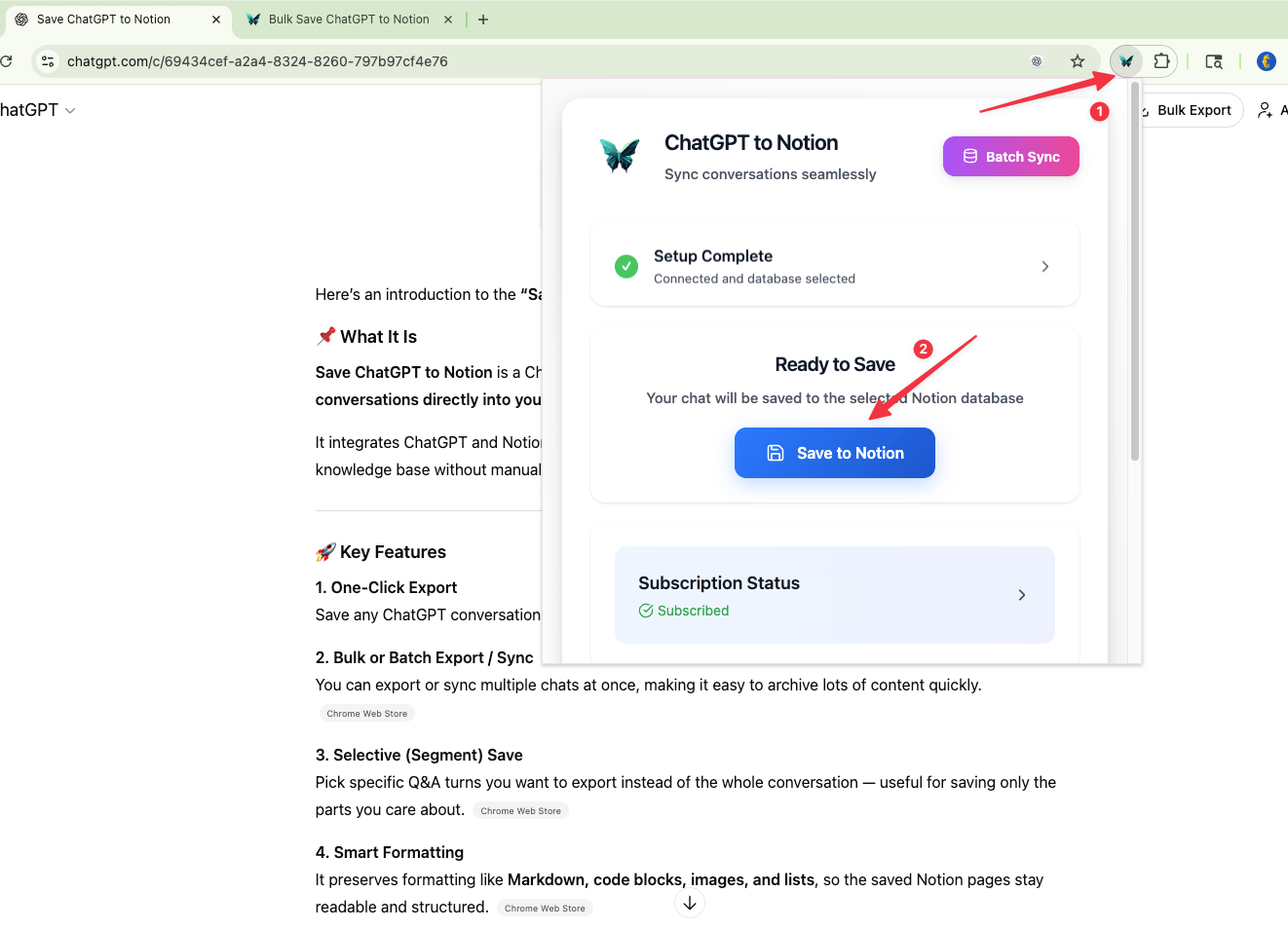
- Use ChatGPT to Notion to export the current chat.
- Review the saved Notion page.
- Add tags or project metadata.
For long histories, use batch sync after testing one representative conversation.
Best Notion Database Fields
| Field | Type | Purpose |
|---|---|---|
| Title | Title | Conversation name |
| Source URL | URL | Original ChatGPT conversation |
| Content Type | Select | Code, research, meeting, writing |
| Project | Select | Where the chat belongs |
| Formatting Check | Checkbox | Whether you reviewed the export |
Tips for Cleaner Exports
- Refresh ChatGPT before exporting if buttons do not appear.
- Avoid exporting while ChatGPT is still generating.
- Export complex code chats individually first.
- Use tags like
Code,Table,Research, orImage. - Keep original source URLs for traceability.
FAQ
Can code blocks be saved to Notion?
Yes. ChatGPT to Notion is built to preserve code blocks and other structured formatting better than manual copy-paste.
Can tables be exported?
Yes. Markdown-style tables and structured answers can be saved into Notion pages for later cleanup or reuse.
Can images be saved?
Image support depends on the source content and current browser permissions, but the extension is designed to preserve rich ChatGPT content where supported.
For the full workflow, see ChatGPT to Notion.