
Why AI Chat PDF Exports Miss Images
You export an AI chat as a PDF, open the file, and the text is there. But the images are gone.
Sometimes the PDF shows broken links. Sometimes image placeholders appear without the actual visual. Sometimes generated images, diagrams, source cards, or attachments disappear completely.
This is one of the most frustrating AI chat export problems because the missing images are often the most important part of the conversation.
Why Images Are Harder Than Text
Text is relatively easy to export. Images are more complicated.
AI chat platforms may display images as:
- Lazily loaded browser elements
- Temporary URLs
- Cross-origin resources
- Generated assets behind authenticated links
- Attachments stored separately from the message text
- Rich cards rendered by JavaScript
- Platform-specific artifacts or canvases
If an exporter only reads visible HTML, it may capture the text but miss the actual image data.
Common Causes
1. The Image Was Not Loaded Yet
Long AI conversations often load content only when it becomes visible. If the image was never loaded in the browser, a simple exporter may not see it.
2. The Image URL Is Temporary
Some AI apps use temporary image URLs. These may work while the chat is open but fail later inside an exported PDF.
3. The Exporter Saves Links Instead of Images
A PDF that contains image links is not the same as a PDF that contains images. If those links expire, the archive breaks.
4. The Image Is Part of a Rich Component
Claude artifacts, Perplexity source cards, Gemini generated visuals, and ChatGPT rich responses are not always plain image tags. They may be rendered by app-specific components.
5. The PDF Is Generated Remotely
If a server-side PDF generator cannot access the authenticated browser session, it may fail to fetch images that are visible to you locally.
How AIExportHub handles media-aware PDF export
AIExportHub retrieves supported protected assets through the connected signed-in source tab rather than asking an unrelated extension page to imitate the source session.
For PDF output:
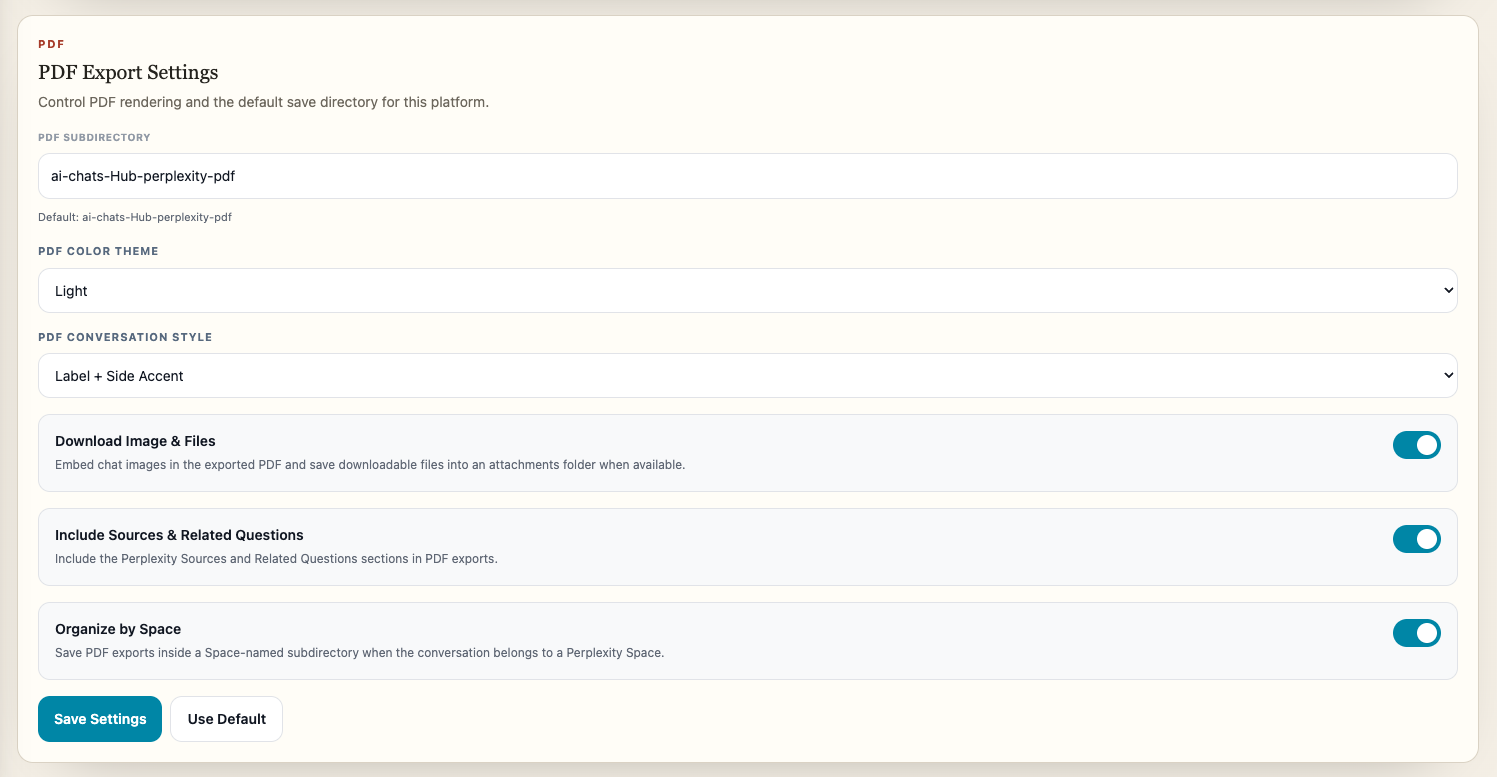
- Supported chat images are embedded in the document.
- Supported non-image files are downloaded alongside the PDF.
- Readable generated documents and code remain part of the conversation where supported.
- Repeated Claude or Perplexity asset records are deduplicated before delivery.
This does not make deleted or expired source files recoverable, but it avoids the common failure where the browser can display an asset and the exporter requests it from the wrong execution context.
How to Check Your PDF Export
After exporting, open the PDF and check:
- Are all important images visible?
- Are image links still clickable?
- Do images work after reopening the file offline?
- Are diagrams and screenshots readable?
- Are attachments or artifacts represented clearly?
If the PDF only works while you are online and logged in, it is not a durable archive.
Better Export Options
For visual conversations, choose the destination based on what you need:
| Need | Best format |
|---|---|
| Share a stable document | |
| Preserve editable structure | Notion |
| Keep local notes and links | Markdown or Obsidian |
| Save a readable local page | HTML |
Use AIExportHub for a shared ChatGPT, Claude, Gemini, and Perplexity workflow. Use ChatGPT to PDF or Export Gemini to PDF when you prefer a dedicated platform extension. Use Notion or Obsidian when the conversation belongs inside a larger knowledge system.
Final Thought
An AI chat PDF is only useful if it preserves the content that made the conversation valuable. For visual chats, do not check only the text. Check the images, links, artifacts, and source cards too.
For broader formatting guidance, read How to Export AI Chats Without Losing Code Blocks, Tables, or Images and How to Export AI Chat Images, Files, and Attachments.