
Best AI Chat Export Workflow for Researchers
Researchers use AI tools for more than quick answers.
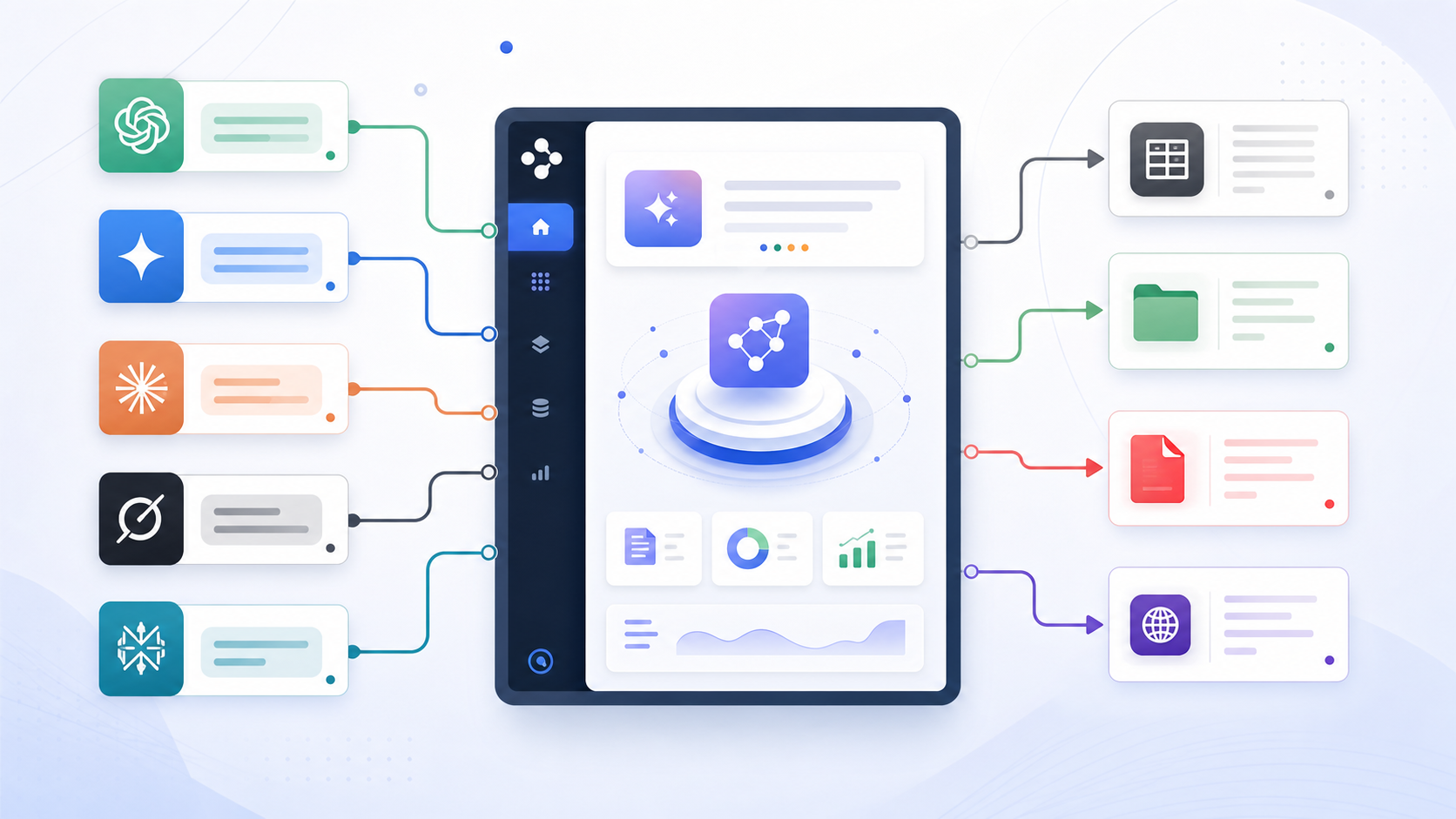
A single project may involve Perplexity for source discovery, Gemini for long explanations, Claude for synthesis, ChatGPT for outlines, and Grok for fast topic exploration.
The challenge is not using AI. The challenge is preserving the research trail.
What Researchers Need to Preserve
A research-ready AI export should keep:
- Full conversation history
- Source links and citations
- Research questions
- Long explanations
- Code or data notes
- Images and tables where supported
- Conversation titles
- Source URLs
- Export dates
- Project or topic metadata
Without these pieces, exported chats become disconnected notes.
Recommended Destinations
| Destination | Best for |
|---|---|
| Notion | Research databases and team libraries |
| Obsidian | Local Markdown notes and literature-style linking |
| Stable packets for review or sharing | |
| HTML | Local browser-readable archives |
Researchers often benefit from using more than one format. Notion can hold a research database, while Obsidian can hold a private Markdown vault.
Platform Workflow
Perplexity for Sources
Use Perplexity to Notion or Perplexity to Obsidian to preserve answers, sources, citations, and related questions.
Read How to Export Perplexity Sources to Notion or Obsidian for more detail.
Gemini for Long Explanations
Use Export Gemini to Notion, Export Gemini to Obsidian, or Export Gemini to PDF when Gemini produces long research context.
Always check long-chat completeness.
Claude for Synthesis
Use Claude to Notion or Claude to Obsidian when Claude turns research into structured summaries, drafts, or artifacts.
ChatGPT for Outlines and Coding
Use ChatGPT to Notion, ChatGPT to Obsidian, or ChatGPT to PDF for outlines, literature summaries, code, or analysis notes.
Suggested Notion Research Fields
| Field | Purpose |
|---|---|
| Topic | Research area |
| Platform | ChatGPT, Gemini, Claude, Perplexity, Grok |
| Source URL | Original AI conversation |
| Export Date | Backup date |
| Status | To review, cited, archived |
| Project | Paper, report, thesis, client |
Suggested Obsidian Structure
Research/
  AI Chats/
    ChatGPT/
    Gemini/
    Claude/
    Perplexity/
    Grok/
  Sources/
  Literature Notes/
  Drafts/
Final Thought
The best AI chat exporter for researchers is not just a downloader. It is a bridge from AI conversations into a reliable research system.
Preserve sources, context, metadata, and structure, then connect the exported material to the rest of your work.