
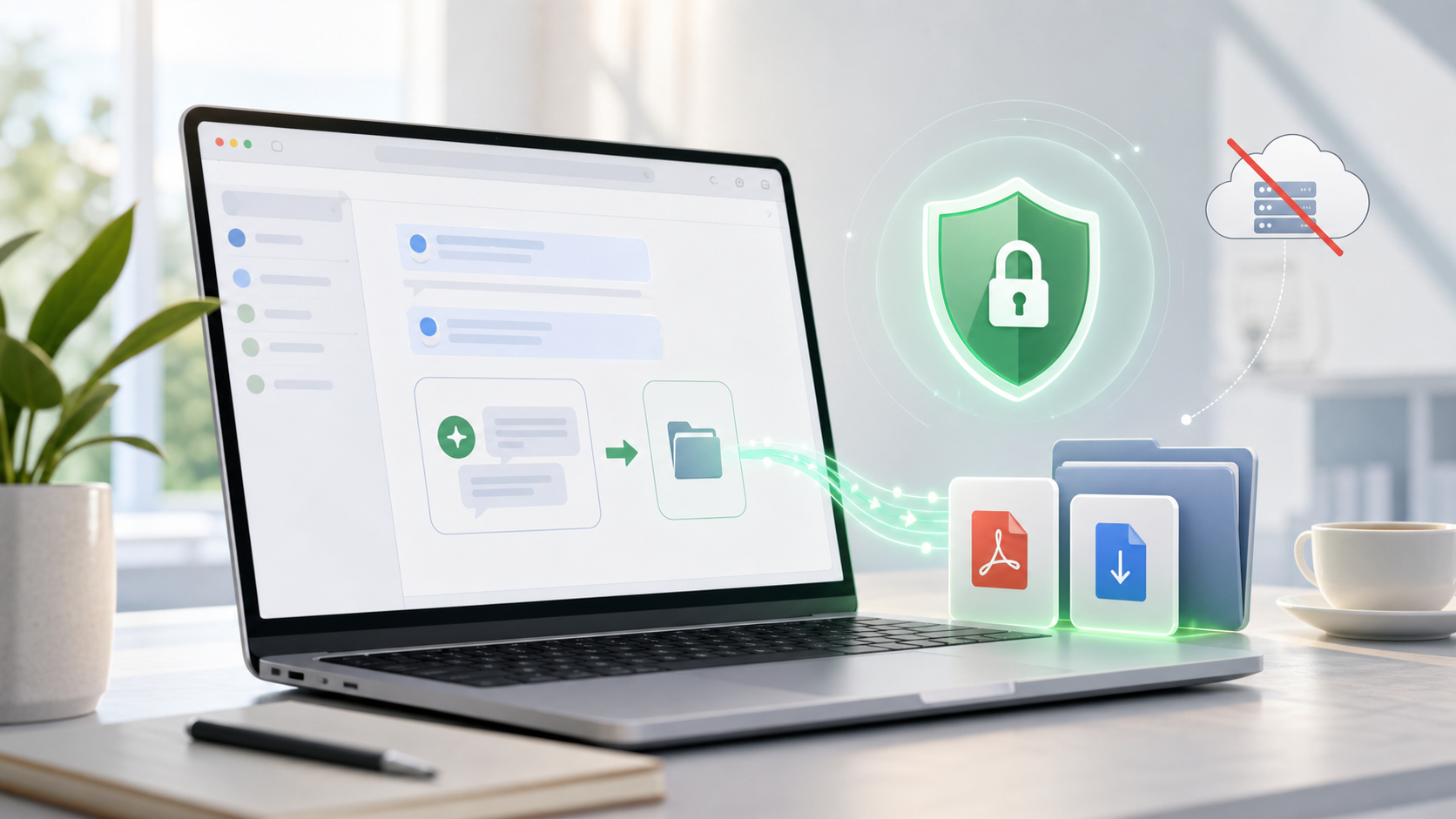
How to Export AI Chats Without Uploading Them to a Server
AI chats can contain sensitive material: client notes, code, legal research, health questions, strategy drafts, personal writing, or private study history.
Before exporting those chats, ask a simple question:
Does this export need to leave my device?
For many formats, the answer should be no.
When Local Export Makes Sense
Local-first export is a good fit when you want:
- Markdown files for Obsidian
- HTML files for a local archive
- PDF files generated in the browser
- Personal backups
- Private research storage
- Developer notes and code history
In these cases, the exporter should not need to upload your full conversation to an unknown conversion server.
Local Export vs Cloud Sync
| Workflow | Should data leave your device? |
|---|---|
| Export to Markdown | Usually no |
| Export to HTML | Usually no |
| Export to local PDF | Usually no |
| Export to Obsidian | Usually no |
| Export to Notion | Yes, because Notion is the chosen destination |
Notion export is different because the point is to save the conversation into your Notion workspace. That transfer should be explicit and user-controlled.
What to Avoid
Be careful with tools that:
- Send local PDF conversion through a remote server
- Require login for simple local downloads
- Do not explain permissions
- Add unwanted watermarks or tracking links
- Request broad access without documentation
- Hide where exported content is processed
Privacy is not only a feature. It is a product design choice.
Local-First Export Options
For local Markdown and Obsidian workflows:
- ChatGPT to Obsidian
- Export Gemini to Obsidian
- Claude to Obsidian
- Perplexity to Obsidian
- Grok to Obsidian and HTML
For local PDF workflows:
For cloud knowledge bases, use Notion exporters intentionally:
A Simple Privacy Checklist
Before exporting sensitive AI chats:
- Choose local Markdown, HTML, or PDF if you do not need cloud sync.
- Use Notion only when you want the chat in Notion.
- Check whether the exporter explains its permissions.
- Avoid tools that silently process content on remote servers.
- Review the exported file before sharing it.
Final Thought
Exporting AI chats should not require giving up control over them.
If the destination is local, the workflow should be local-first. If the destination is Notion, the data flow should be obvious. That clarity is what makes an AI exporter trustworthy.
Explore the AI exporter hub to choose a local or cloud workflow that fits your privacy needs.