
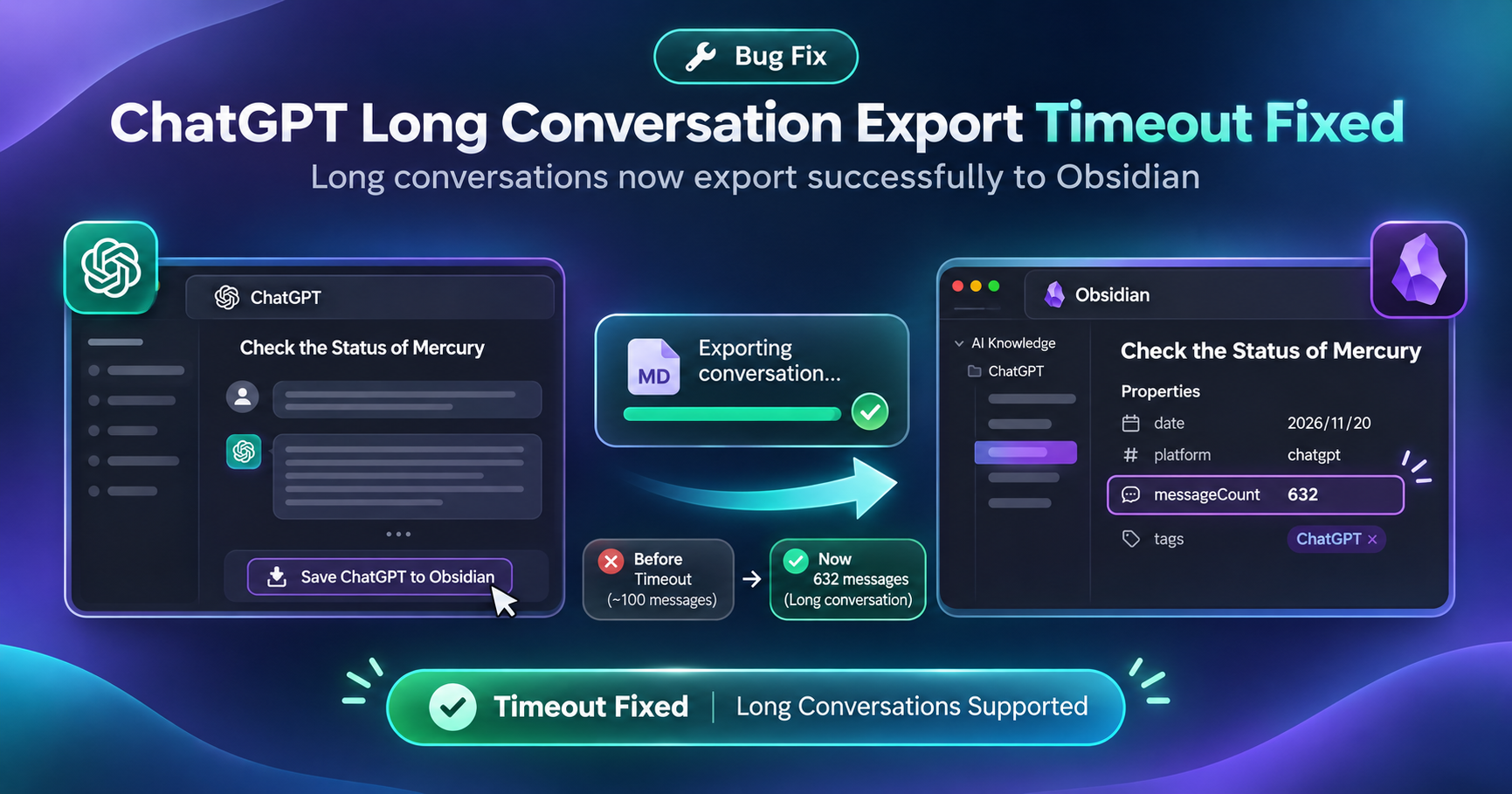
Save ChatGPT to Obsidian exports ChatGPT conversations as local Markdown notes you can open in Obsidian. A Chrome Web Store reviewer reported that short chats saved normally, but long conversations failed with Detail exception: request time out. Reinstalling the extension made no difference.
We reproduced the failure, updated the request timeout handling, and successfully exported a 632-message conversation with the test build. We submitted the fix to the Chrome Web Store.

Why the ChatGPT export failed
The extension had a 10-second limit for fetching conversation data. In our test, fetching a very long chat took more than 16 seconds. The extension stopped waiting before the conversation data finished loading, so it never reached the step that writes the Markdown note.
What changed in the extension
We gave slower conversation requests more time to complete. With the updated build, the request finished and the extension saved the note. The 632-message test confirms that the change resolved the timeout in this case. Export times for larger chats can still vary with the response time and network conditions.
How we verified the 632-message export
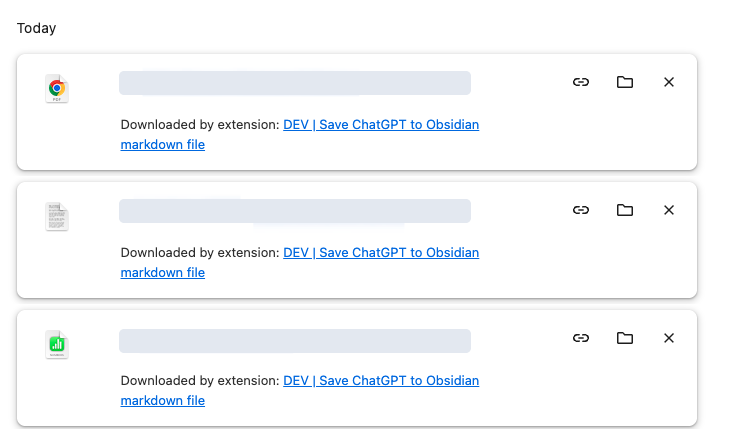
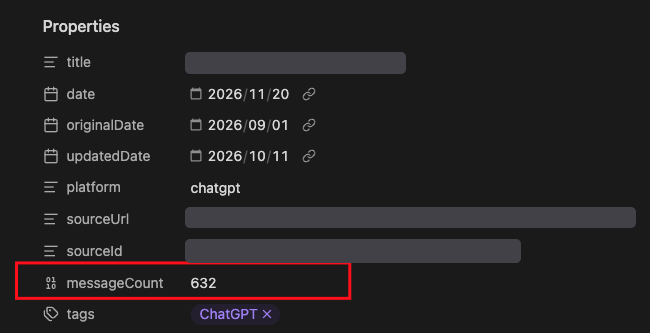
Chrome’s download history showed files downloaded by the test build. We then opened the exported Markdown note in Obsidian and checked its Properties panel. The messageCount field showed 632.
What to do if your export still times out
- Check for the update. Look under Details on the Chrome Web Store listing for the published version. Once the fix is available, Chrome can update it automatically. To check manually, open
chrome://extensions, turn on Developer mode, and click Update. - Reload the ChatGPT tab and retry. Open the same conversation and run the export again.
- Send a useful bug report. If the export still fails, contact support with your extension version, the approximate message count, and the exact error text or a screenshot with private details removed.
Thanks to the reviewer who pointed out that short chats still worked. That detail helped us reproduce the failure.
Export a long ChatGPT conversation to Markdown
Install Save ChatGPT to Obsidian, open the conversation in ChatGPT, and select Save Markdown in the extension. Open the downloaded .md file in Obsidian to keep the thread with the rest of your notes.
For exports to Notion or PDF, or for chats from Claude, Gemini, or Perplexity, explore AI Exporter Hub.