
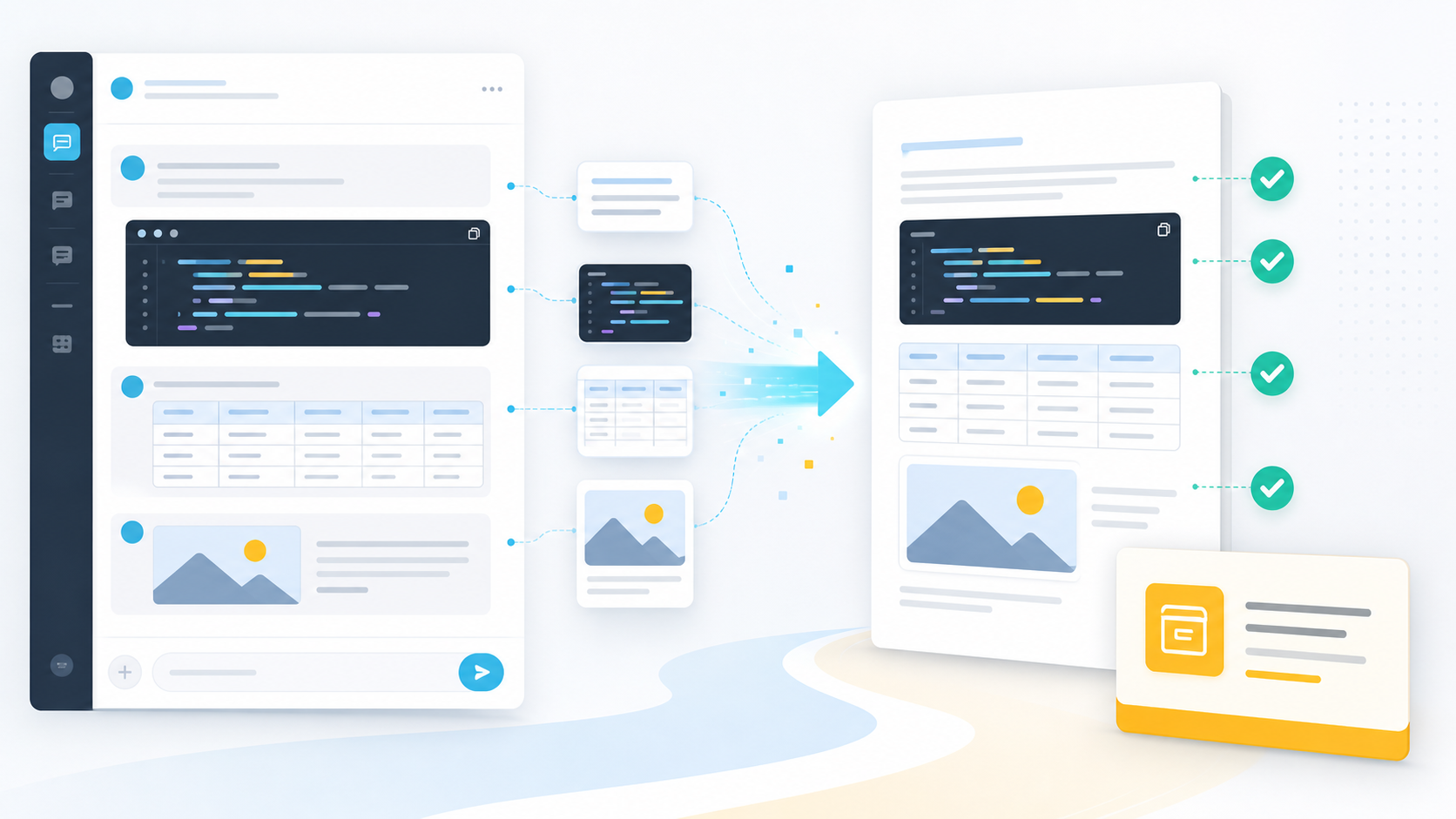
How to Export AI Chats Without Losing Code Blocks, Tables, or Images
Bad AI chat export usually looks fine at first.
Then you open the file and notice the problems: code blocks are flattened, tables are unreadable, images are missing, links are broken, or the conversation has become one long wall of text.
For serious work, formatting is not decoration. It is part of the meaning.
Why Formatting Breaks
AI chat apps render rich content in the browser:
- Syntax-highlighted code blocks
- Markdown tables
- Images
- LaTeX and math
- Source cards
- Attachments
- Claude artifacts
- Perplexity citations
Manual copy-paste often loses that structure. Simple HTML scrapers can also miss content when the page uses lazy rendering or platform-specific components.
What High-Fidelity Export Should Keep
A high-quality AI chat export should preserve:
- Code fences and language hints where possible
- Table rows and columns
- Image references or embedded images where supported
- Links and citations
- Headings and nested lists
- User and assistant roles
- Message order
- Conversation title and source URL
The goal is not just to save words. The goal is to save usable context.
Choose the Right Format
| Format | Best for formatting |
|---|---|
| Markdown | Code, tables, Obsidian, developer notes |
| Notion | Databases, rich pages, team knowledge |
| Stable visual documents and sharing | |
| HTML | Local readable archives with structure |
If your conversation contains lots of code, Markdown or Obsidian is usually the best destination. If it is a client-facing summary, PDF may be better. If it belongs in a team database, Notion is the natural choice.
Platform-Specific Notes
ChatGPT conversations often include code, tables, Projects, Group Chats, and Deep Research. Use ChatGPT to Notion, ChatGPT to Obsidian, or ChatGPT to PDF depending on your destination.
Gemini conversations can become very long and research-heavy. Use Export Gemini to Notion, Export Gemini to Obsidian, or Export Gemini to PDF.
Claude chats may include artifacts and polished writing. Use Claude to Notion or Claude to Obsidian.
Perplexity conversations depend on sources and related questions. Use Perplexity to Notion or Perplexity to Obsidian.
Grok conversations can be archived with Grok to Notion or Grok to Obsidian and HTML.
Export Checklist
After exporting, check:
- Are code blocks still separated from normal text?
- Are tables readable?
- Are important images or links preserved?
- Are user and assistant messages clearly separated?
- Does the file include the full conversation?
- Is the file name easy to recognize later?
If a tool fails these checks, it may be useful for short notes but risky for technical or research work.
Final Thought
High-fidelity export is not about making the document pretty. It is about preserving enough structure that the conversation remains useful months later.
Choose an exporter built for the destination you actually use: Notion, Obsidian, Markdown, PDF, or HTML.