
Overview & Output Format
Learn how Midjourney to Obsidian exports single creations and complete history as Markdown notes with structured frontmatter and local image attachments.
Midjourney to Obsidian creates a portable local archive from Midjourney Jobs, supported Discord messages, or an available paginated history.
Export workflows
| Workflow | Output |
|---|---|
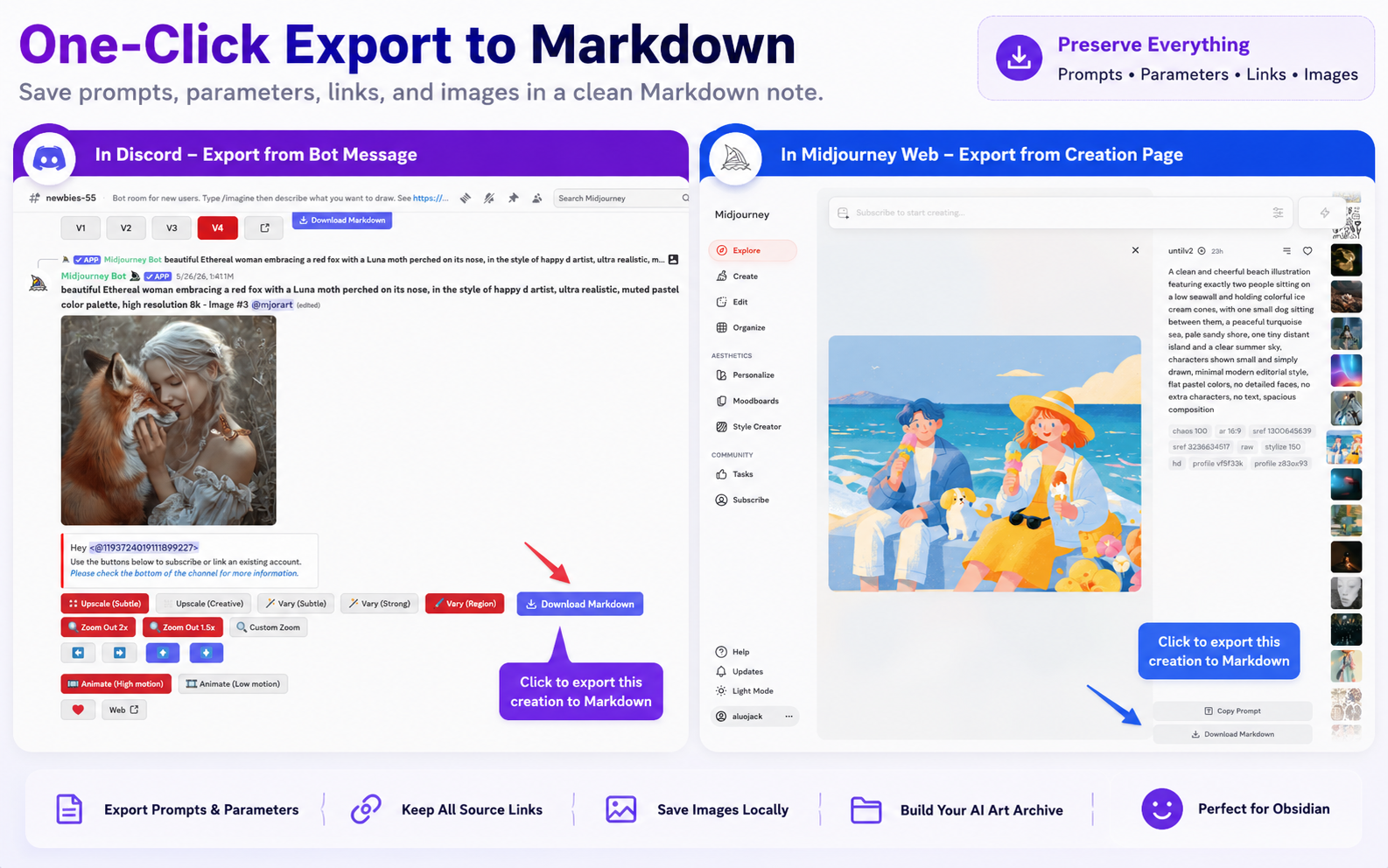
| Midjourney Job single export | One Markdown note and optional local image |
| Discord single export | One Markdown note, image, message time, and source link |
| Latest page | Up to the latest 1,000 available creations |
| Complete archive | Follows every available Midjourney cursor until finished or cancelled |
Markdown structure
Each note includes readable sections for the prompt, parameters, links, and preview. YAML frontmatter can include:
titledatetagspromptattributesmj_urlsourcesource_urlmedia_typeimage_urllocal_imagevideo_url
The exporter escapes complex prompt values so quotes, slashes, and line breaks do not create invalid YAML.
Local-first behavior
Markdown and enabled image downloads are saved through Chrome’s Download API. A default archive looks like:
Downloads/
  midjourneyObsidian/
    prompt-title-2026-07-24-17-55.md
    assets/
      2026-07-24/
        creation-id.png
The Markdown uses the relative local image path when the image download succeeds and keeps the remote URL as a reference.
Recommended setup
- Install and recognize Midjourney.
- Configure Markdown and image storage.
- Export one creation and open the note in Obsidian.
- Run latest-page or complete batch export.
Ready to try Midjourney To Obsidian?
Open the product page for feature details, screenshots, pricing, and the Chrome Web Store install link.