
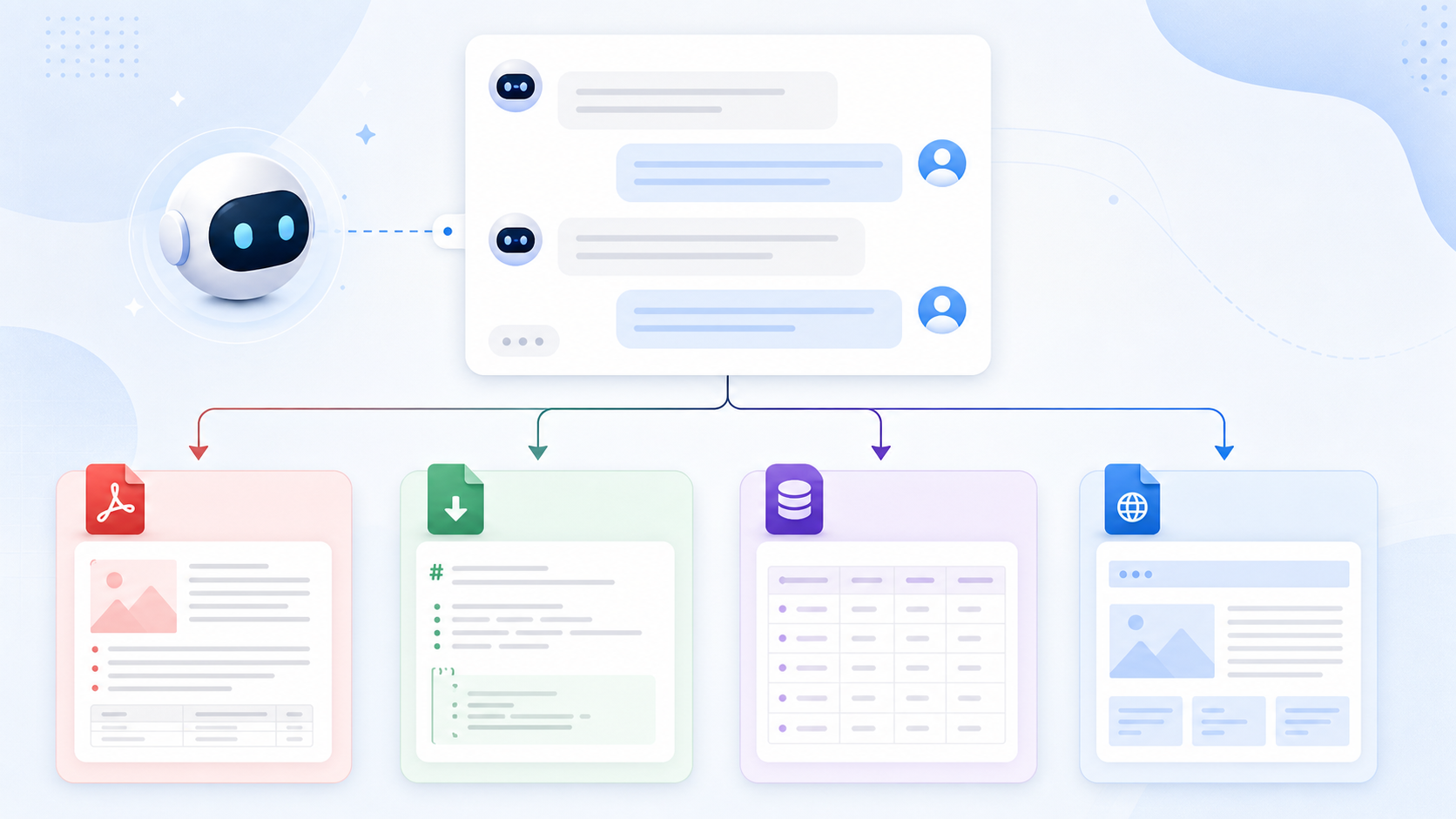
AI Chat Backup Checklist: What Every Export Should Preserve
AI chat backup is easy to underestimate.
You click export, download a file, and assume the conversation is safe. But a backup is only useful if it is complete, readable, private, and easy to find later.
Use this checklist before trusting any exported AI conversation.
1. Completeness
Check that the export includes:
- First prompt
- Final answer
- All middle messages
- Full long conversation history
- Regenerated or edited context where relevant
- Images, attachments, or artifacts where supported
If the first prompt is missing, the export is not complete.
2. Formatting
Check that the export preserves:
- Code blocks
- Tables
- Lists
- Headings
- Links
- Images
- Math or LaTeX where supported
- Speaker roles
Formatting is part of meaning, especially for technical, research, and writing workflows.
3. Metadata
A good backup should include:
- Conversation title
- Source platform
- Source URL
- Export date
- File name or page title
- Destination format
Metadata makes the archive searchable later.
4. Destination Fit
Choose the right destination:
| Destination | Use it for |
|---|---|
| Notion | Searchable databases and team workspaces |
| Obsidian | Local Markdown vaults and second brains |
| Sharing, printing, stable records | |
| HTML | Local readable archives |
| Markdown | Portable plain-text storage |
For a full comparison, read PDF vs Markdown vs Notion: Which AI Chat Export Format Is Best?.
5. Privacy
Ask:
- Does local export stay local?
- Does Notion export go only to your Notion workspace?
- Are permissions explained?
- Is PDF generated locally or remotely?
- Are sensitive chats uploaded unnecessarily?
Privacy should be designed into the workflow, not added as an afterthought.
6. Searchability
A useful archive should be easy to search by:
- Platform
- Topic
- Project
- Date
- Client or class
- Source URL
- Format
If you cannot find a chat later, the backup did not fully solve the problem.
7. Repeatability
A reliable export should produce consistent results.
If the file changes depending on how far you scrolled, how long the page stayed open, or whether images happened to load, the workflow may be too fragile for serious backup.
Recommended Export Hub
Use the exporter that matches your source and destination:
- ChatGPT to Notion
- ChatGPT to Obsidian
- ChatGPT to PDF
- Export Gemini to Notion
- Export Gemini to Obsidian
- Export Gemini to PDF
- Claude to Notion
- Claude to Obsidian
- Perplexity to Notion
- Perplexity to Obsidian
- Grok to Notion
- Grok to Obsidian and HTML
Final Thought
The point of AI chat backup is not just to create files. It is to keep your AI-generated knowledge complete, private, searchable, and reusable.
Use this checklist whenever you evaluate an AI exporter.