
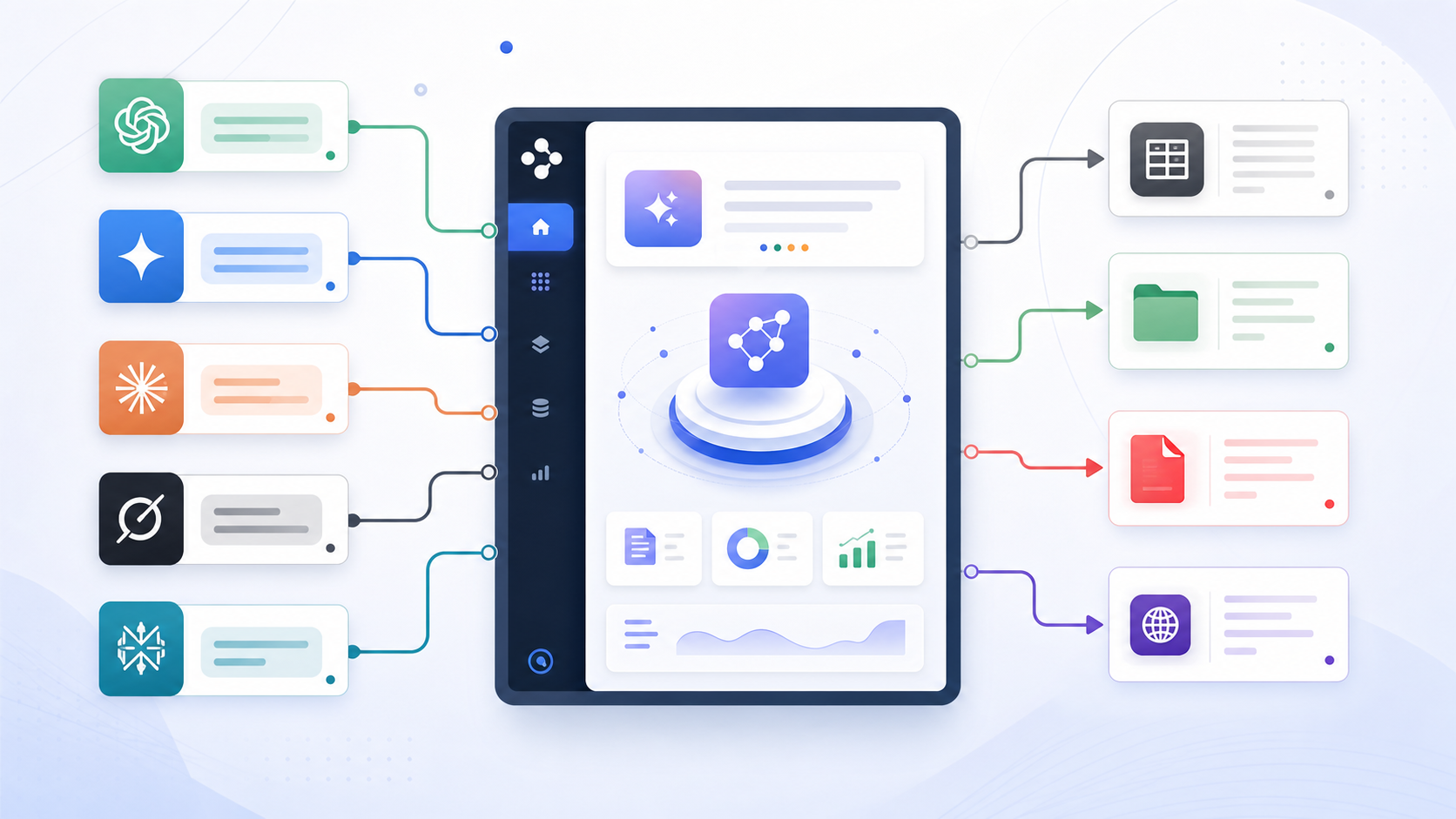
How to Export ChatGPT, Gemini, Claude, Grok, and Perplexity Chats
Most AI users no longer live inside one chatbot.
ChatGPT may be your coding assistant. Gemini may handle long research. Claude may produce polished writing and artifacts. Perplexity may collect sources. Grok may help with current topics.
The problem is that your knowledge becomes scattered across five sidebars.
This guide shows how to think about multi-platform AI chat export.
Choose by Source and Destination
The right exporter depends on two questions:
- Which AI platform is the conversation from?
- Where do you want to save it?
Common destinations include:
- Notion for searchable databases and team workspaces
- Obsidian for local Markdown vaults
- PDF for sharing and archiving
- HTML for local readable records
- Markdown for portable plain-text storage
If your source is ChatGPT, Claude, Gemini, or Perplexity, AIExportHub provides one shared workflow for current-chat, complete-history, Selective, and supported Project, Gem, or Space exports. Grok remains available through the separate Grok-focused exporters listed below.
AIExportHub also preserves supported images, uploaded files, generated documents, citations, code assets, and other downloadable media across Notion, Markdown, Obsidian-compatible Markdown, and PDF.
Export Options by Platform
| Source | Notion | Obsidian / Markdown | PDF / HTML |
|---|---|---|---|
| ChatGPT | ChatGPT to Notion | ChatGPT to Obsidian | ChatGPT to PDF |
| Gemini | Export Gemini to Notion | Export Gemini to Obsidian | Export Gemini to PDF |
| Claude | Claude to Notion | Claude to Obsidian | Markdown workflows |
| Perplexity | Perplexity to Notion | Perplexity to Obsidian | Markdown workflows |
| Grok | Grok to Notion | Grok to Obsidian and HTML | HTML workflows |
What to Preserve
No matter which platform you use, a serious AI chat export should preserve:
- Full conversation history
- Message order
- Speaker roles
- Conversation title
- Source URL
- Code blocks
- Tables
- Images where supported
- Citations and links
- Platform-specific structures such as Claude artifacts or Perplexity sources
The destination format matters less if the source data is incomplete.
Recommended Workflows
For Knowledge Management
Use Notion when you want database fields, project organization, and shared workspaces.
Best fit:
- Teams
- Consultants
- Researchers
- Product managers
- Content calendars
For Local Second Brains
Use Obsidian or Markdown when you want local ownership, backlinks, and plain-text files.
Best fit:
- Developers
- Students
- Writers
- Privacy-conscious users
- Personal archives
For Sharing
Use PDF when you need a stable document that can be sent, printed, or reviewed without opening the original AI app.
Best fit:
- Client deliverables
- Legal or compliance notes
- Study packets
- Meeting summaries
Final Thought
An AI exporter hub should not force every user into one destination or flatten every platform collection into the same list. The whole point is to move each conversation, Project, Gem, or Space into the system where it becomes useful.
Start with AIExportHub for the four-platform workflow, or open the products page when you need a platform-specific or Grok exporter.