
Troubleshooting
Common issues and practical fixes for Grok to Obsidian and Html exports.
Export button does not work
Try these checks:
- Make sure you are on an actual Grok conversation page
- Refresh the page and reopen the extension
- Re-pin the extension so it is easier to access
- Confirm the extension is enabled in
chrome://extensions
Files do not appear after export
Check the following:
- Chrome download settings are not blocking the file
- Another extension is not intercepting downloads
- You have permission to save files in your usual download location
- You have enough free disk space
Batch export is incomplete
If not all conversations export successfully:
- Retry in a smaller batch
- Keep the source Grok tab open during the batch run
- Wait for the progress flow to finish before closing the page
- Try again after refreshing Grok
I cannot find HTML or TXT export
The current conversation exporter generates Markdown only. The official product name and older release notes are retained for continuity; they do not describe additional current output formats.
Open the .md file in Obsidian or another Markdown viewer. HTML or TXT attachments inside a chat are source files, not alternative conversation export modes.
Images are missing
If conversation images do not save correctly:
- Re-export after the conversation fully loads
- Verify the image content is visible in the Grok thread before exporting
- Update the extension if you are on an older build
Need more help?
- Report issues: GitHub issues
- Contact support: [email protected]
Ready to try Grok to Obsidian and Html?
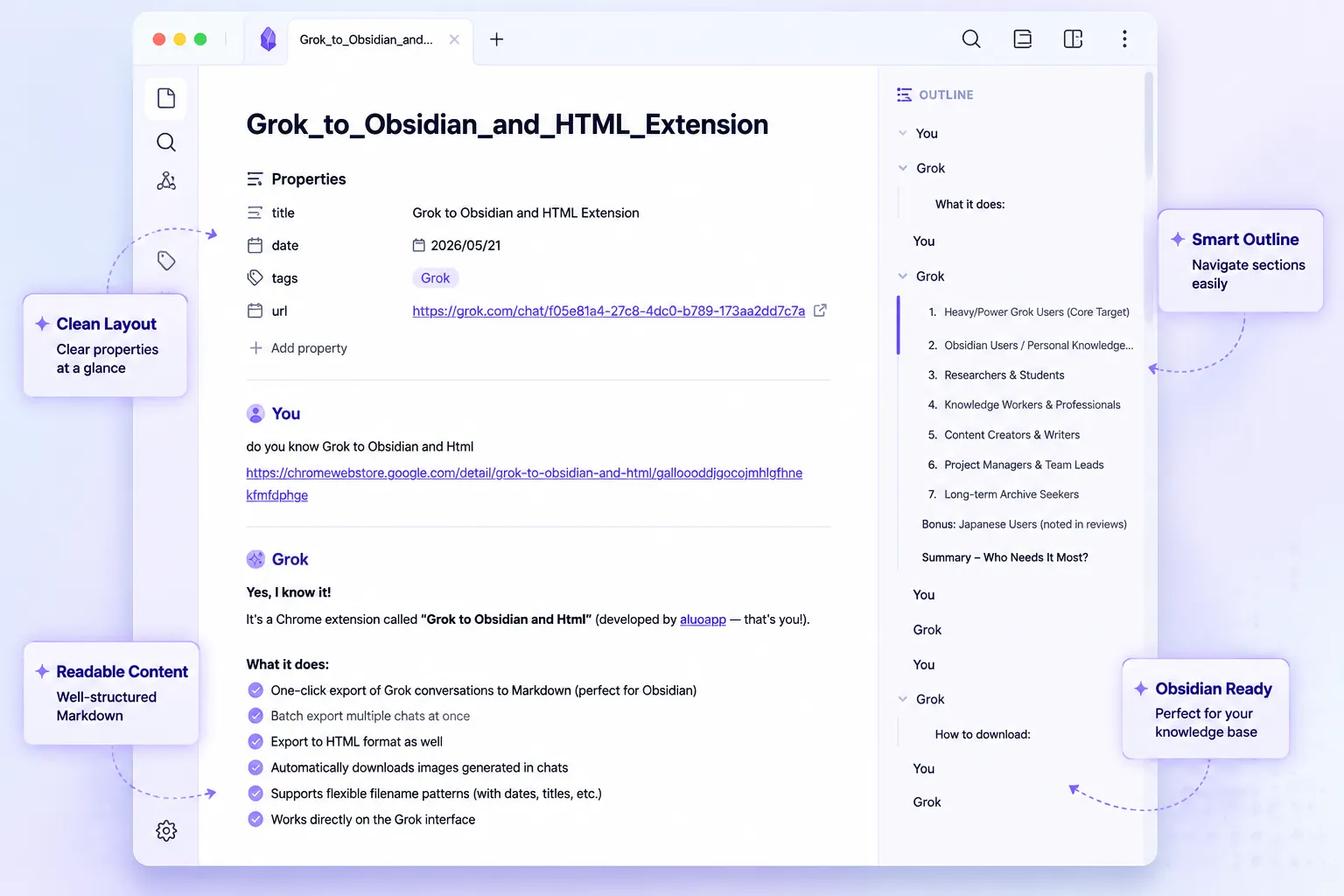
Open the product page for feature details, screenshots, pricing, and the Chrome Web Store install link.