
Overview & Getting Started
Use NotionAI Exporter to save Notion AI conversations into a structured Notion database.
NotionAI Exporter turns the conversations you create in Notion AI into durable, searchable Notion pages.
It supports:
- One-click export of the current Notion AI thread.
- Sync of opened Notion AI conversation tabs from the browser popup.
- Selective export with search and visible-item selection.
- Bulk export of the first loaded page or complete conversation history.
- Project-level export for selected Notion AI Projects and their conversations.
- Duplicate-safe sync with skip, overwrite, and new-page modes.
- Rich conversation formatting, source URLs, Projects, timestamps, message metadata, and Artifact child pages.
- Optional image and attachment uploads when the Notion session exposes them.
- Run history, progress reporting, cancellation, and recovery for larger syncs.
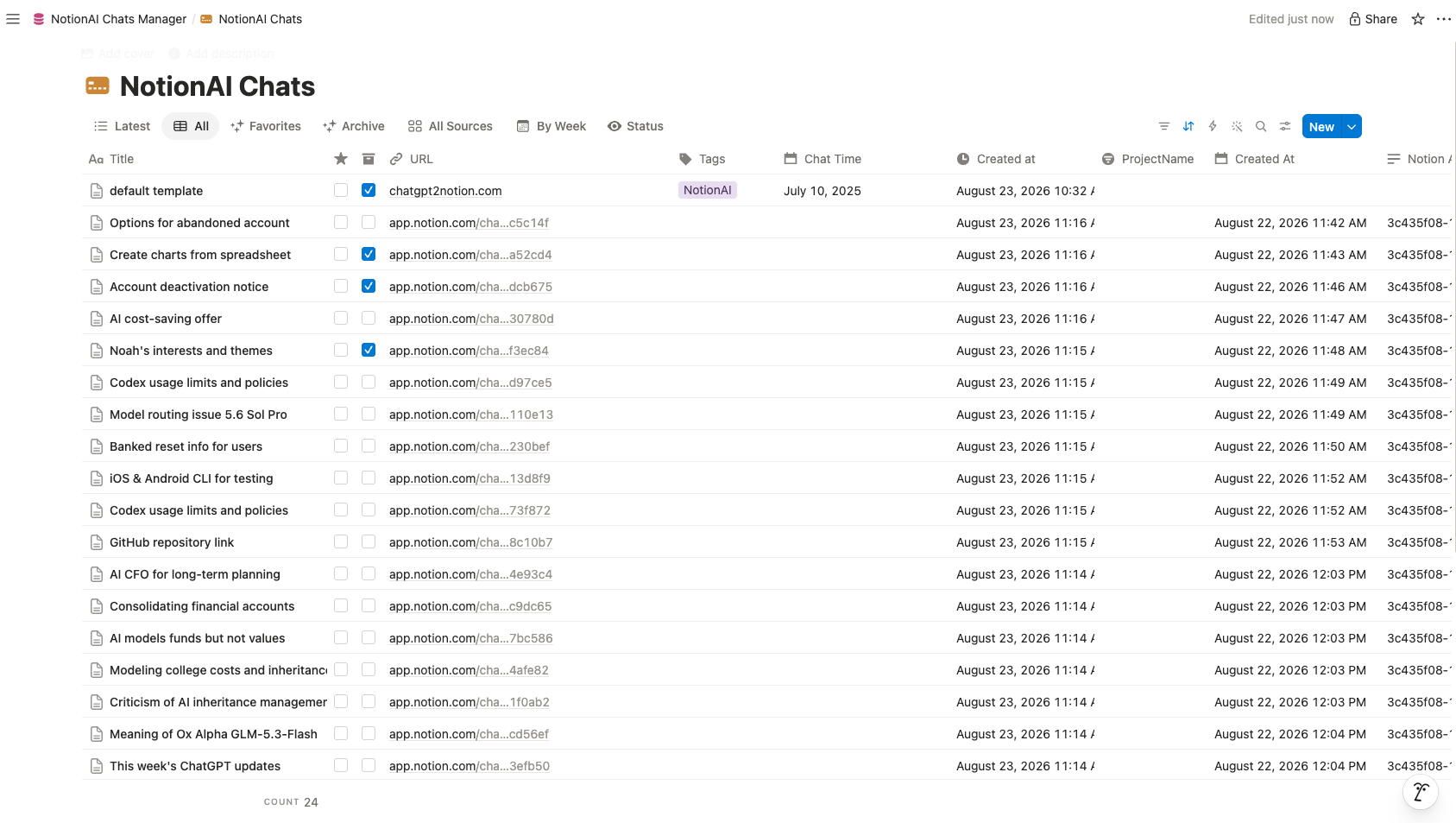
Recommended first workflow
- Install the extension and open Notion.
- Open Notion AI Chat and sign in.
- Authorize the extension with your Notion workspace.
- Choose the NotionAI Chats Manager template or another destination database.
- Export one conversation first, verify the result, then run a selective or bulk sync.
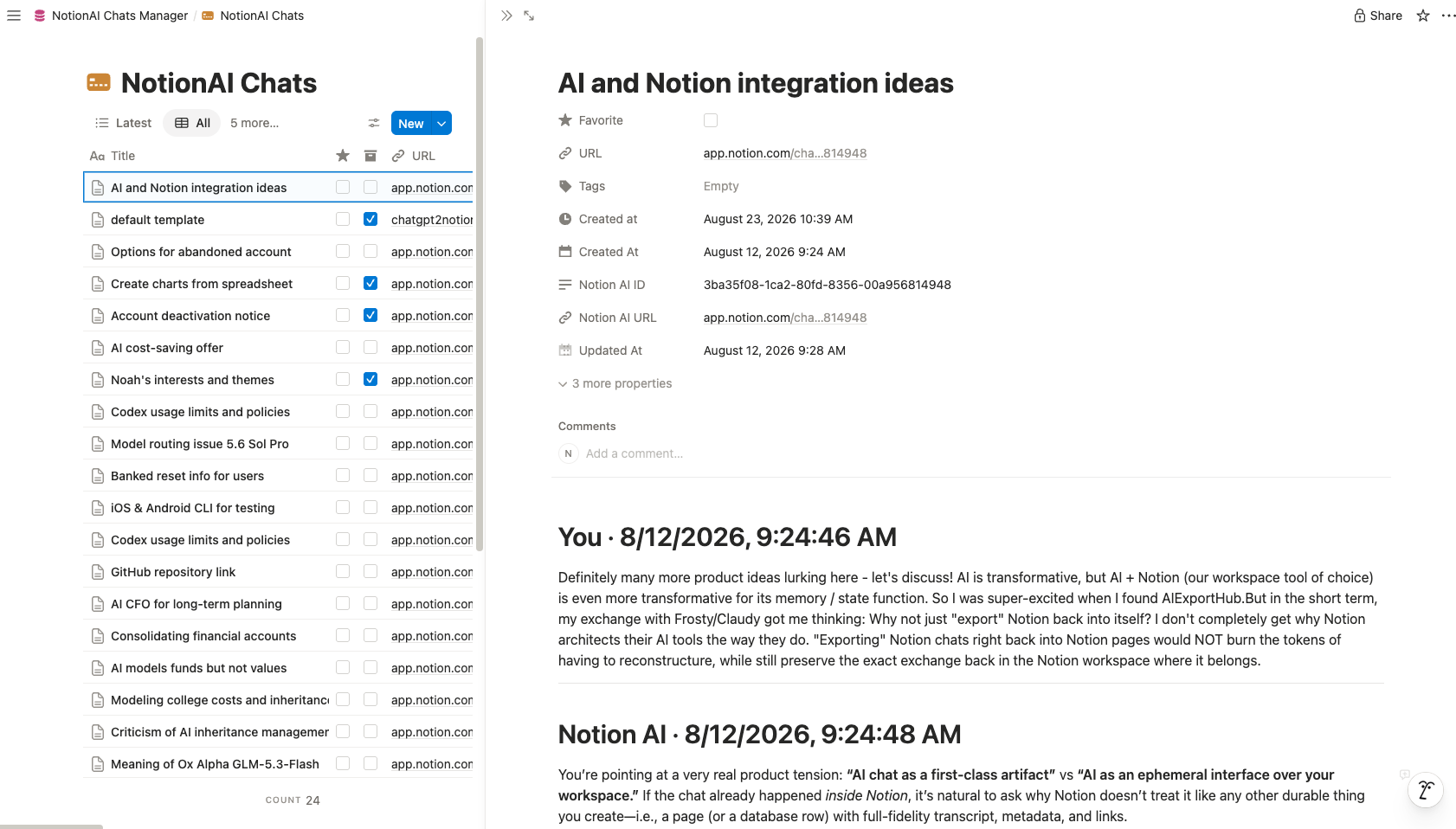
Notion template
The recommended starting point is the NotionAI Chats Manager template. Duplicate it into your workspace, then select the copied database inside the extension.
Privacy model
The extension reads the signed-in Notion AI session in your browser and writes to the Notion destination you authorize. It does not need a separate transcript storage service. Keep the source tab signed in while a sync is running.
Ready to try Notionai Export?
Open the product page for feature details, screenshots, pricing, and the Chrome Web Store install link.