
Troubleshooting and Recovery
Resolve connection, authorization, rate-limit, media-upload, duplicate, and free-plan issues.
The extension cannot read Notion AI
Open Notion AI in Chrome, sign in to the intended workspace, and refresh that tab. Return to the Sync Center and click Refresh. The source tab must remain open and signed in while a run loads conversation details.
If you switched accounts, refresh again so the extension does not keep a stale organization or conversation list. The popup’s Open Notion AI link is a quick way to restore the expected tab.
Authorization or destination is missing
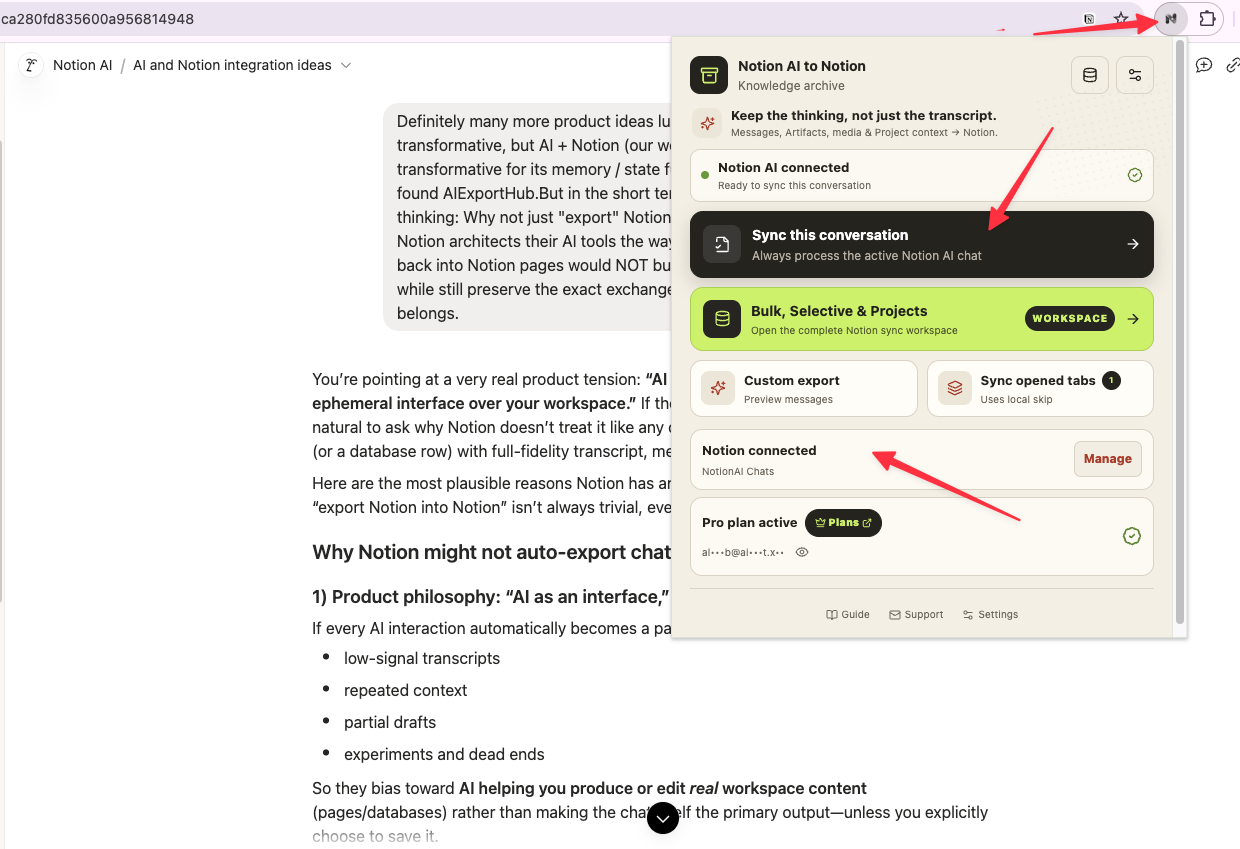
Click Add Notion access, approve the workspace in Notion, and wait for the callback at /products/notionai-export/notion-redirct. Then return to the extension, click Refresh list, and select the intended data source.
The integration must be shared with the destination database. If it is not listed, open the database in Notion, grant the integration access, and refresh the list again.
A bulk run is slow or fails to load details
Bulk modes intentionally throttle detail requests between conversations. Keep the source tab open, avoid switching Notion accounts mid-run, and let the progress panel finish its current loading stage. For a quick test, use Current page or a Selective run with one conversation before retrying All history.
Images or attachments are missing
Confirm Images and/or Attachments are enabled in Content policy. Some source assets expose only a temporary URL or no downloadable bytes; those assets may be linked, preserved as a readable child page, or reported as a warning. Reduce the scope and retry if a specific file exceeds Notion’s 20 MB direct-upload limit.
Duplicate pages were created
Set conflict behavior to Skip and keep Skip locally synced conversations enabled for normal backups. Use Overwrite when you want to refresh an existing page, or New only when separate snapshots are intentional. The extension matches conversations by their Notion AI ID, not by title alone.
The free limit warning appears
The free plan allows five lifetime successful saves. Open View Account & subscription from the progress panel, enter the subscription email, and activate Pro. You can also continue with a smaller permitted run; skipped or failed records do not count as successful saves.
Recover after cancellation
Cancelled runs leave completed pages in Notion and remain visible in Sync history. Choose Skip to resume safely, or choose Overwrite if you need to refresh pages that were partially inspected. Review the failure details before starting another large run.
Ready to try Notionai Export?
Open the product page for feature details, screenshots, pricing, and the Chrome Web Store install link.