
Export NotebookLM Content
Export NotebookLM conversations and Studio Notes as Markdown, PDF, HTML, DOCX, JSON, or TXT files.
Use the export workflow to create local files from NotebookLM conversations and Studio Notes.
Choose what to export
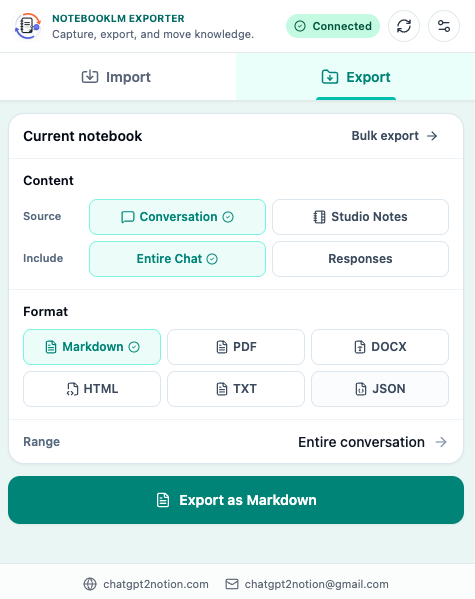
Open a NotebookLM notebook and click the extension icon. From the export tab, choose the NotebookLM content you want to save.
Common targets include:
- NotebookLM conversations
- Studio Notes
- AI-generated summaries and responses
- Selected content from a custom preview
Choose output settings
NotebookLM Hero supports multiple output formats:
- Markdown for editable local notes and Obsidian-style archives.
- PDF for stable reading copies and offline records.
- HTML for browser-readable archives.
- DOCX for document editing workflows.
- JSON for structured backups.
- TXT for lightweight plain text.
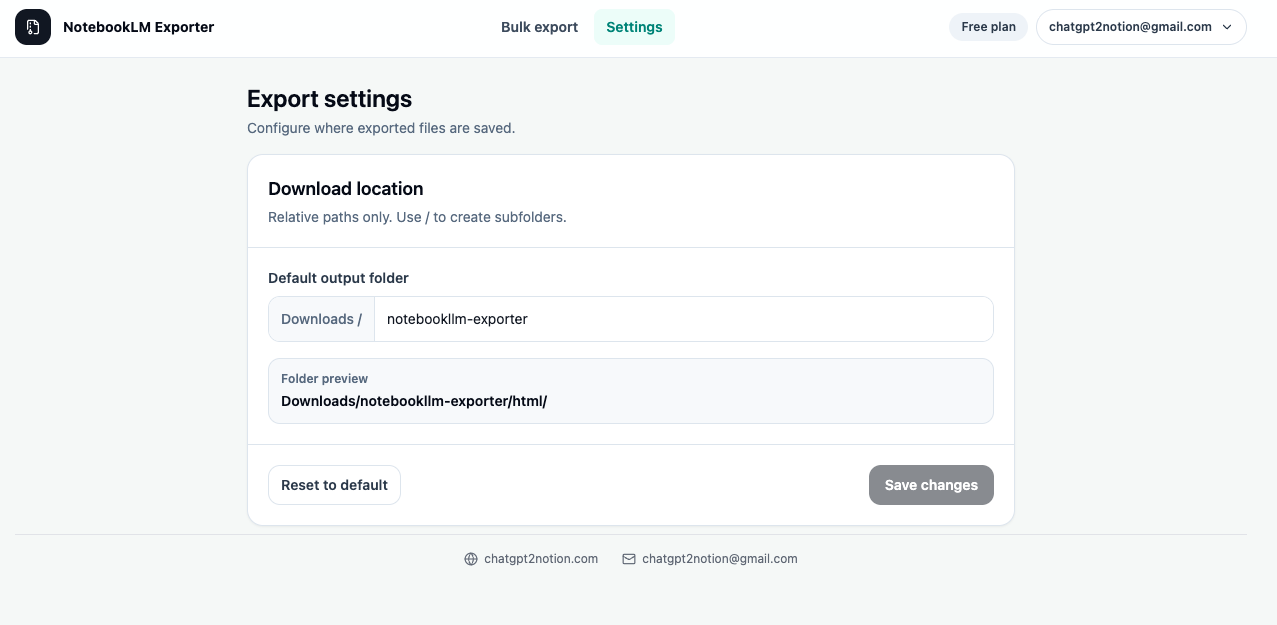
Use bulk export
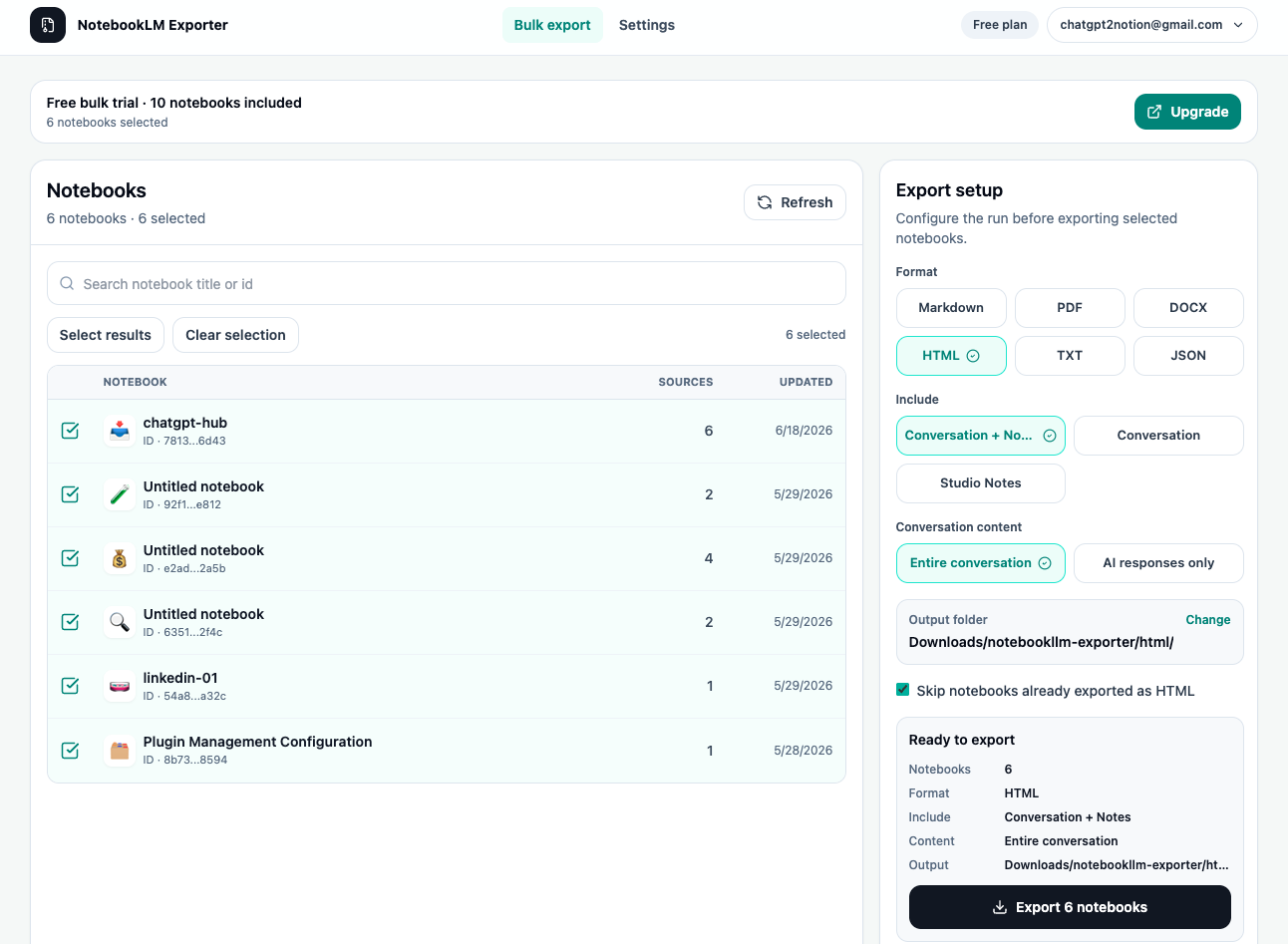
Bulk export is designed for larger archives. Use it when you want to process multiple notebooks or export many NotebookLM items in one run.
- Open the bulk export page from the extension.
- Select the notebooks or content scope.
- Choose the output format and download options.
- Start the run and keep the page open.
- Review any completion or failure status after the run finishes.
Use custom preview before export
For long notebooks, export only the parts that matter:
- Open the custom preview workflow.
- Review extracted messages or notes.
- Select the content you want in the final file.
- Export the selected range.
This keeps archives cleaner and avoids saving temporary exploration that does not belong in the final research record.
PDF export note
PDF export uses a temporary local render tab and Chrome’s print-to-PDF capability. This is why NotebookLM Hero requests debugger permission. The permission is used for PDF generation, not for recording browsing activity.
Export verification checklist
After downloading files, check:
- The filename is clear enough to identify later.
- The notebook title or source is present.
- Important messages, notes, and summaries are included.
- Code blocks, lists, and links are readable.
- PDF files open correctly if you selected PDF output.
Ready to try NotebookLM Hero?
Open the product page for feature details, screenshots, pricing, and the Chrome Web Store install link.