
Troubleshooting
Fix common NotebookLM Hero export and import issues, including page access, PDF generation, bulk export, and source import problems.
Use this page when NotebookLM Hero cannot export, import, or find the expected content.
NotebookLM export is not available
Check these first:
- Make sure you are signed in to NotebookLM.
- Open the target notebook page.
- Refresh the NotebookLM tab.
- Click the extension icon again.
NotebookLM Hero needs access to a supported NotebookLM page before it can export notebook conversations or Studio Notes.
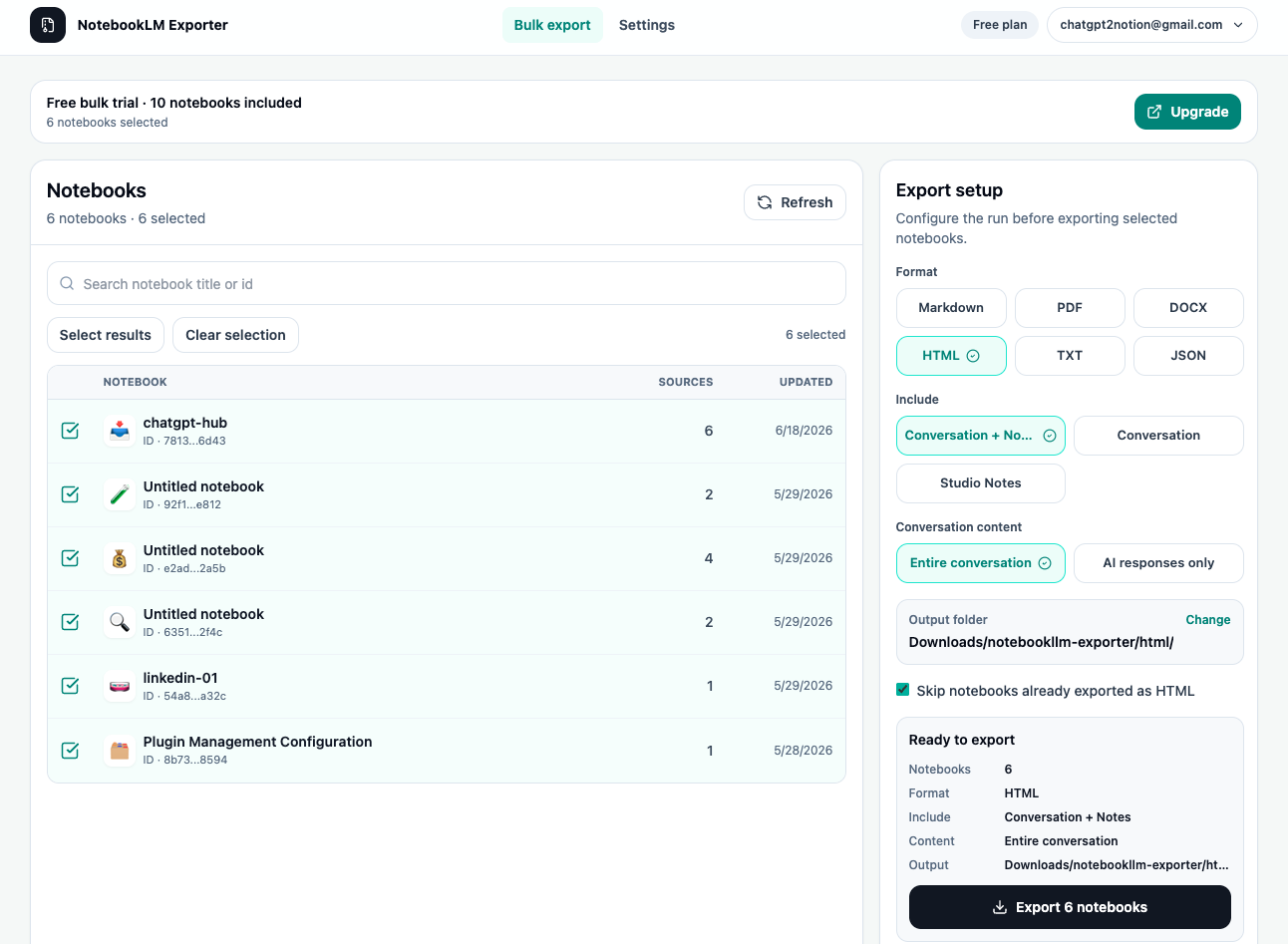
Bulk export stops or takes too long
Large exports depend on notebook count, NotebookLM response speed, selected output format, and browser stability.
Try this:
- Keep the bulk export page open.
- Export fewer notebooks in one run.
- Start with Markdown or TXT for a faster test.
- Retry failed items after the first run completes.
PDF export does not complete
PDF export uses Chrome’s print-to-PDF flow through a temporary render tab.
Try this:
- Keep Chrome open and active during PDF generation.
- Confirm the extension is still enabled.
- Retry with a smaller export scope.
- If PDF still fails, export Markdown or HTML first and keep that as a backup.
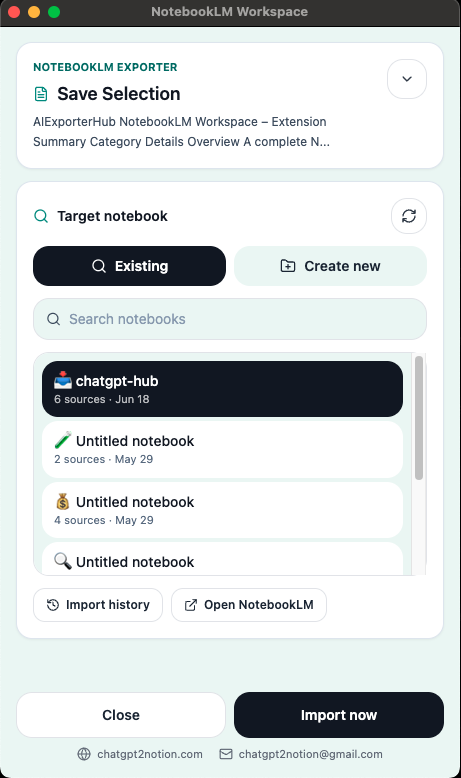
Import cannot find the right notebook
If the destination notebook does not appear:
- Confirm you are signed in to NotebookLM with the correct Google account.
- Refresh NotebookLM in another tab.
- Search for the notebook name again.
- Create a new notebook from the import workflow if needed.
Webpage import includes extra content
Some webpages contain navigation, comments, ads, and unrelated sections. If the imported source is too noisy, use highlight import instead.
AI chat import misses content
AI chat pages can change layout or lazy-load older messages.
Try this:
- Scroll through the conversation before importing.
- Refresh the page and reopen the extension.
- Use a smaller or more focused conversation.
- Copy the most important passage with highlight import if full chat import is not clean enough.
Contact support
If the issue continues, email [email protected] with:
- The source page type.
- The workflow you tried: export, bulk export, import, or highlight import.
- The output format.
- A short description of what happened.
Ready to try NotebookLM Hero?
Open the product page for feature details, screenshots, pricing, and the Chrome Web Store install link.