
Overview & Getting Started
Use NotebookLM Hero to export NotebookLM conversations and Studio Notes, then import AI chats, webpages, articles, and highlights into NotebookLM.
NotebookLM Hero is a Chrome extension for people who use NotebookLM as a research workspace. It helps you move information in both directions:
- Export NotebookLM conversations and Studio Notes as local files.
- Import useful AI chats, webpages, articles, and highlighted text into NotebookLM notebooks.
- Track import activity locally so you can confirm what was sent and where it landed.
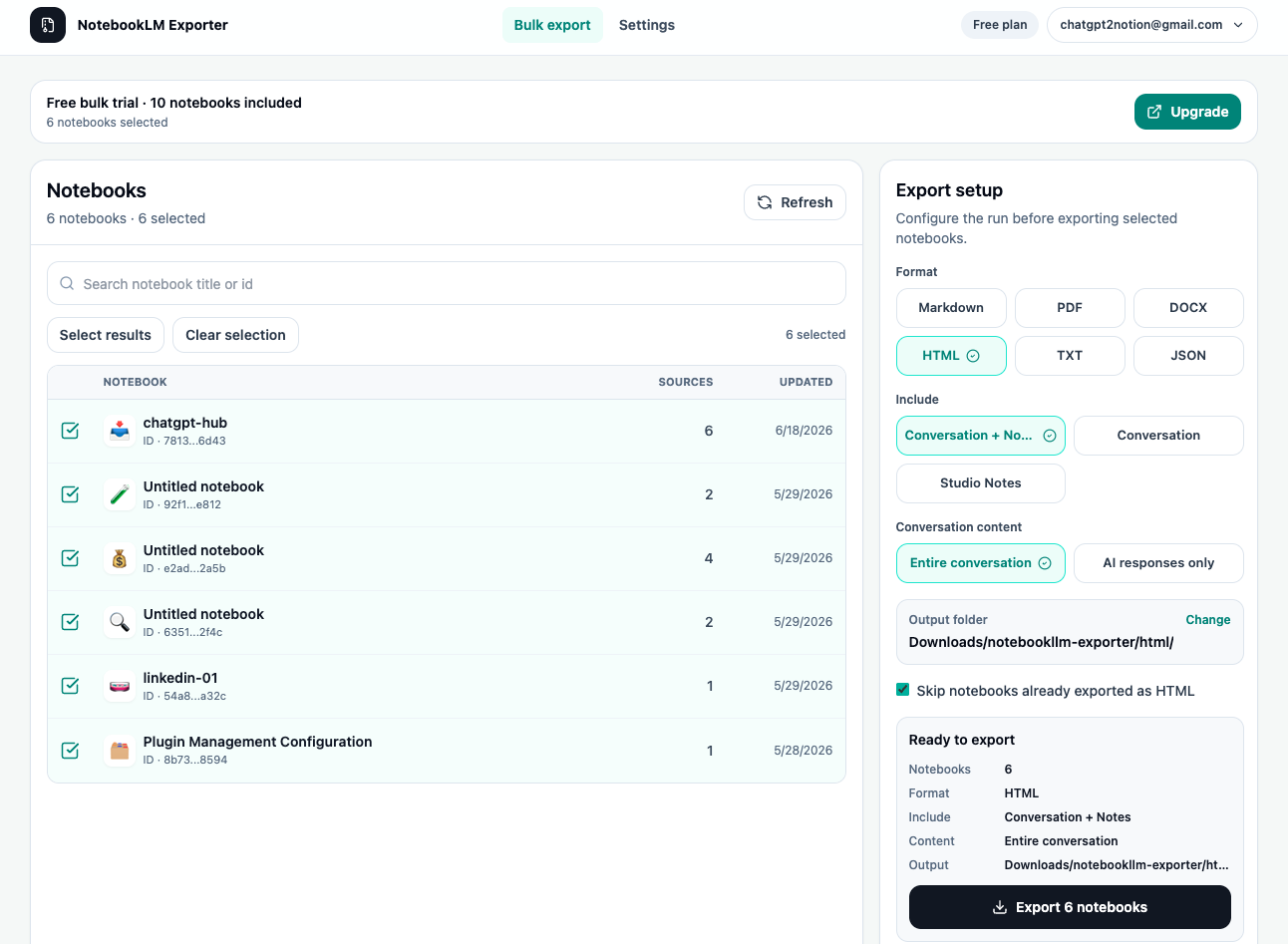
What NotebookLM Hero helps with
NotebookLM is useful while you are researching, but important work should also be easy to archive, reuse, and move into other workflows. NotebookLM Hero adds the missing workflow layer around NotebookLM:
- Back up research sessions before a project closes.
- Save NotebookLM answers, summaries, and Studio Notes as durable files.
- Collect AI chat output as NotebookLM source material.
- Send webpages, articles, and selected passages into the right notebook.
- Keep local records of import actions.
Core workflows
Export from NotebookLM
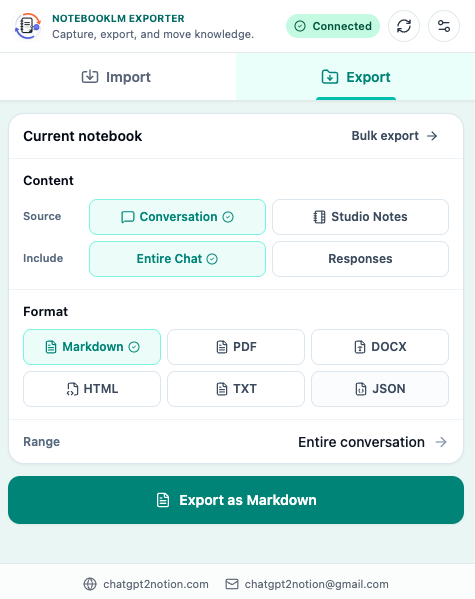
Use the export workflow when you want a local copy of NotebookLM content. The extension supports NotebookLM conversations and Studio Notes, with output formats including Markdown, PDF, HTML, DOCX, JSON, and TXT.
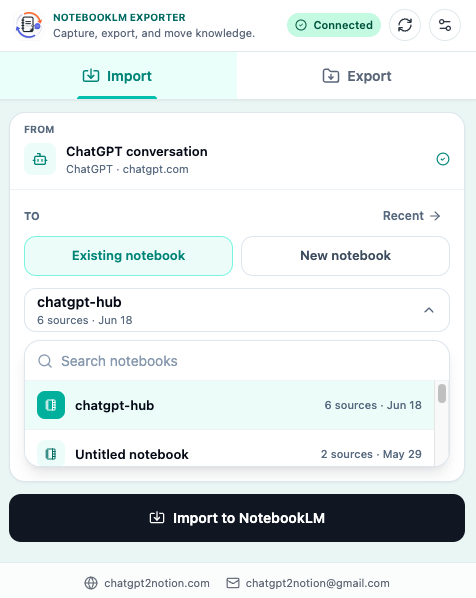
Import into NotebookLM
Use the import workflow when you find useful source material outside NotebookLM. The extension can send supported AI chats, webpages, readable articles, and selected highlights into a destination notebook.
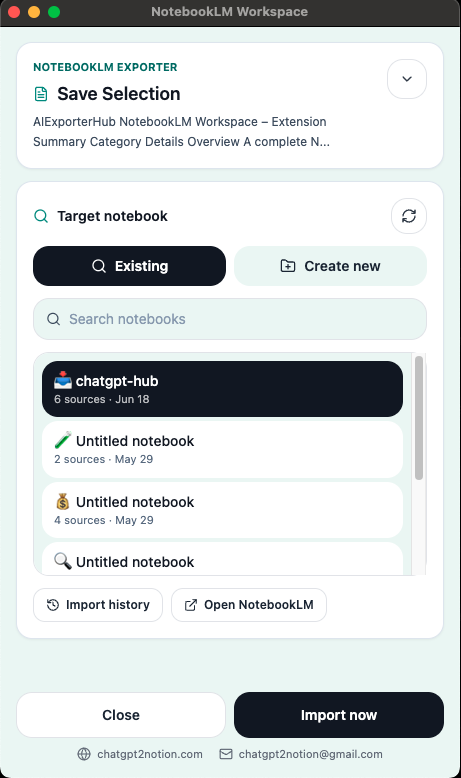
Save highlighted text
For precise research capture, select text on a page and send only that selection into NotebookLM. This is useful when a full page includes navigation, comments, or unrelated sections.
Supported source pages
NotebookLM Hero is built around NotebookLM and supported browser pages:
- NotebookLM notebook pages for export.
- ChatGPT, Claude, Gemini, and Perplexity pages for AI chat import.
- Webpages and articles for source capture.
- Highlighted text through the browser selection workflow.
Export formats
Choose the output format based on what you need next:
| Format | Best for |
|---|---|
| Markdown | Editable notes, Obsidian, Git, local knowledge bases |
| Stable reading copies, sharing, offline records | |
| HTML | Browser-readable archives |
| DOCX | Editing in Word or Google Docs-style workflows |
| JSON | Structured backups and technical processing |
| TXT | Lightweight plain text archives |
Next steps
Install the extension, open a supported page, and start with either:
Ready to try NotebookLM Hero?
Open the product page for feature details, screenshots, pricing, and the Chrome Web Store install link.