
Download ChatGPT Library Files
Use AIExportHub to download ChatGPT Library images and files with filters, progress tracking, skip-downloaded support, and optional indexes.
AIExportHub includes a dedicated ChatGPT Library downloader for files and images stored in ChatGPT Library.
Use this workflow when you need to archive generated images, uploaded files, or other ChatGPT Library assets into organized local folders.
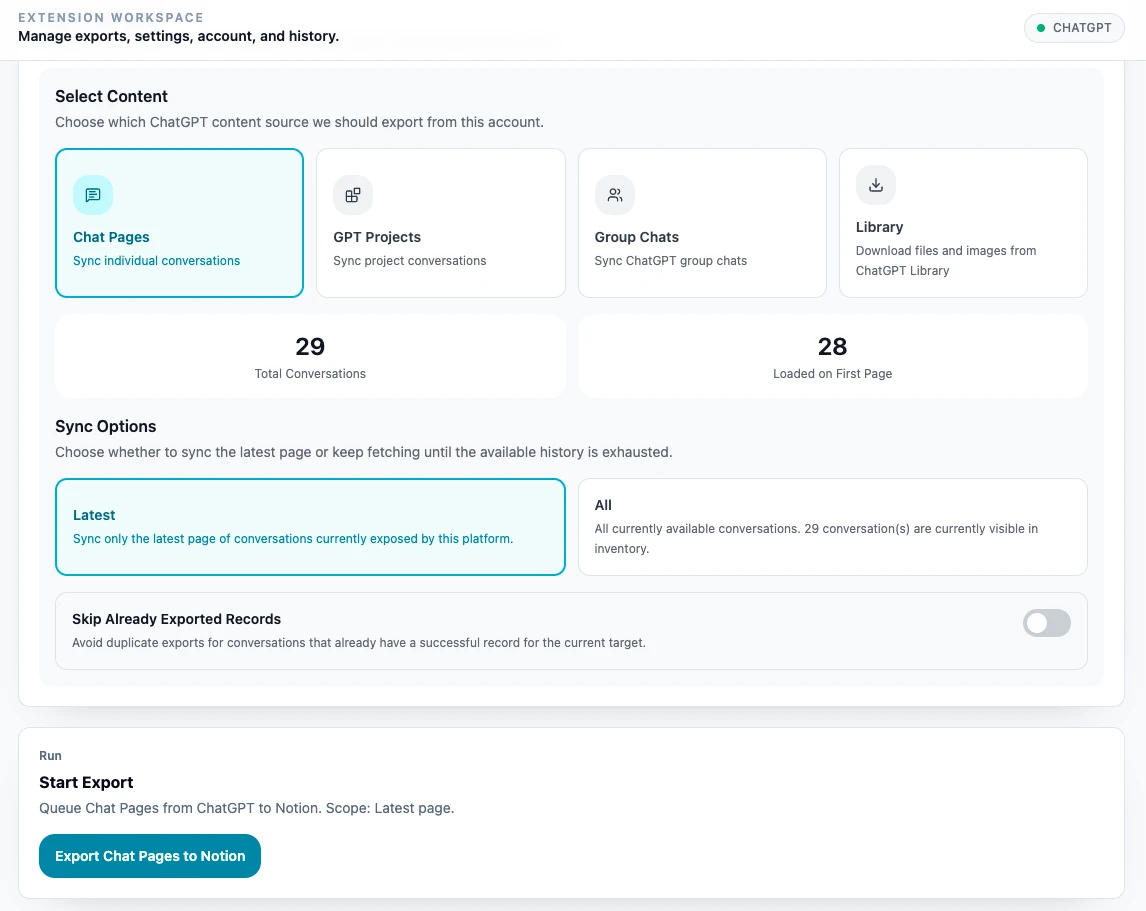
Step 1: Open ChatGPT Library
Open:
https://chatgpt.com/libraryThen open AIExportHub and go to Bulk Export Workspace. In the ChatGPT content selector, choose Library.
Step 2: Load Library items
The Library downloader can:
- Load the current Library page.
- Load the next page.
- Load all available pages.
Large libraries can take time because AIExportHub waits between page loads to keep the workflow stable.
Step 3: Filter items
Use filters before downloading:
- Keyword search.
- Category: all, images, or files.
- Updated date range.
The visible item list updates after filters are applied.
Step 4: Choose download settings
Configure:
- Download directory.
- Whether to skip already downloaded files.
- Download mode: individual files or ZIP.
- Export summary mode.
The default Library folder is:
AI-Exporter-Hub/chatgpt-libraryStep 5: Choose summary indexes
AIExportHub can create index files after a Library download:
- Markdown summary note for Obsidian-style archives.
- Browser preview page for offline browsing.
This is useful when the Library contains many images or files and you need a searchable local overview.
Step 6: Start download
Click Start download. During the run, AIExportHub shows progress, including the current item and total count.
After completion, review the summary:
- Total items
- Downloaded items
- Downloaded images
- Downloaded documents
- Skipped items
- Failed items
Tips
- Use filters before starting very large downloads.
- Keep the ChatGPT Library page open during the run.
- Turn on skip-downloaded for recurring backups.
- Use individual files for normal archives.
- Use ZIP only when you need a packaged snapshot and the batch is not too large.
Ready to try Aiexporthub Hero?
Open the product page for feature details, screenshots, pricing, and the Chrome Web Store install link.