
Overview & Getting Started
Export ChatGPT, Claude, Gemini, and Perplexity conversations, collections, images, files, and generated assets to Notion, Markdown, Obsidian, or PDF.
AIExportHub is an all-in-one Chrome extension for backing up AI conversations from ChatGPT, Claude, Gemini, and Perplexity.
Use it for a quick single-chat export, a complete supported history backup, a carefully selected group of conversations, or a platform collection such as a Project, Gem, or Space.
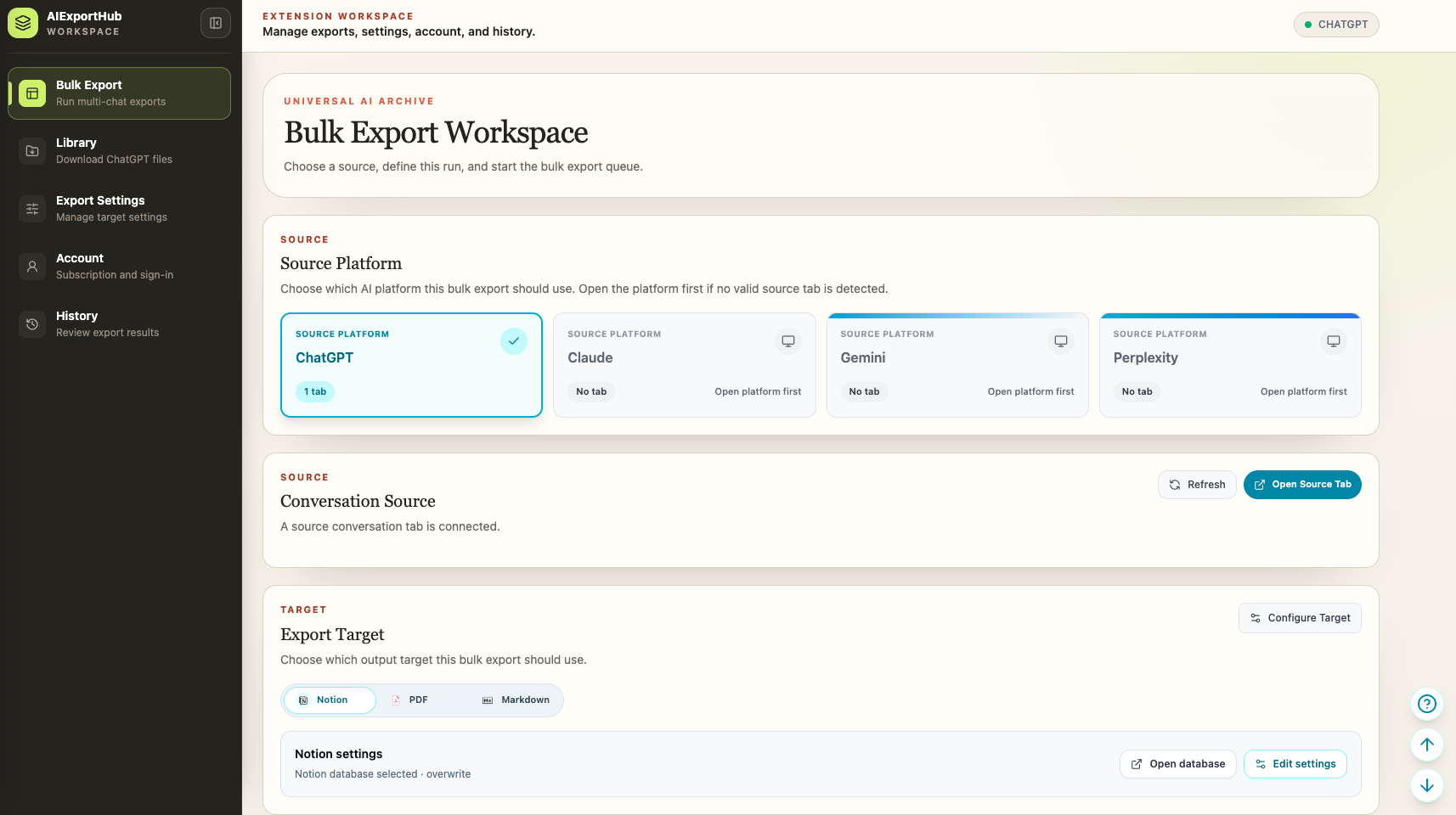
Supported platforms and collections
| Platform | Conversation workflows | Collection workflows |
|---|---|---|
| ChatGPT | Current chat, latest history, complete history, selective export | Projects, group chats, archived chats, Library images and files |
| Claude | Current chat, latest history, complete history, selective export | Complete Projects or selected Project conversations |
| Gemini | Current chat, complete history, selective export | Gems or selected Gem conversations |
| Perplexity | Current thread, all threads, selective export, date-filtered history | Conversations from selected Spaces |
Available records always depend on what the signed-in source platform returns to the connected Chrome tab.
Supported export targets
| Target | Result | Media behavior |
|---|---|---|
| Notion | Structured database pages with source and collection metadata | Upload supported images and files; preserve readable assets as child pages where useful |
| Markdown | Portable conversation notes with configurable filenames and folders | Save images and attachments in sibling folders and rewrite local links |
| Obsidian-compatible Markdown | Markdown prepared for local knowledge vaults | Keep media beside the note without requiring a proprietary service |
| Readable, stable conversation documents | Embed supported images and download non-image attachments alongside the PDF |
Image and file handling is enabled by default for Notion, Markdown, and PDF. You can change those options in Export Settings.
Choose the right export scope
Current conversation
Use the popup when the conversation already open in Chrome is the exact record you want to preserve.
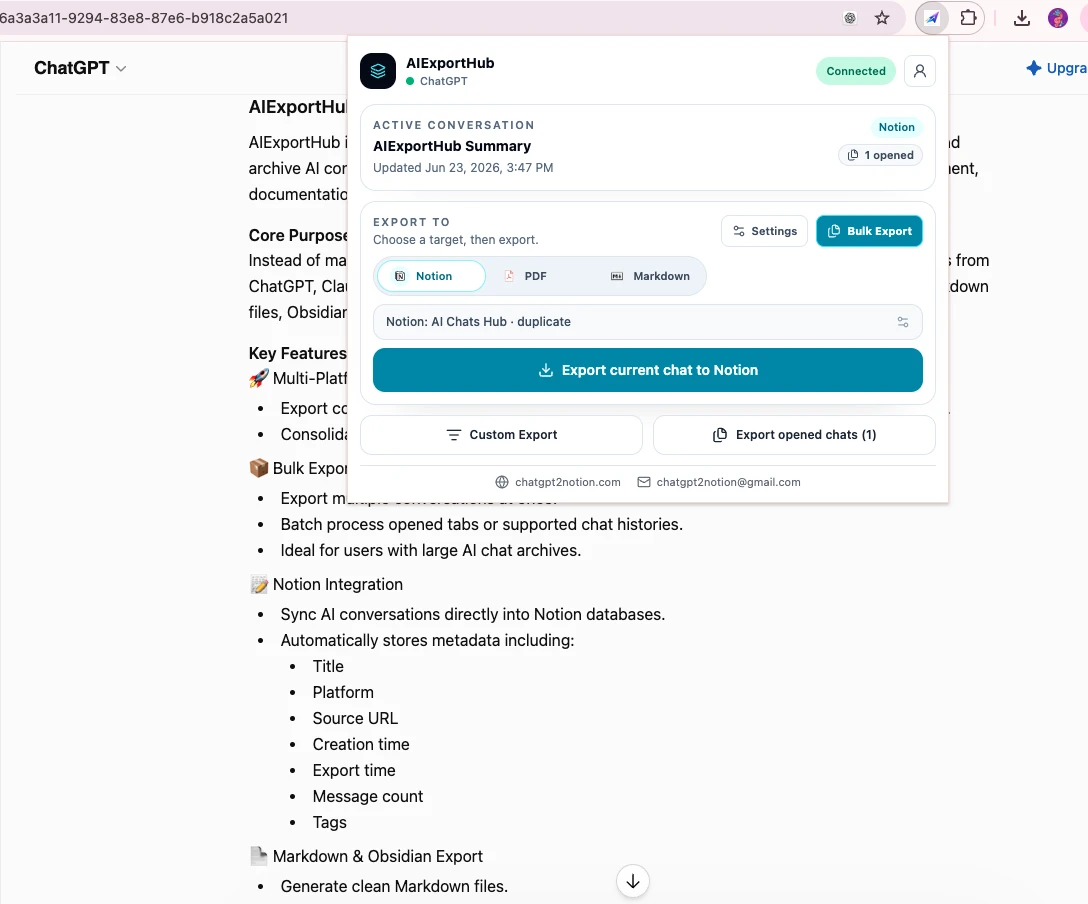
Bulk history
Use Bulk Export for the latest loaded page or complete supported history. This is best for initial backups and periodic archive jobs.
Selective Export
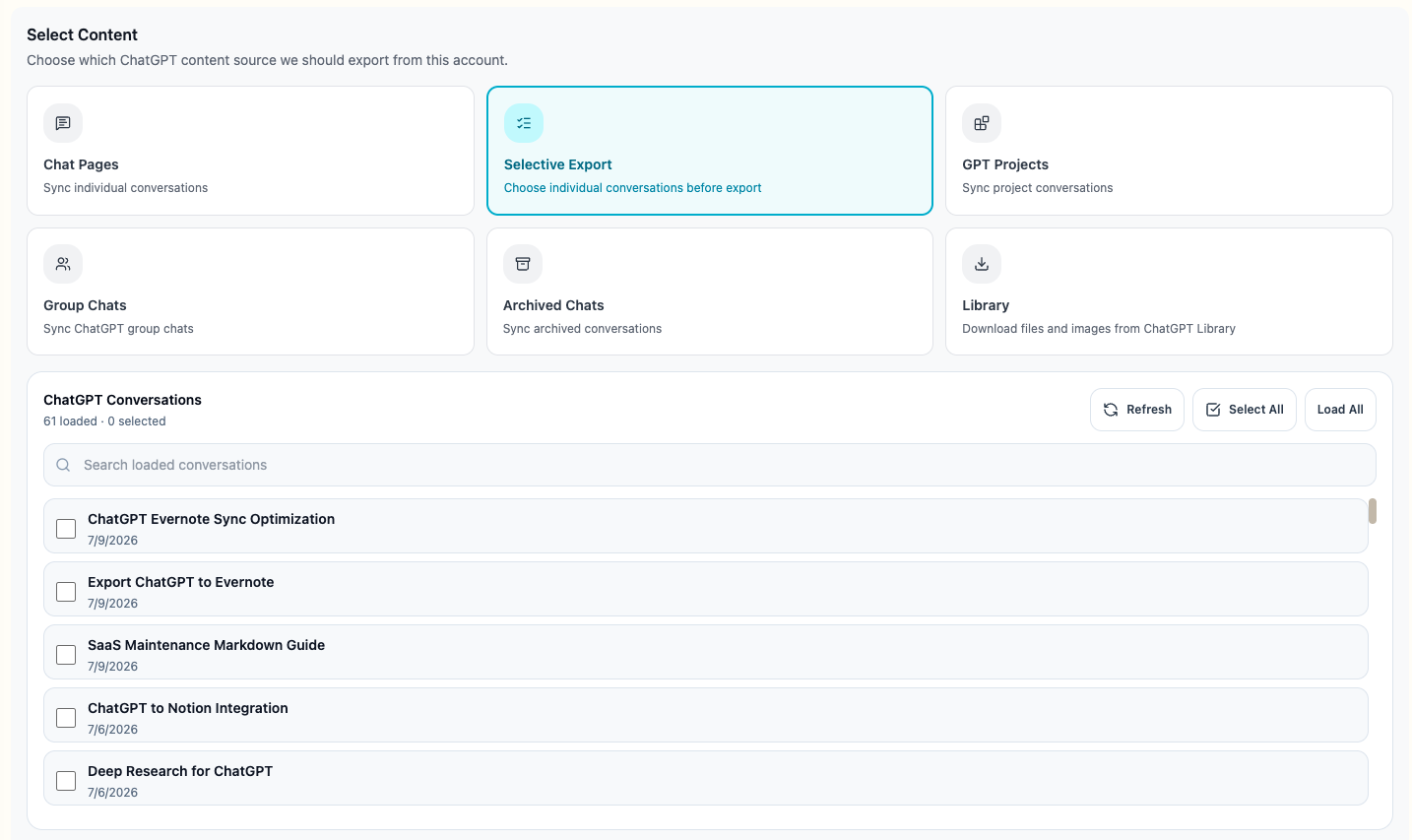
Use Selective Export when you need a topic, client, project, course, or date range rather than every conversation. Search the loaded list, select individual records, select all visible results, or load the complete supported history before choosing.
Projects, Gems, and Spaces
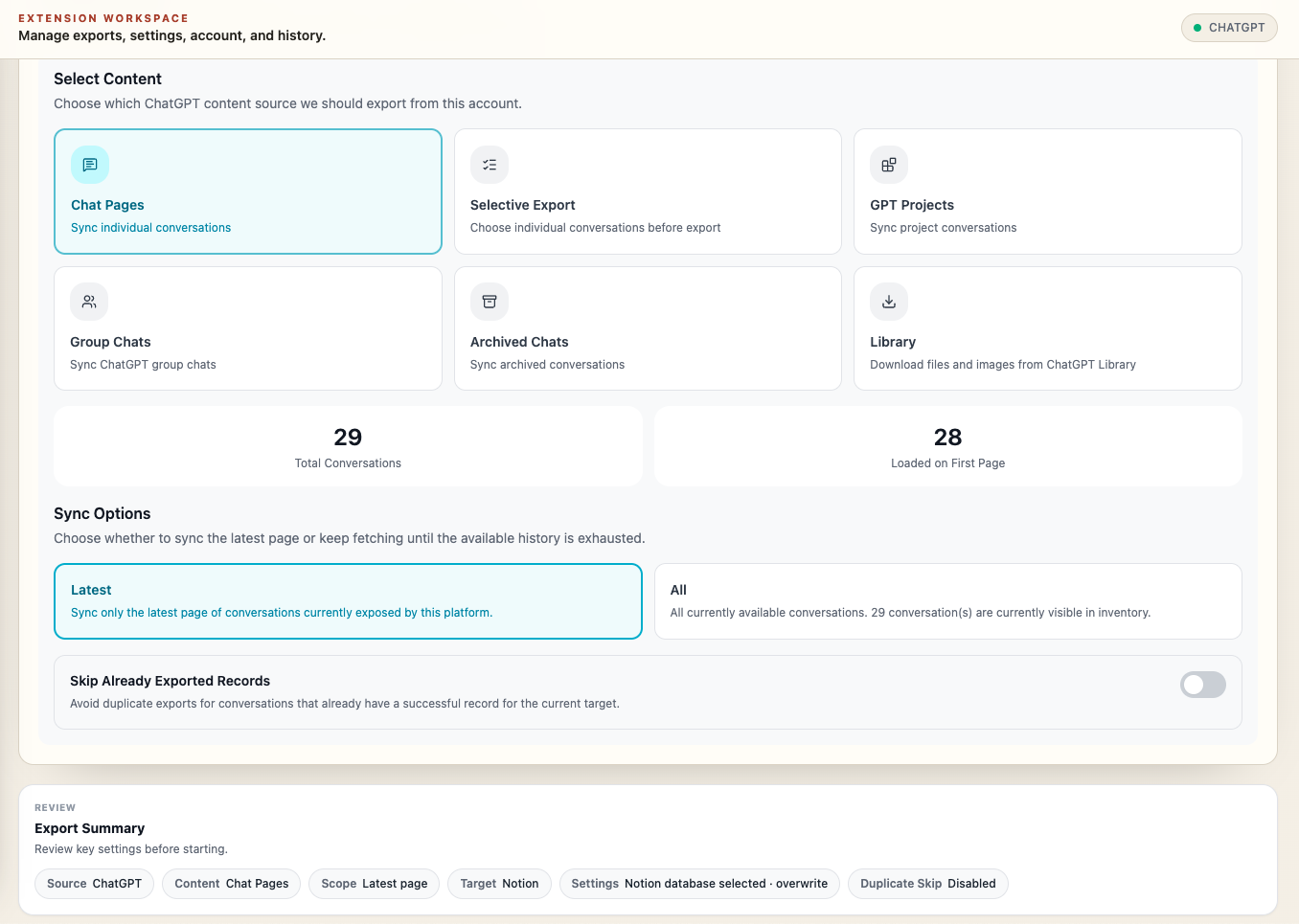
Use collection modes when platform context matters. AIExportHub can keep collection metadata and create platform-aware local folders where supported.
What happens to images and files
AI platforms do not expose every asset in the same way. A file may be an ordinary attachment, an authenticated generated download, a Claude Artifact, a Gemini media record, or a Perplexity plan or canvas asset.
AIExportHub normalizes supported assets into one shared export pipeline:
- Read asset metadata from the source conversation.
- Retrieve protected bytes through the connected signed-in source tab when required.
- Deduplicate repeated records before delivery.
- Upload, embed, download, or render the asset according to the selected target.
- Report warnings when the source no longer provides usable bytes.
See Images, Files, and Generated Assets for target-specific behavior.
Notion knowledge base workflow
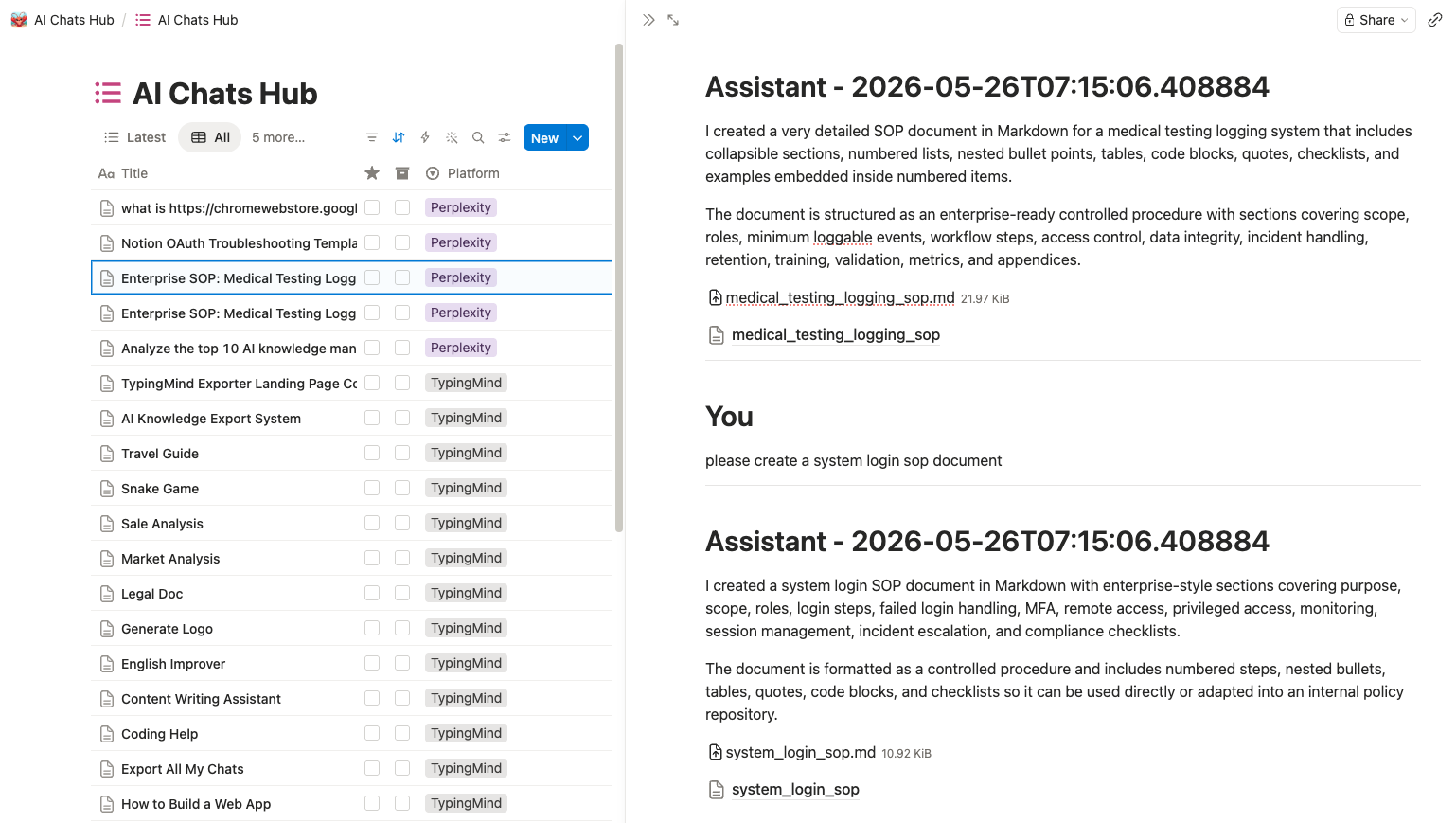
Connect your own Notion workspace and choose a database. AIExportHub can store title, platform, source URL, timestamps, message count, tags, Projects, Gems, Spaces, and other available fields.
Supported images and files can be uploaded directly. Readable Markdown, text, HTML, JSON, code, and SVG content can become useful child pages positioned near the message that created them.
Use Open database in the target summary to verify the selected destination before or after a job.
Local-first privacy model
Markdown and PDF outputs are generated in your browser and saved through Chrome downloads. No intermediate cloud workspace is required.
Cloud synchronization only occurs after you explicitly authorize your own Notion workspace and choose Notion as the export target.
Protected source assets are retrieved from the AI platform you are already signed in to. Keep that source tab open until the export finishes.
Recommended first export
- Install AIExportHub and refresh one supported AI tab.
- Open a short but representative conversation containing the formatting or media you care about.
- Export it to Markdown.
- Check message order, code, tables, links, images, and attachments.
- Configure Notion or PDF after the local test succeeds.
- Run a small selective batch before exporting complete history.
Next steps
Ready to try Aiexporthub Hero?
Open the product page for feature details, screenshots, pricing, and the Chrome Web Store install link.